Graham Bower is a designer, writer, fitness geek, and long-time Apple user. He is the co-host of Apple Core a podcast about the history of Apple. In his spare time, Graham writes fantasy and sci-fi novels. Connect with Graham on Bluesky or at www.grahambower.com.
Stay healthy and stay strong with our essential home workout tips. Photo: Graham Bower/Cult of Mac
Thanks to the coronavirus pandemic, staying home is a great choice for everyone’s health right now. But it’s not ideal for your fitness. Your Apple Watch will soon start grumbling if you just sit around indoors and don’t close your rings. So what should you do?
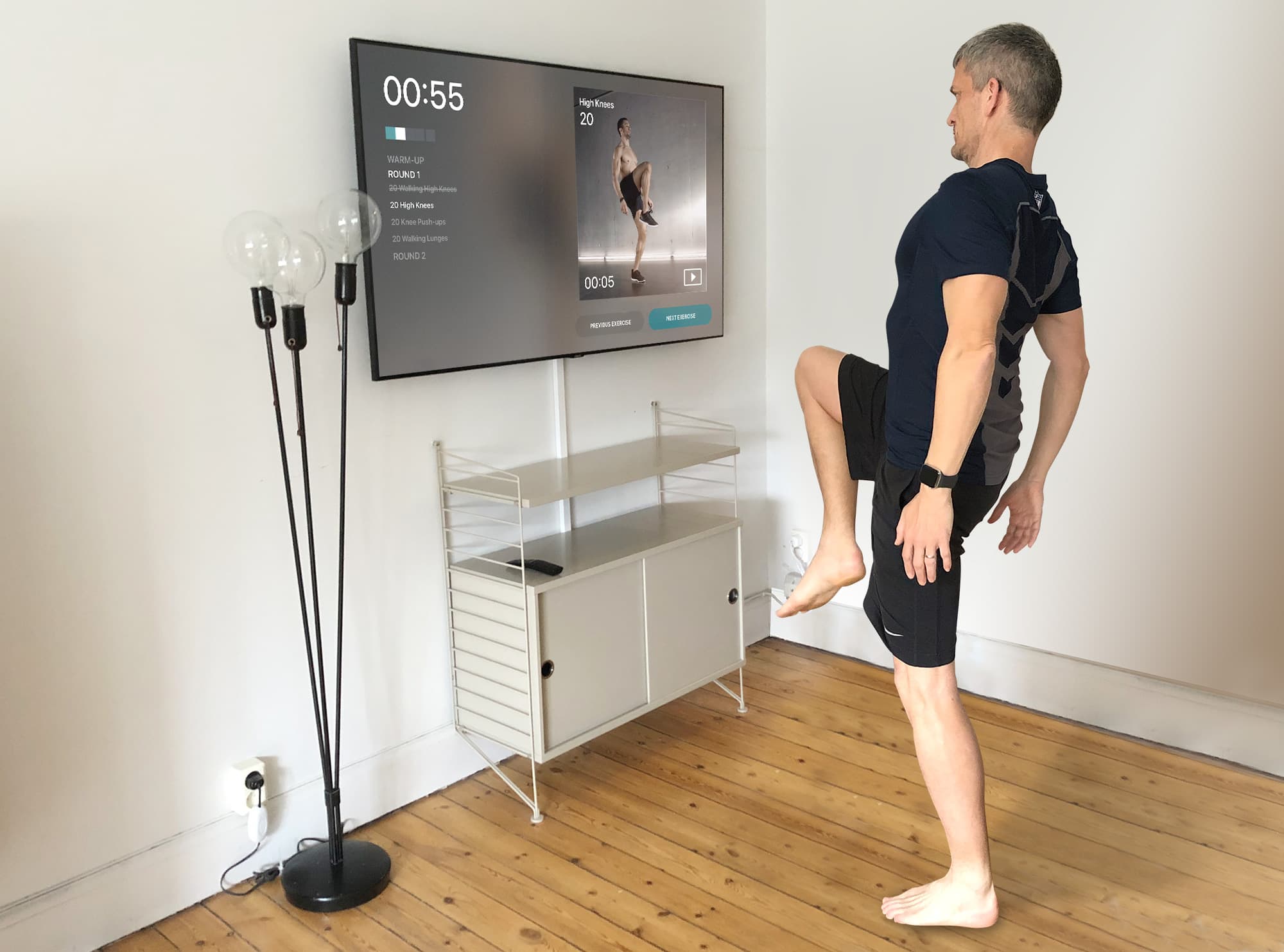
Can't get to the gym? Let your Apple TV bring the gym to you. Photo: Graham Bower/Cult of Mac
You don’t need to go to the gym for a great workout. If you’re stuck at home during the coronavirus outbreak, you can still work on your summer beach bod. If you’re itching to exercise indoors, you can get started — and maximize your gains — using Apple TV fitness apps.
Ever since Jane Fonda pulled on a leotard and leg warmers in the 1980s, people have been getting sweaty in front of their televisions. Now, Apple TV fitness apps bring home workouts bang up-to-date, with interactive programs tailored to users’ individual abilities and goals.
So what are you waiting for? Let’s make like Jane and feel the burn.
Seeing double? Fixing duplicate workouts is easier than you think. Photo: Graham Bower/Cult of Mac
The Health app on your iPhone acts as a central repository for all your workout data. Not just activity from your Apple Watch, but from third-party apps, too.
That’s great, because it gives you the freedom to use any workout app you want, safe in the knowledge that it will still contribute to your Activity rings. But this flexibility can cause problems. When you use multiple apps or third-party devices, it can cause duplicate workouts. So let’s take a look at how Apple handles these duplicates, what impact they have on your Activity Rings, and how you can fix the problem.
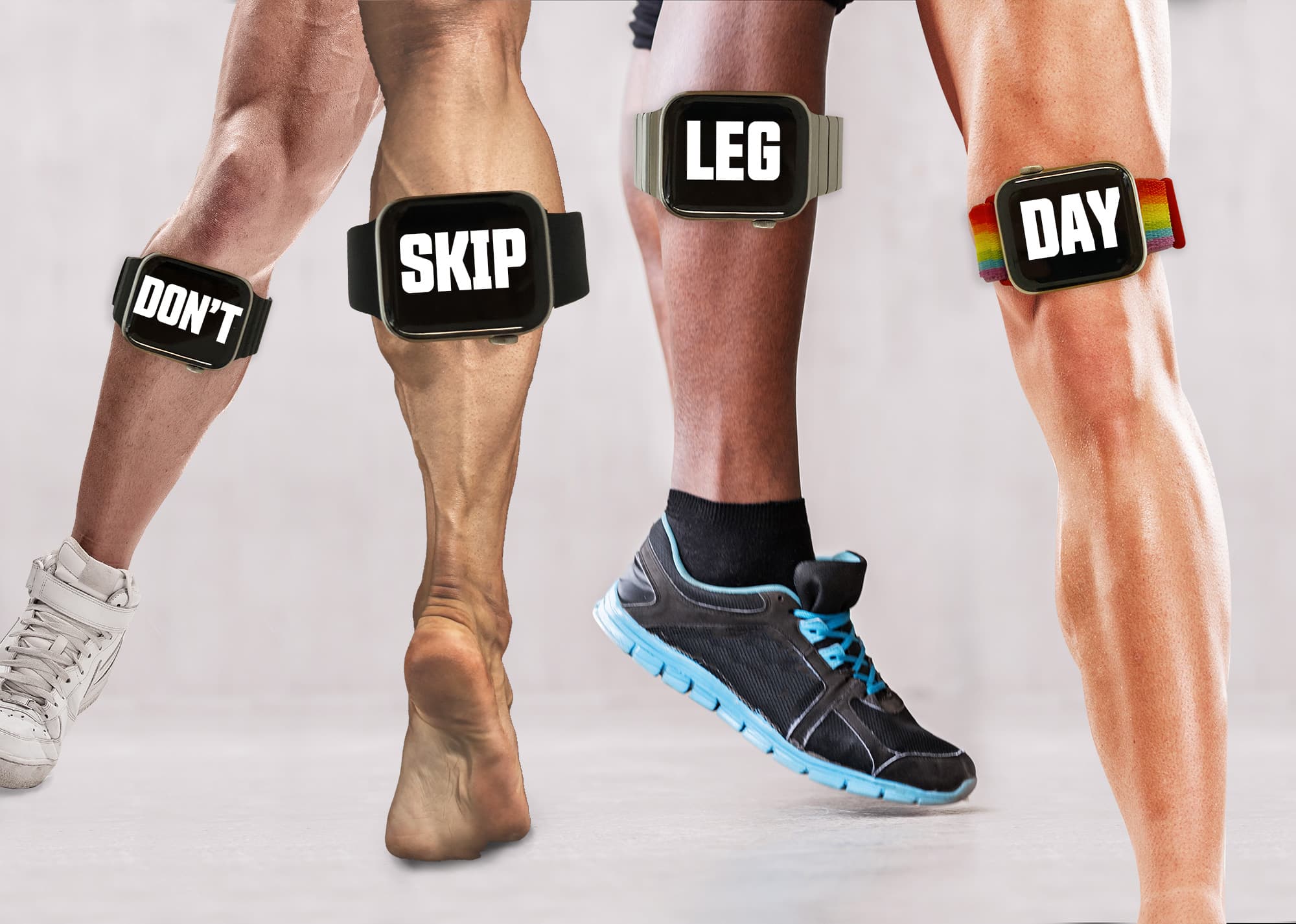
Don't skip leg day or you'll regret it. Photo: Graham Bower/Cult of Mac
Bodybuilders have given us more than their fair share of memes. Who can forget “sun’s out guns out” or “do you even lift, bro?” and one of the all-time weightlifting classics, “Don’t skip leg day.” But unless you’re a dedicated gym rat, you might be wondering what exactly “leg day” is and why you shouldn’t skip it.
Let’s take a closer look at leg day — and how Apple Watch and various apps can help you build great “wheels” (bodybuilder talk for “legs”).
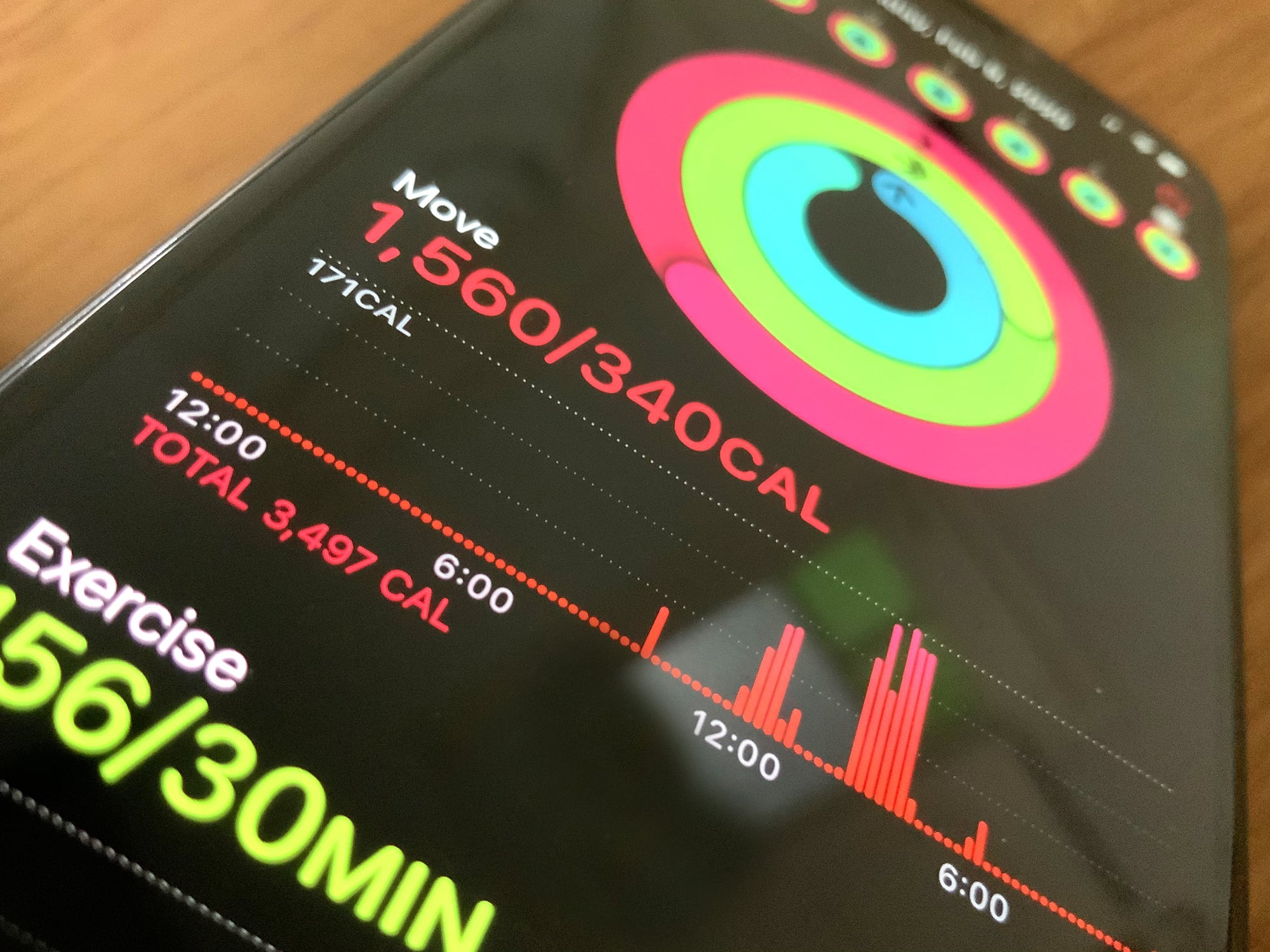
Active calories versus total calories: What’s the difference? Photo: Graham Bower/Cult of Mac
While most workout gadgets estimate all the calories you burn during the day, Apple Watch does something different. It uses a metric called Active Calories, which is always lower than Total Calories. And that’s actually a good thing. Here’s why.
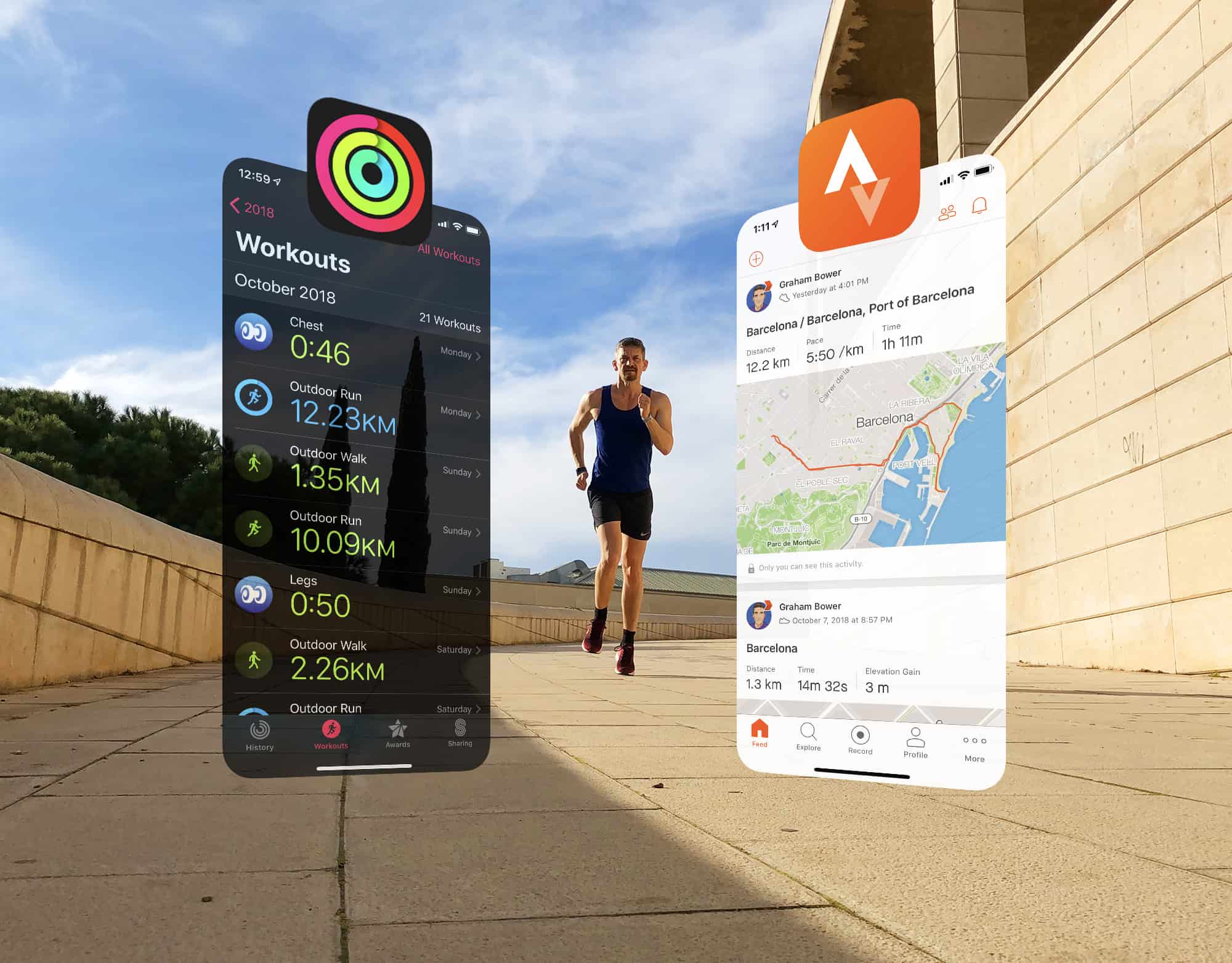
Strava is ready to play nice with Apple Photo: Graham Bower/Cult of Mac
Strava is a brilliant app for sharing your workouts and analyzing your fitness activity. But its Apple Watch app is not so great. That’s why I prefer to use Apple’s built-in Workout app and then view my data afterward on the Strava website.
The trouble is, up until now, the only way to do that was by relying on third-party apps such as HealthFit, which provide the missing link that syncs Apple’s workouts with Strava.
Strava has been promising to come up with a solution for years. And this week, the company finally delivered. It’s a huge step in the right direction, but I won’t be deleting HealthFit just yet. Here’s why.
Strava is ready to play nice with Apple Photo: Graham Bower/Cult of Mac
Before iOS 13, if you wanted to sync Apple Watch workout data with Strava, you had an excellent option: a brilliant third-party fitness app called HealthFit. Unfortunately, Apple’s strict new rules in iOS 13 broke the app’s syncing functionality, leaving Apple Watch-wearing members of the fitness social network in the cold.
Luckily, today’s HealthFit update brings the welcome return of this Strava-syncing capability. Cult of Mac has been testing a beta version of HealthFit 5.2.6 and can confirm that it works really well again. Strava sync is back and better than ever. Here’s what the new-and-improved fitness app can do for you.
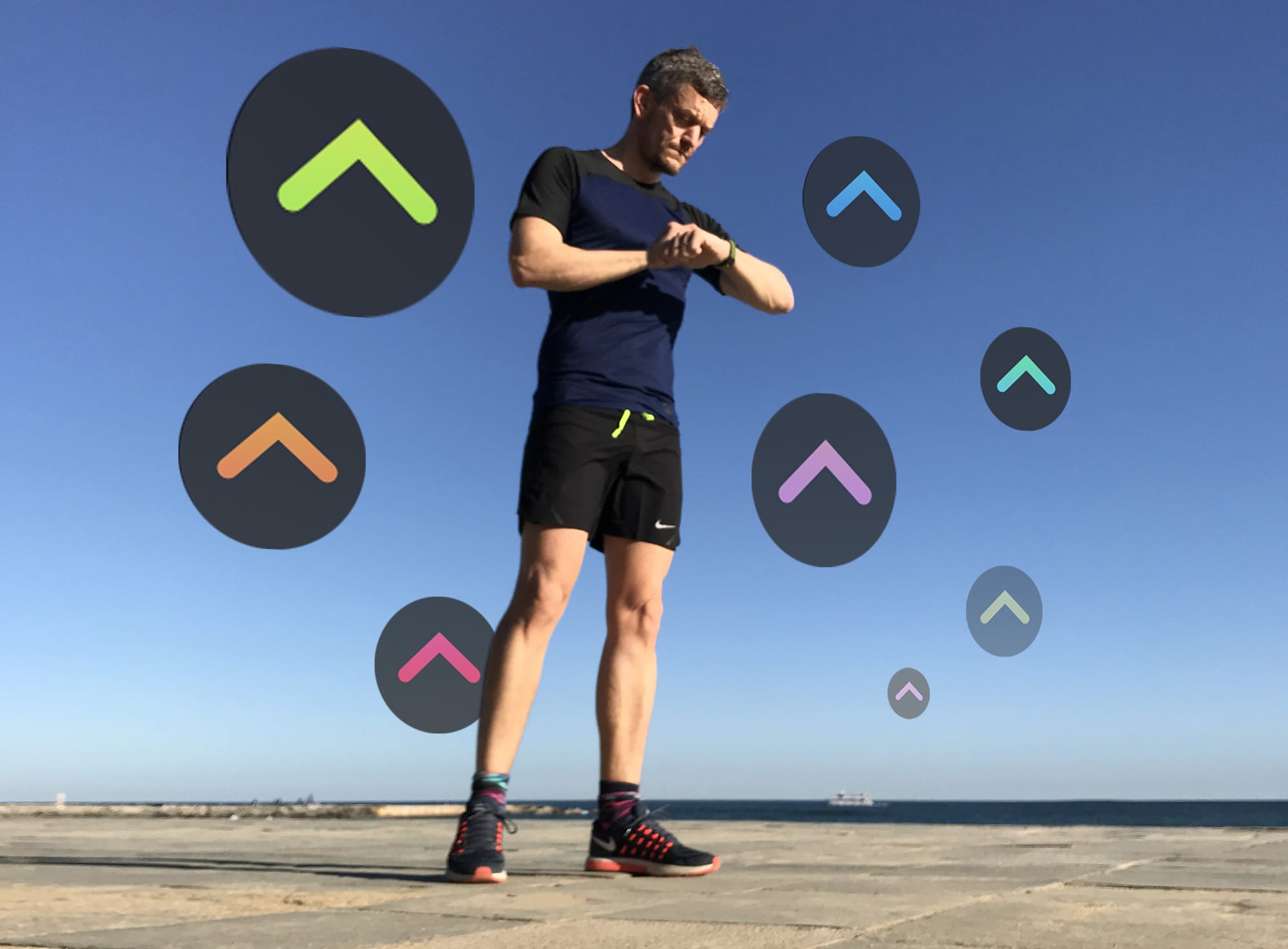
The only way is up. Are your Activity Trends pointing in the right direction? Photo: Graham Bower/Cult of Mac
Apple Watch has always tracked your daily physical activity with its three iconic Activity rings. That’s great if you just want to focus on hitting your daily goals. But what if you want to see your progress over time?
iOS 13 solves this with Activity Trends, an all-new tab you’ll find in the Activity app on your iPhone. It provides an indispensable snapshot of how you’ve been doing. Trouble is, it takes 90 days to collect all your trend data. Which means if you checked when you first upgraded to iOS 13, there probably wasn’t much to see.
The good news is that it’s now well over 90 days since Apple released iOS 13. So your Apple Watch Activity Trends should finally be visible. Here’s how to make sense of them.
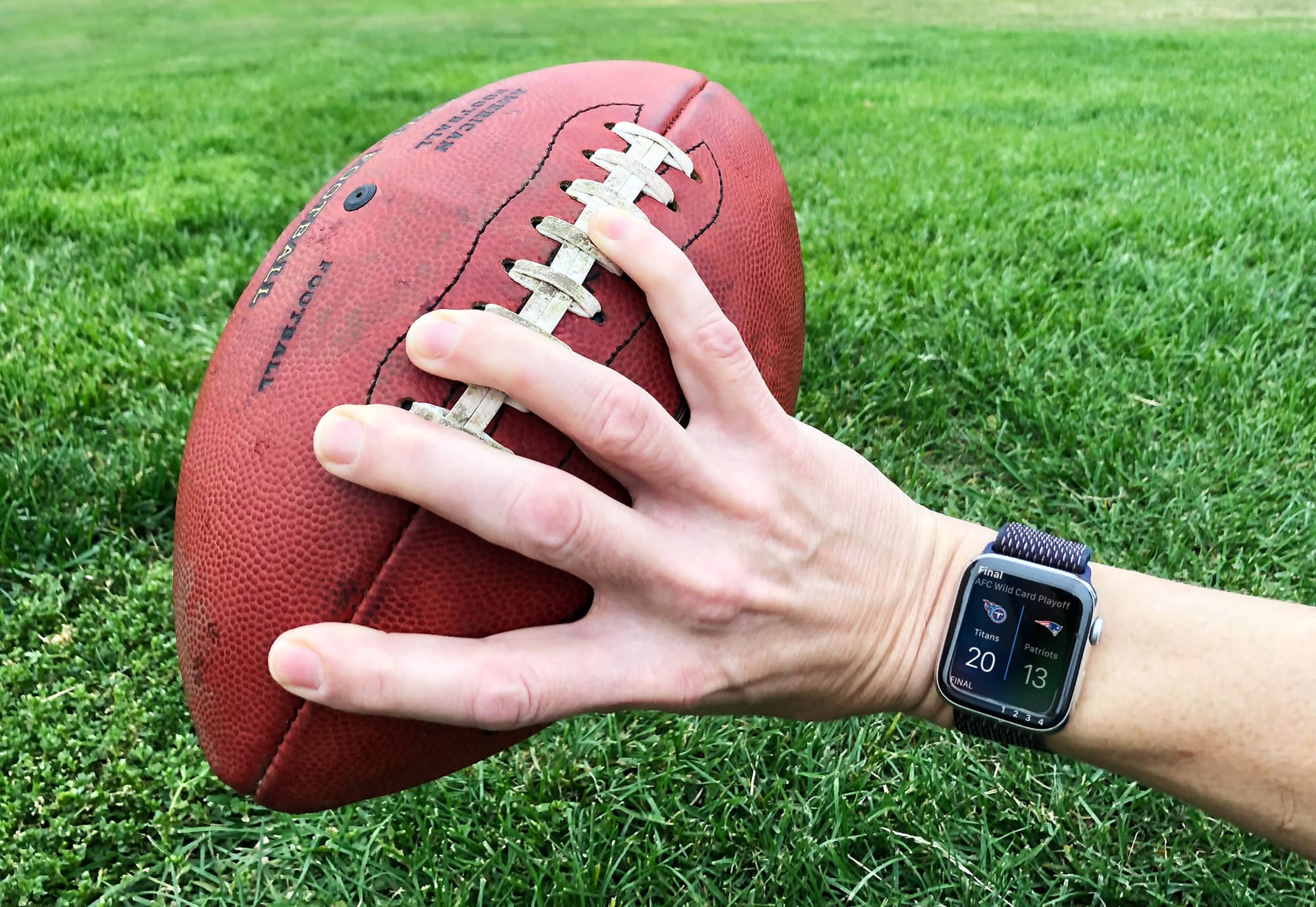
The Patriots aren't doomed, and neither is Apple. Photo: Graham Bower/Cult of Mac
Imagine an organization that’s loved by its devoted, cultlike followers, but despised by haters. The close working relationship between its mercurial leader and one of the greatest talents in the field led to an unprecedented run of success. Even the occasional “-gate” style controversy failed to dent its success. But despite all this, analysts still question its long-term viability.
I’m referring, of course, to the New England Patriots. They may not be in the NFL playoffs this year, but people just can’t stop talking about the Pats. Kinda like the way everyone talked about Apple at CES last week, even though it barely attended.
Love them or hate them, the Patriots are the Apple of football.
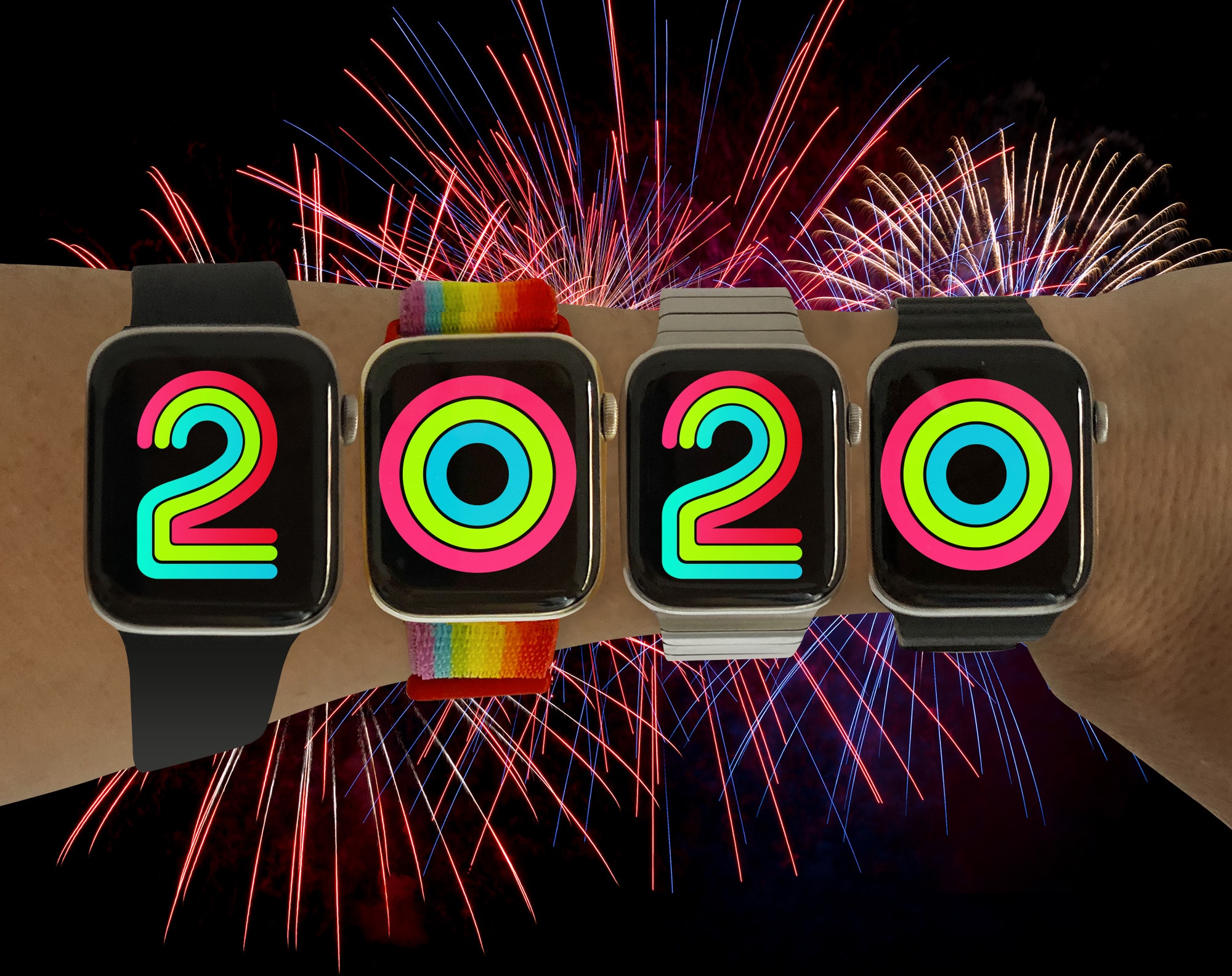
Ring in the new year with Apple Watch Photo: Graham Bower/Cult of Mac
With the holidays behind us and a new decade just getting started, New Year’s resolution season is officially here.
If you want to make amends for your seasonal overindulgence and get in shape for the Twenties, here’s our essential guide to nailing your New Year’s resolutions with Apple Watch.
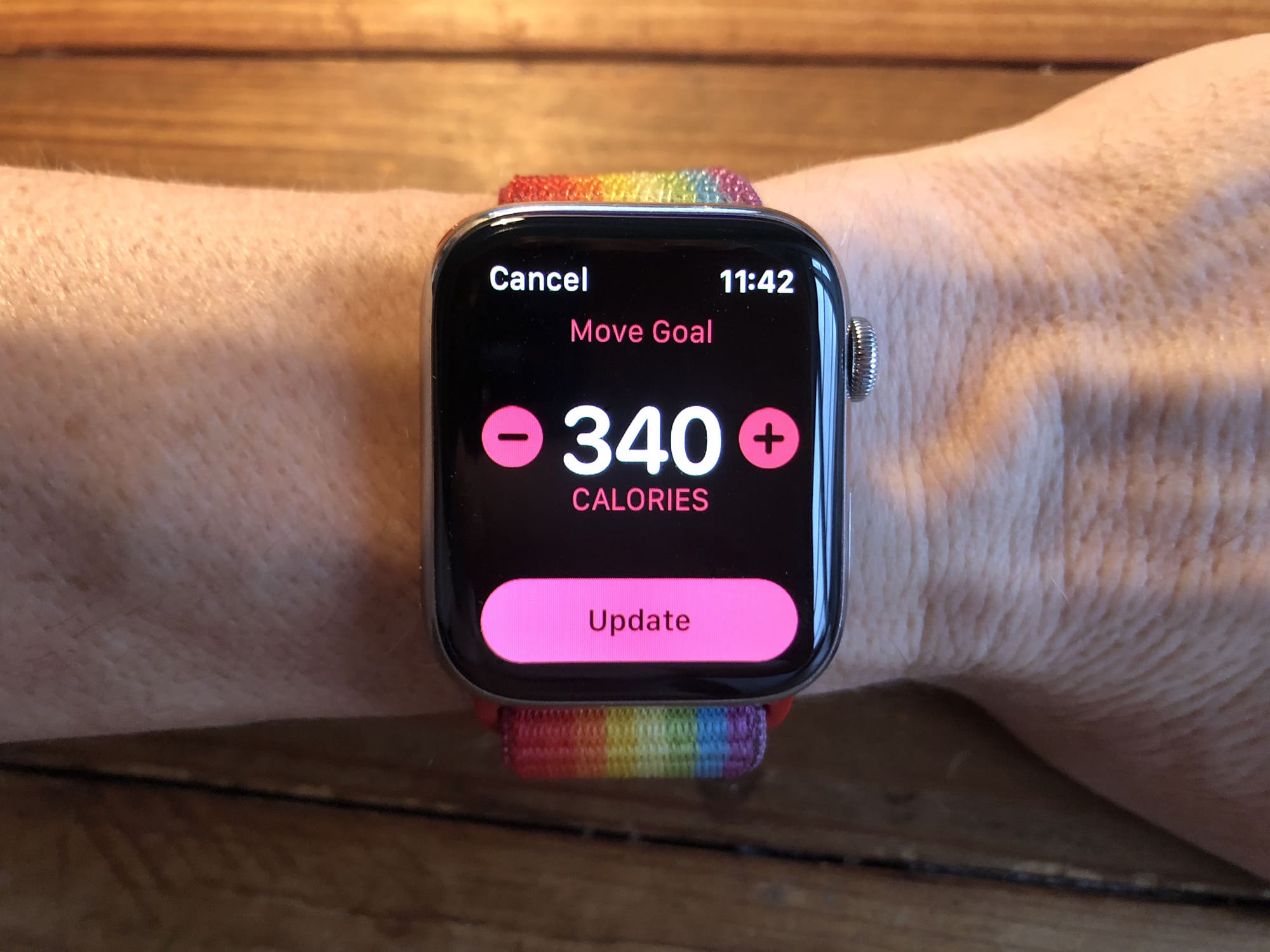
For best results, you should tailor your Move goal to suit your personal situation. Photo: Graham Bower/Cult of Mac
The Apple Watch Activity app sets us three daily goals, for standing, exercise and movement. The first two are the same for everyone: Stand for a minute during at least 12 hours of the day, and do at least 30 minutes of exercise. But the Move goal is different.
For it, you must choose an appropriate goal for yourself, and that can prove a little tricky. Set it too high and it’ll be demotivating. Too low, and it’s just not challenging enough.
So how do you pick the perfect Move goal on Apple Watch?
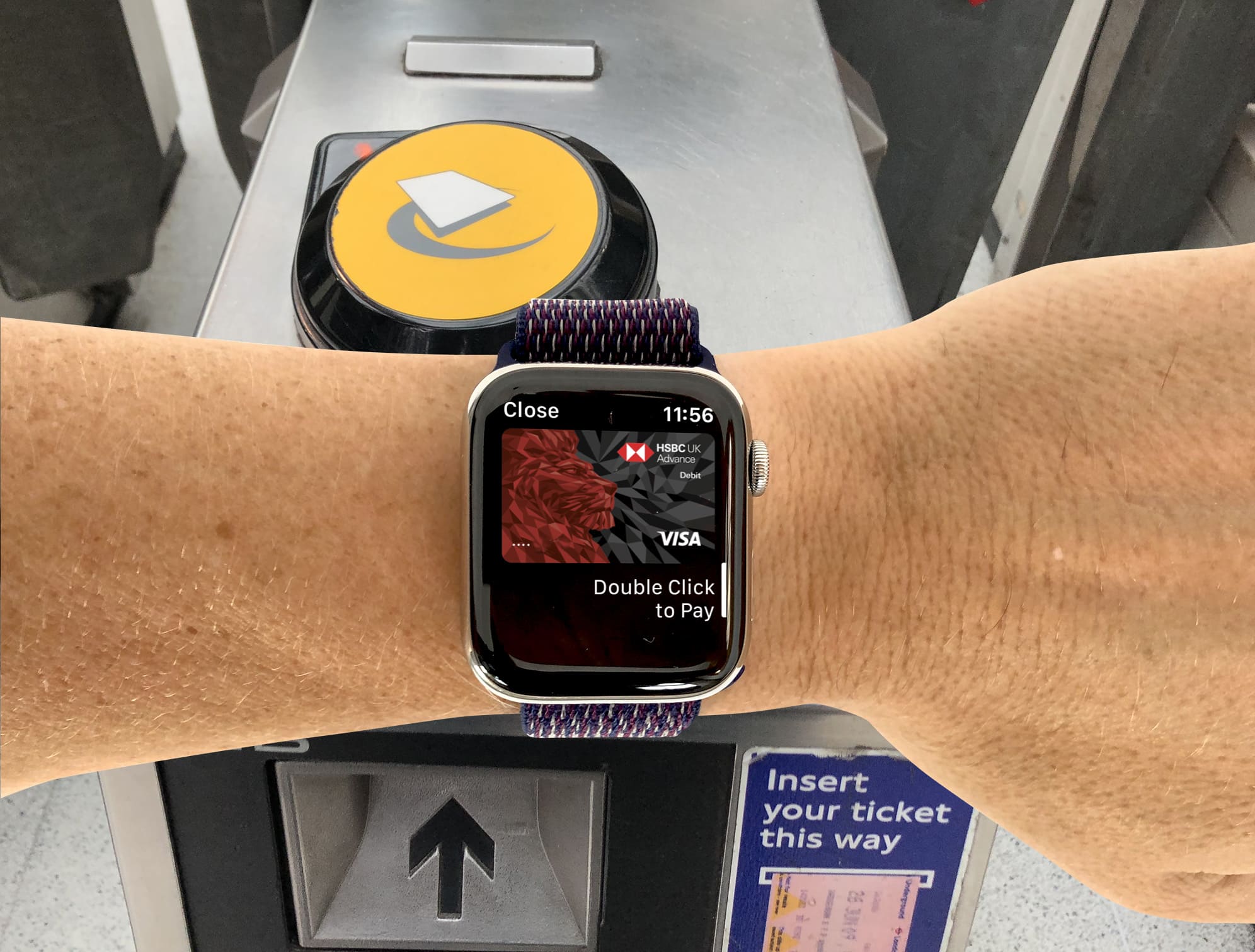
You don't need to trigger Apple Pay to access the London Underground Photo: Graham Bower/Cult of Mac
If you thought using Apple Pay was already easy, prepare to be amazed. It’s even easier when you enable Express Transit mode. In New York City, Portland and London, you can now pass the ticket barrier with just a wave of your wrist. And even if your local transit authority doesn’t support Express Transit mode yet, it could be coming soon.
Wanna give it a try? Here’s everything you need to know.
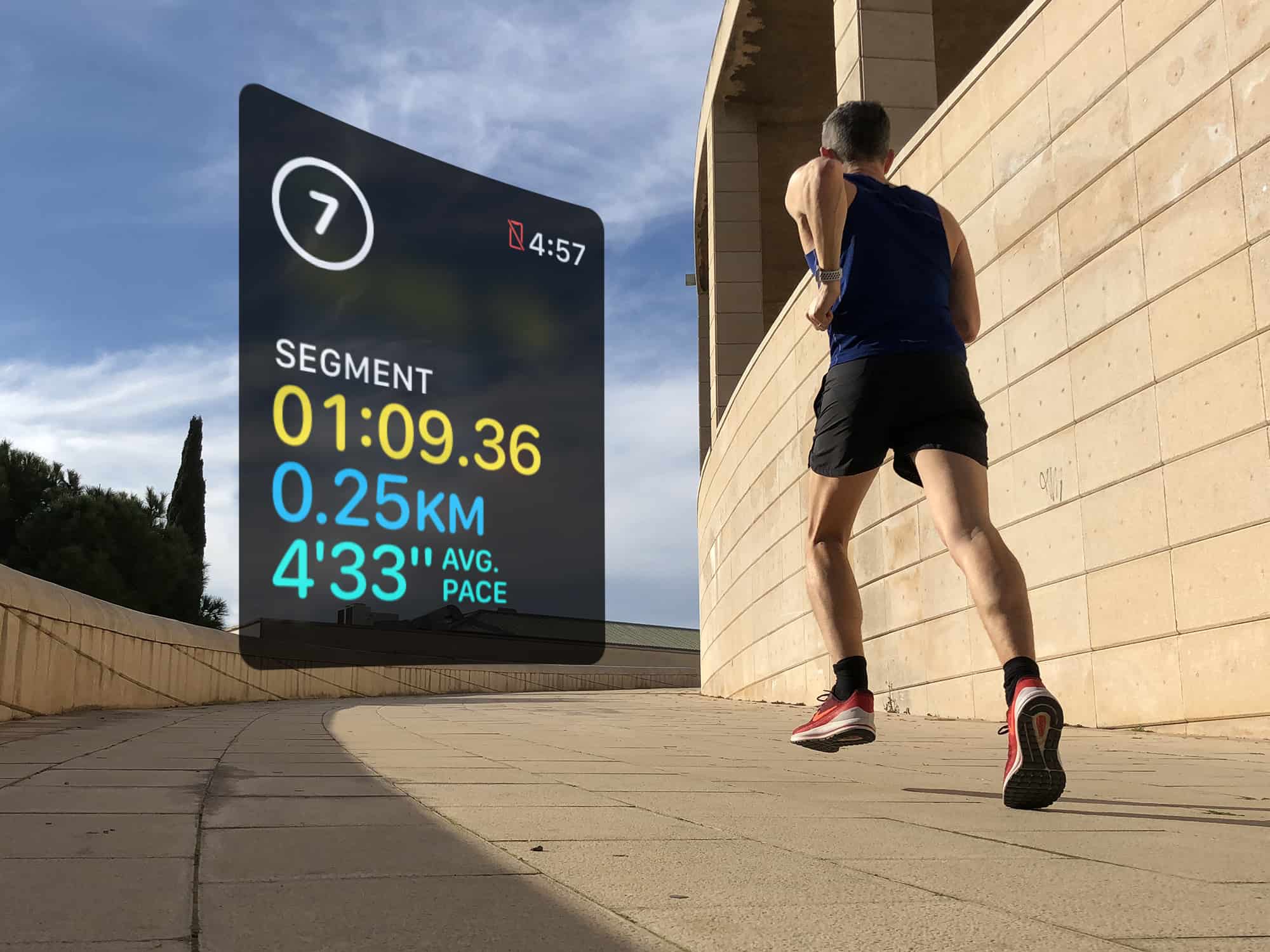
Use segments to log your rest intervals doing HIIT workouts Photo: Graham Bower/Cult of Mac
Interval training has become very popular these days, thanks to high-intensity interval training, or HIIT. Proponents of this type of exercise say it delivers many of the benefits of a much longer workout in a short, sharp burst.
The great thing about intervals is that you can do them with pretty much any type of exercise, including running, swimming and cycling. Interval training is also ideal for indoor workouts, like the cardio machines at your local gym. Or you can get creative and mix things up with a jump rope or weights.
Want to give it a go? If so, Apple Watch is the perfect workout companion for interval training.
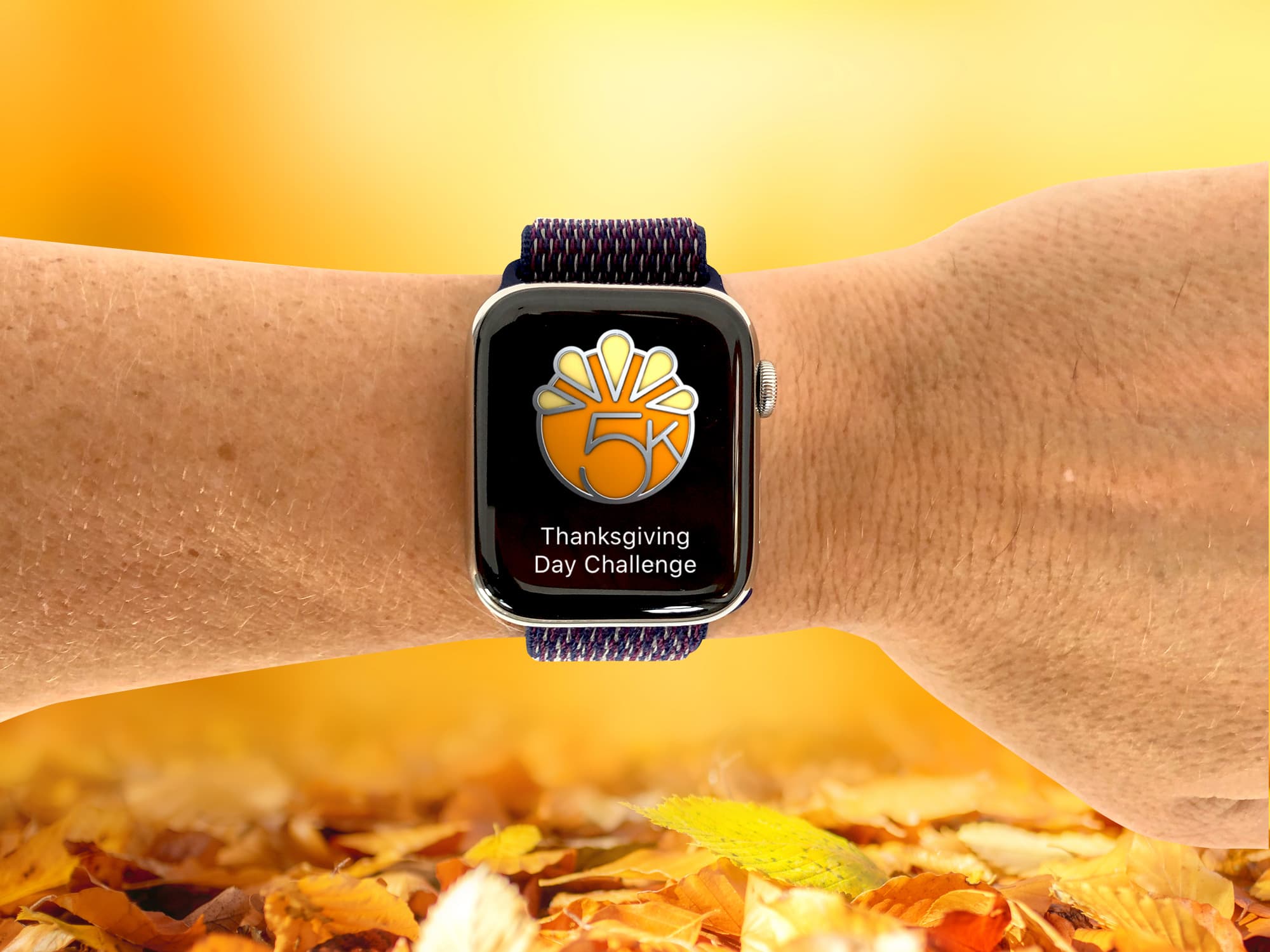
Are you up to the challenge this Thanksgiving? Photo: Graham Bower/Cult of Mac
Apple is sending us mixed messages this Thanksgiving. On the one hand, it’s encouraging Apple Watch owners to get active with the Thanksgiving Day Challenge 2019. But on the other hand, it’s serving up new episodes of Apple TV+ shows a day early, so we can collapse onto the couch with full stomachs and do nothing all day.
If the couch sounds more tempting than a chilly November workout, you should think again. If you accept Apple’s Thanksgiving Day Challenge, it could be the most important workout you do all year.
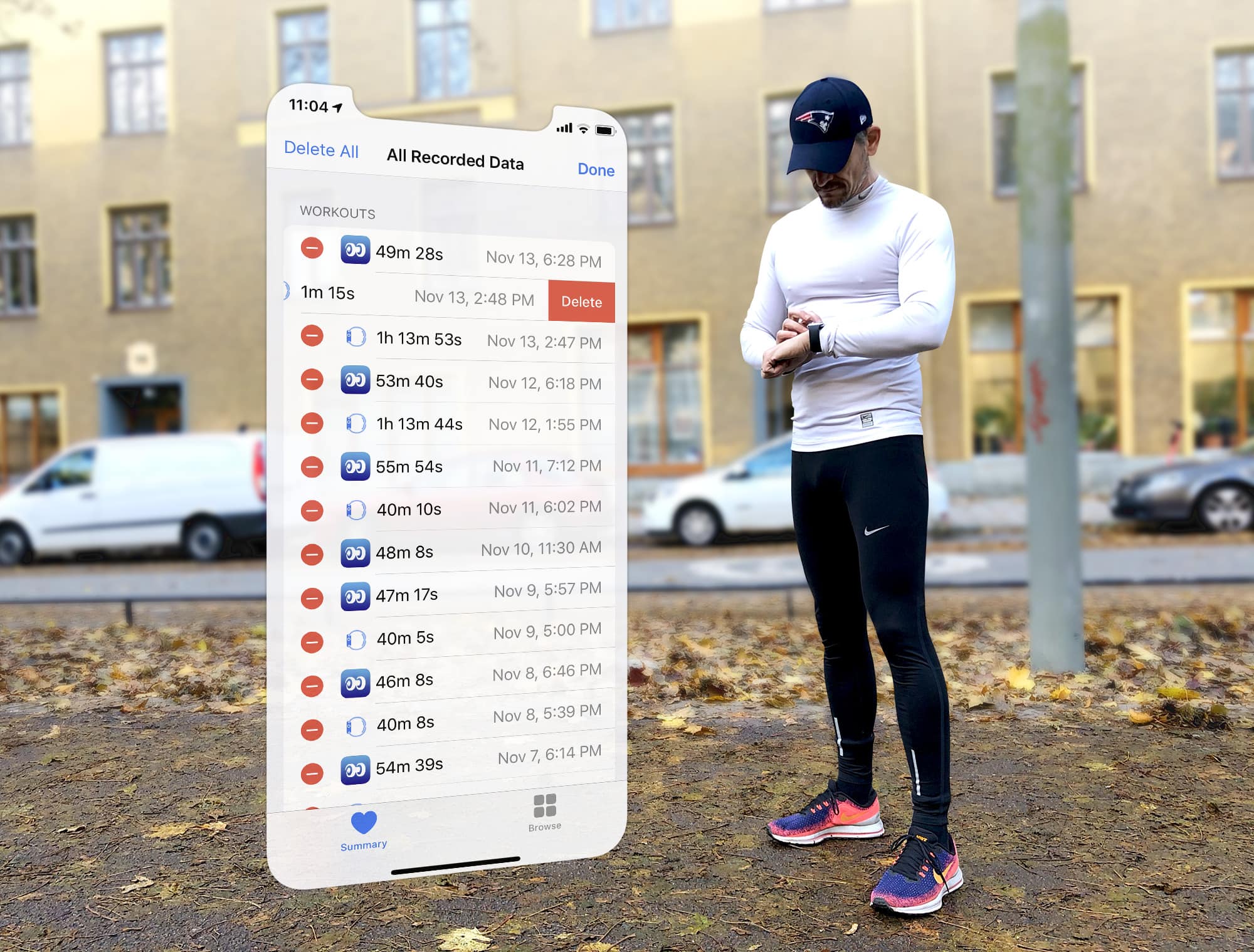
Apple Watch logged your workout wrong? You can still set the record straight. Photo: Graham Bower/Cult of Mac
When you finish logging a workout with Apple Watch, you can gloat over all your hard work in the Activity app on your iPhone. This provides all kinds of useful charts, maps and trends to show you how you’re doing.
But what if you logged that workout by accident? Or if you forgot to log a workout? You can’t edit Apple Watch workouts on your watch, nor in the Activity app on your iPhone. But fortunately, there is still a way to set the record straight. Here’s how to edit Apple Watch workouts.
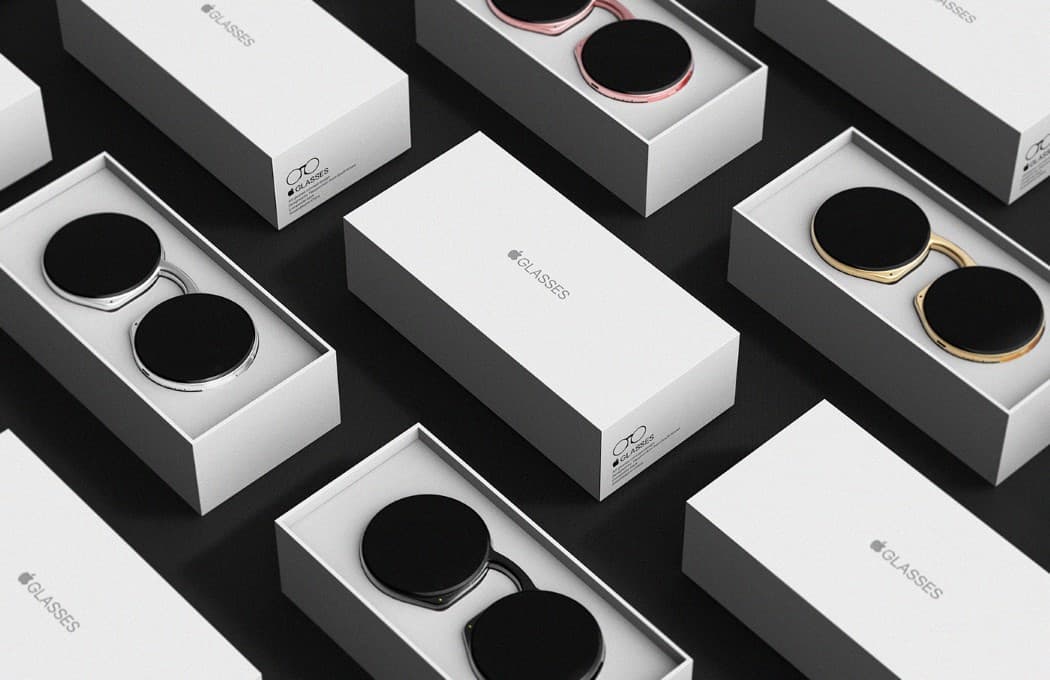
Apple may need a little help polishing its glasses Concept: Taeyeon Kim
Recent rumors suggest that Apple is leaning on another company to help develop its highly anticipated augmented reality headset. At first, I thought that sounded crazy. Apple Glasses look set to be the company’s biggest new product launch since Apple Watch. Surely Cupertino would keep development of something that important in-house?
But when you look back over Apple’s history of joint ventures, it starts to make more sense. Apple tends to partner with third-parties in very specific circumstances — and Cupertino knows exactly what it’s doing.
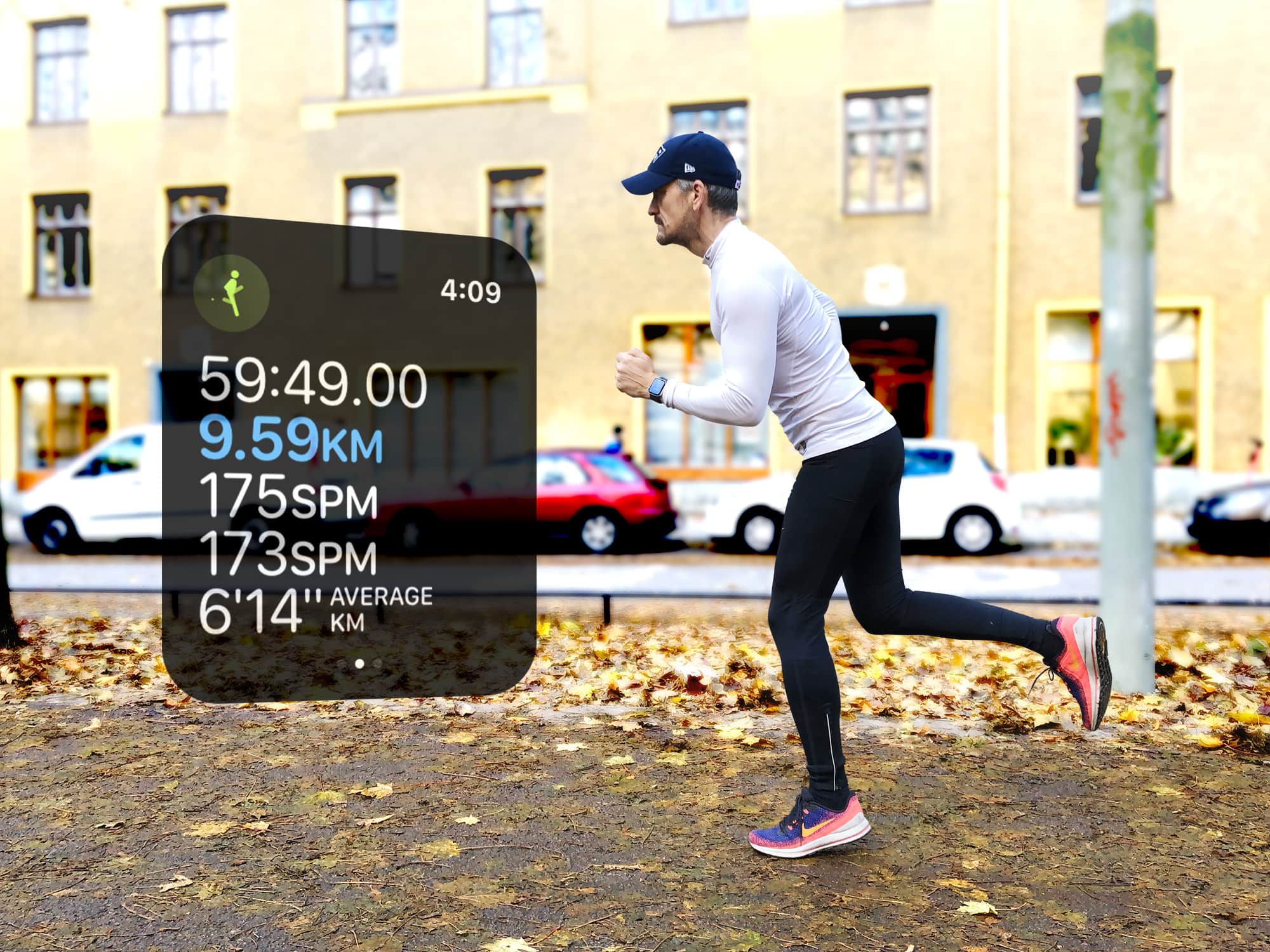
What does cadence tell you about your running? Photo: Graham Bower/Cult of Mac
The Apple Watch running cadence setting arrived in watchOS 5, but if you didn’t notice, you’re not alone. It tends to get buried in the myriad stats Cupertino provides for runners. Plus, there’s a lot of confusion about what it actually means and whether it’s useful.
But when you understand what your running cadence is telling you, it can help make you run faster and reduce your risk of injury. So it’s definitely worth taking the time to get your head around it. Here’s our handy guide.
These exquisitely designed digital journals will get anyone’s creative juices flowing. Photo: Graham Bower/Cult of Mac
Looking for some fun stuff to do with your Apple Pencil? Then you should definitely check out today’s update to Paper by WeTransfer, which introduces a new Paper Store.
Despite its name, the Paper Store doesn’t actually sell paper. Instead it offers a range of 28 digital journals created by brilliant designers and illustrators. These journals are filled with creative prompts, exercises and drawing tutorials that will get your creative juices flowing. And they’re a whole lot of fun to use.
Opening two files in the same app on an iPad requires rocket science. Photo: Graham Bower/Cult of Mac
Thanks to the recently launched iPadOS, I can finally do simple things on my iPad that I’ve always been able to do on my Mac. Like opening multiple documents in the same app, or installing fonts.
Trouble is, while these things are easy to do on a Mac, they’re fiendishly difficult with an iPad.
In the early days, everyone celebrated the iPad for being easier and more intuitive to use than a Mac. But as Apple crams in more features, that is no longer true. iPad is still easier to use for simple things, but it is much harder and more cumbersome for performing advanced tasks.
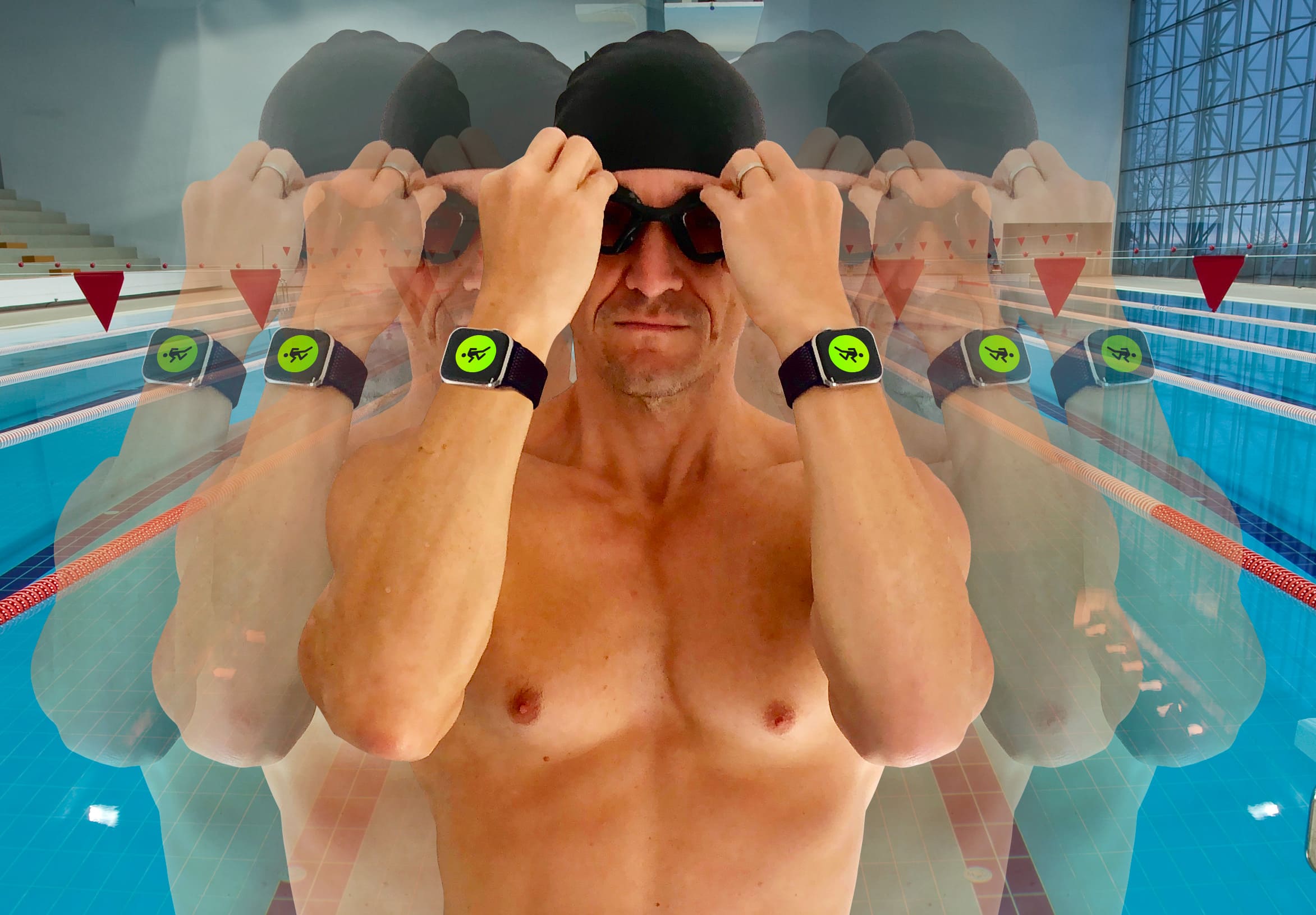
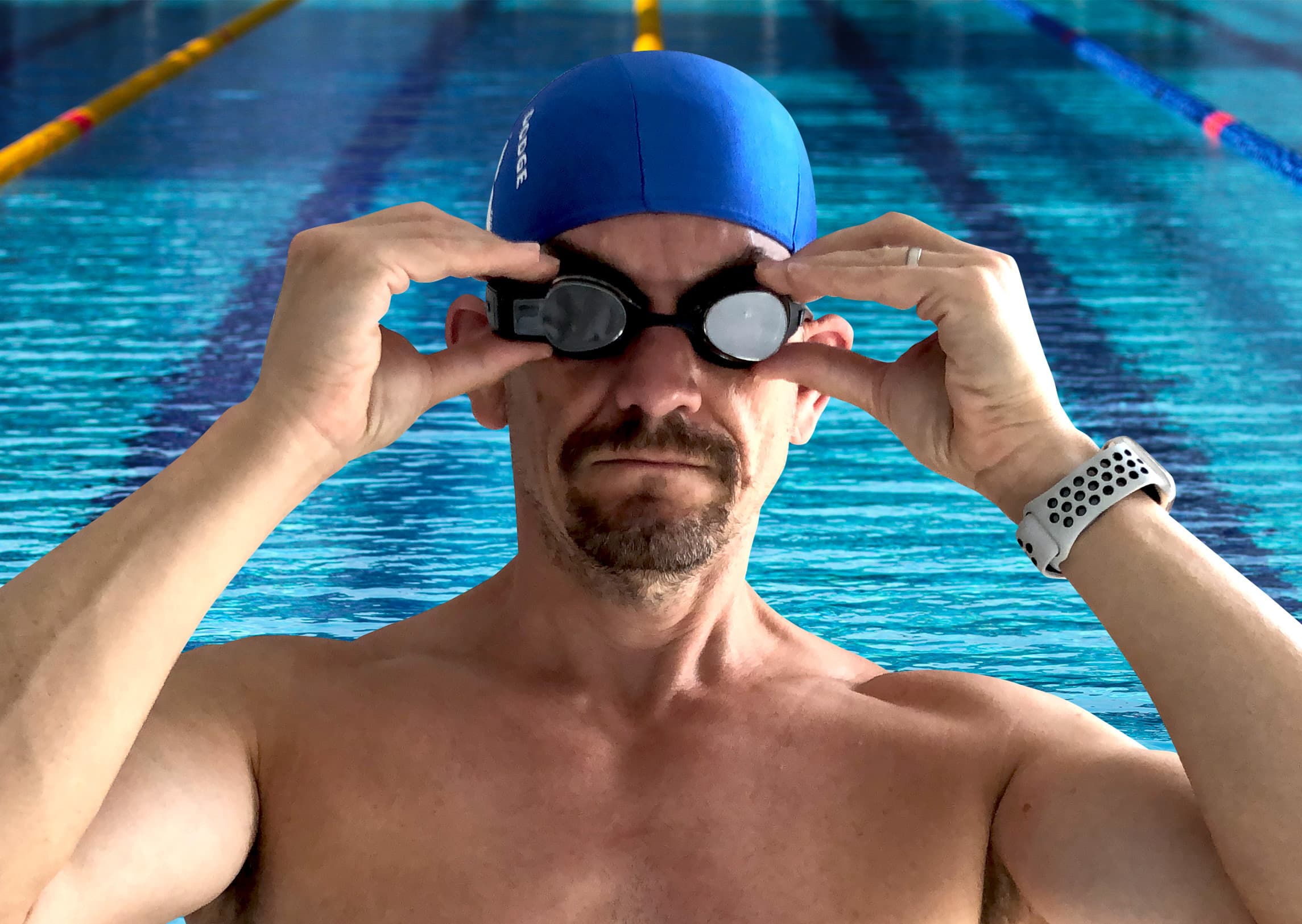
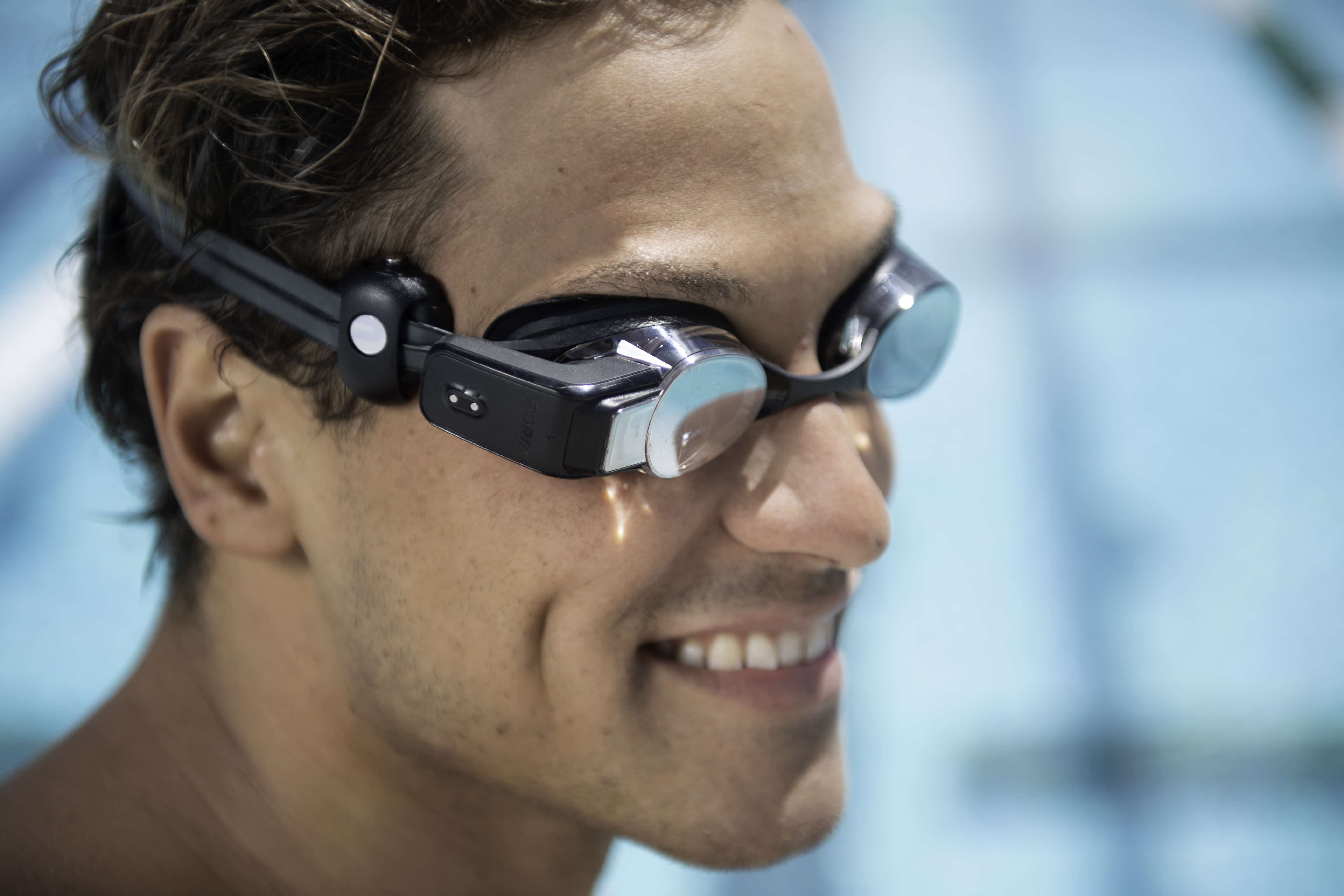
Now you can check your heart rate while you are swimming Photo: Graham Bower/Cult of Mac
Fitness tech startup Form launches its first product today: augmented reality swimming goggles.
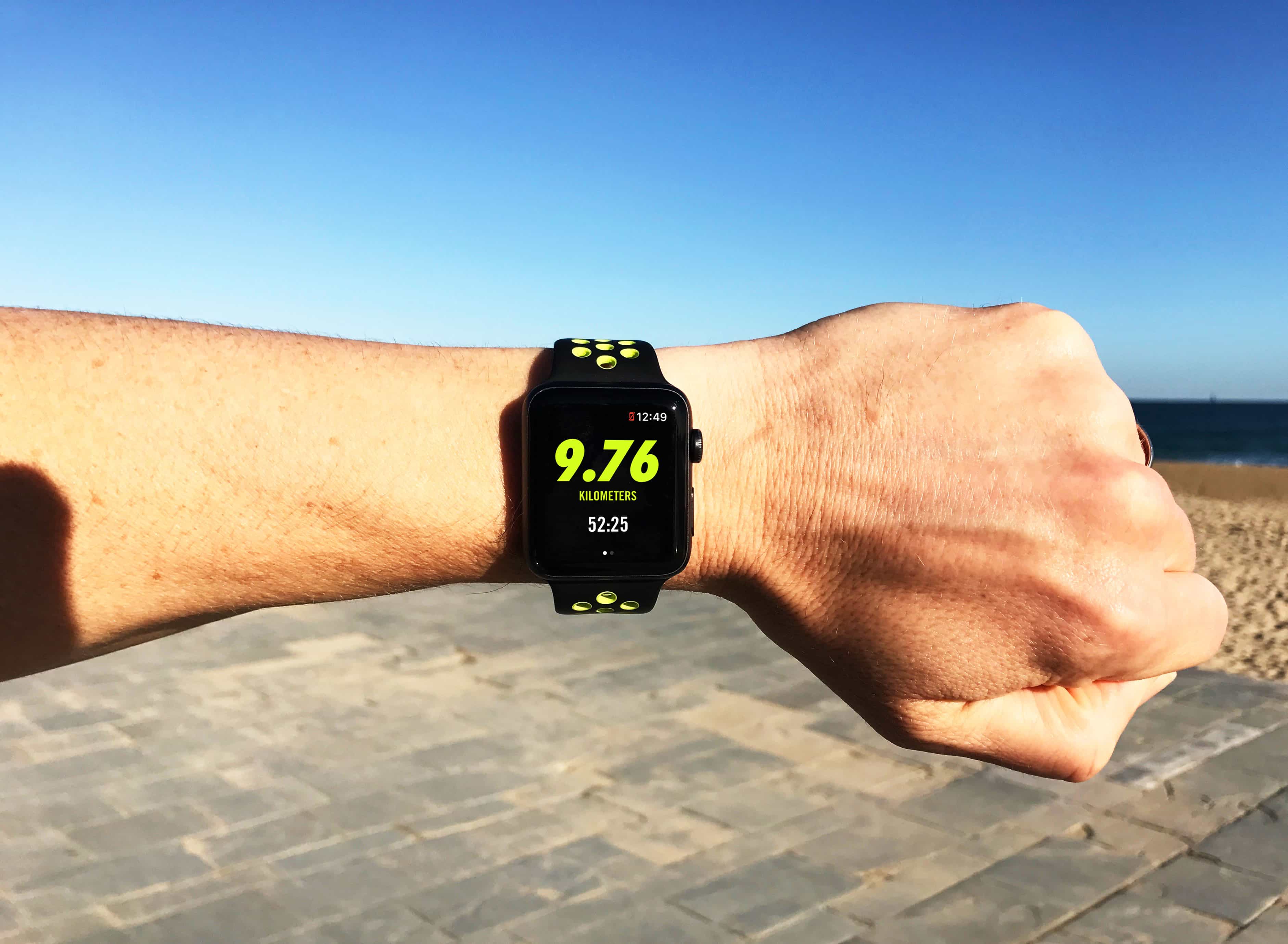
You might think AR sounds like a bit of a gimmick for swimmers. I certainly did. My Apple Watch already does a pretty good job of logging my swimming workouts, so I didn’t see the need for yet another gadget.
But after testing a pair of Form Swim Goggles for the past month, I’m so impressed that I’ll never use my Apple Watch in the pool again.
Always-on display. Just what I always wanted Photo: Apple
I wasn’t expecting much from the Apple Watch Series 5 refresh. The rumor mill only predicted new ceramic and titanium finishes, plus maybe sleep tracking. That was all for this year.
But it turns out Apple had three big surprises hidden up its sleeves — new features that look set to make Apple Watch Series 5 the best smartwatch money can buy.
Now you can check your heart rate while you are swimming Photo: Form Athletica Inc.
Augmented reality swim goggles made by Form soon will add support for select Polar heart rate monitors.
With Apple Watch, you must stop swimming and raise your wrist in order to check your heart rate. But thanks to Form Swim Goggles’ built-in AR display, wearers of a Polar monitor will be able to view their heart rate in real time while swimming.
What ever happened to Nike+? Photo: Graham Bower/Cult of Mac
Remember when every sports apparel brand needed an app to be cool? Ten years ago, the Nike+Apple partnership was in its ascendency, while Under Armour and Adidas were splurging millions acquiring fitness apps like MyFitnessPal and Runtastic.
Back then, brand owners hoped that by mining our workout data from these apps, they could target us with personalized offers. The big idea was that if you knew how often someone went running, you could tell when they needed new running shoes.
Today, things look very different. Nike removed workout tracking from its website. And Under Armour still can’t figure out how to unlock the potential of its apps. So what went wrong? What happened to the digital fitness revolution?
Published in 39 languages, Shantaram sold 6 million copies. Photo: St. Martin's Griffin
Apple TV+ series Shantaram, about an Aussie bank robber who becomes a gangster in the slums of Mumbai, will start filming in Australia this October.
The 10-episode series is based on the best-selling novel of the same name by Gregory David Roberts. If the show is anything like the book, Shantaram will combine nail-biting action with stunning scenery and thought-provoking philosophy.
That’s a whole lot to cram into 10 episodes. But a few key players stepped up to make one of Apple’s first international productions a reality.
Why Jony Ive is like Daenerys Targaryen and Apple is not doomed. Photo: HBO
It’s been more than a week since the shocking news that Jony Ive is leaving Apple, and everyone is still trying to make sense of what it means for the company’s future.
According to some, it’s an internal coup: Tim Cook’s operations team finally wrested control from Ive’s industrial design crew, and the company‘s glory days of innovation are over. Others claim Ive’s days have been numbered ever since his dream of a solid gold Apple Watch flopped.
How can there be so many conflicting accounts of one man’s departure? Surprisingly, it may be for the same reason that the final season of Game of Thrones sucked. It all boils down to how we tell stories.