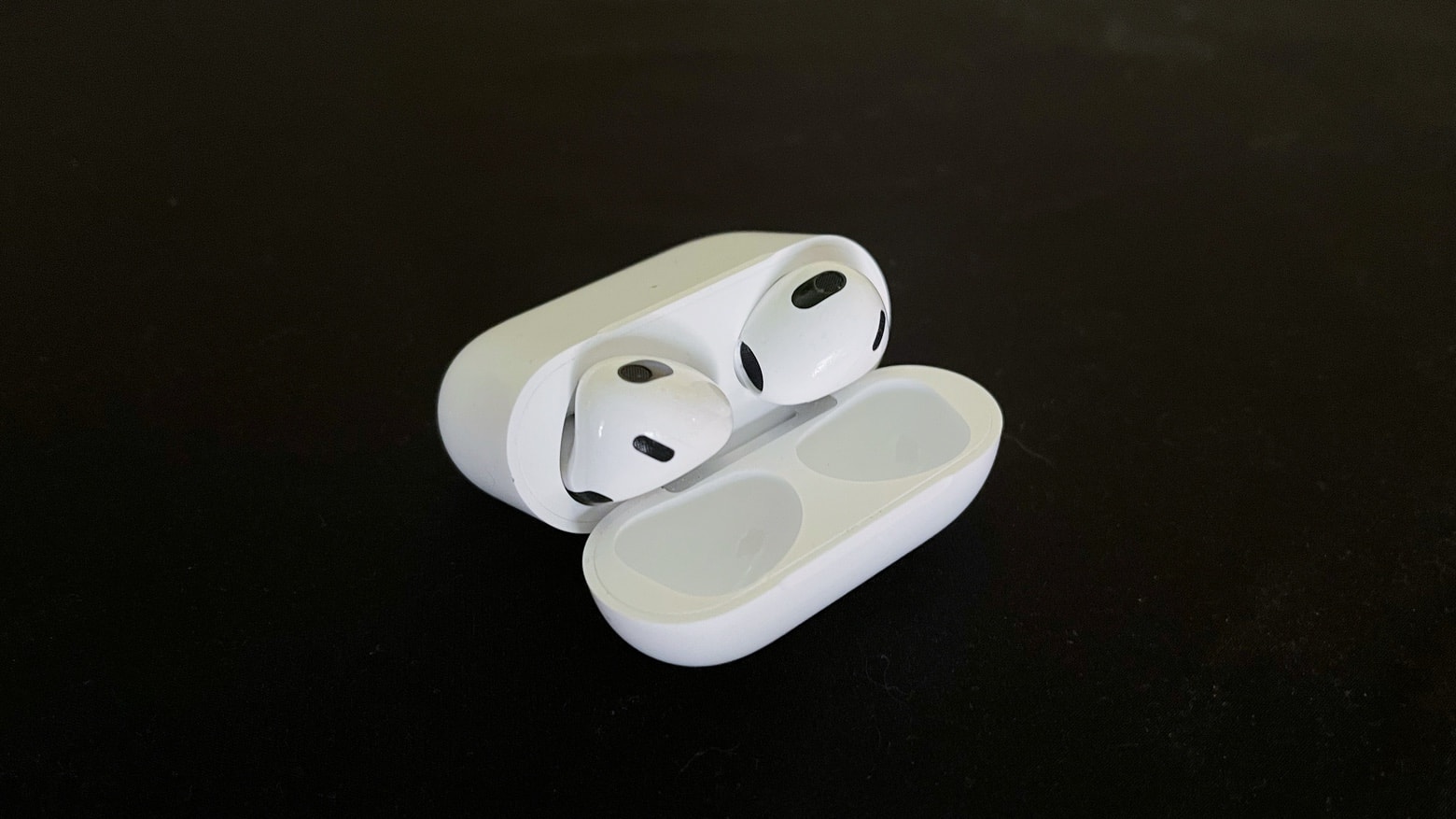
Apple introduced new firmware for AirPods Max (USB-C) on Monday. It builds on a recent update that brought in support for playing lossless audio via cable.
Apple recently explained exactly how to update your AirPods firmware. The process can happen automatically, in the background, but there is a way to speed up the AirPods update process. Plus, it’s a good idea to manually check you’re running the latest version, which brings bug fixes and sometimes great new features.
Read on for more details, and find all current AirPods firmware versions, along with instructions for getting the AirPods update as quickly as possible.
Here’s how to check if your AirPods are running the latest firmware on iPhone, iPad and Mac. Plus what to do if they aren’t, and what you can do to force AirPods’ firmware to update.


 December 13, 2016: After months of anticipation and delay, Apple finally launches the first-generation AirPods. The tiny wireless earbuds arrive in Apple’s online store