iPadOS

Read Cult of Mac’s latest posts on iPadOS:

Apple might switch all OS version numbers to years

By

Apple may switch all OS version numbers to years
So your OS names are going to seem to leap forward to 26 soon.
Photo: Rajesh Pandey/Cult of Mac

Apple might make a major change to the naming convention for all its operating systems this year, switching all OS version numbers to years, according to a new report. The switch, which Apple reportedly will roll out at WWDC25 on June 9, would bring consistency across all its operating systems for the first time.

iPadOS 19 rumors: What to expect at WWDC25

By

iPadOS 19 rumors
iPadOS 19 rumors indicate it’ll bring iPad closer to the Mac.
AI concept: ChatGPT/Cult of Mac

Rumors point to iPadOS 19 bringing the biggest improvements to iPad in years. The news is especially good for those who want their tablet to act more like a Mac.

With WWDC25 and the unveiling of iPadOS 19 mere weeks away, here’s what we already know about it.

iPadOS 19 may add Mac-like home screen menu bar

By

iPadOS 19 menu bar rumor
iPadOS 19 might get a home screen menu bar similar to the one in macOS.
Photo: Majin Bu

iPadOS 19 will include a menu bar at the top of the screen like the one in macOS, according to a noted tipster on Thursday. If true, it’ll be a major step toward making iPads act more like Macs.

In addition, the system for managing floating application windows is supposedly in for an upgrade in iPadOS 19.

Massive redesign for iOS 19 and macOS 16 might be hiding in plain sight [Updated]

By

macOS 16 could look more like visionOS.
Photo: Apple/Cult of Mac

Apple intends to massively transform the user interfaces for the iPhone, Mac and iPad later this year, according to a reliable source who says iOS 19, macOS 16 and iPadOS 19 could bring the most significant changes in years.

How will those changes affect the familiar look and feel of Apple’s devices? A software developer speculates that a pair of recently released Apple apps offer a sneak peek at the design overhaul reportedly coming in iOS 19 and macOS 16.

How to get missing Apple apps back on your iPhone and iPad

By

Where did that app go?
Sometimes these things just disappear on you.
Image: Kristin Hardwick/Wikimedia Commons/D. Griffin Jones/Cult of Mac

You can visit the App Store to download Apple apps like Music, Podcasts, Weather, Maps and Find My missing from your iPhone or iPad. If you can’t find them. It’s possible you uninstalled them and your device needs to download them again. Or they might have simply disappeared from your Home Screen, and are now hiding in the App Library.

There are also a few iPhone apps that Apple hasn’t made available on iPad. This was the case with Calculator until very recently, so you may need to install an update to get it.

I’ll walk you through all the possibilities, showing you how to get Apple’s stock apps back on your iPhone or iPad.

How to reset iPhone’s keyboard dictionary to fix autocorrect glitches

By

How to reset the keyboard dictionary on iPhone and iPad
Make a fresh start with autocorrect.
Image: Killian Bell/Cult of Mac

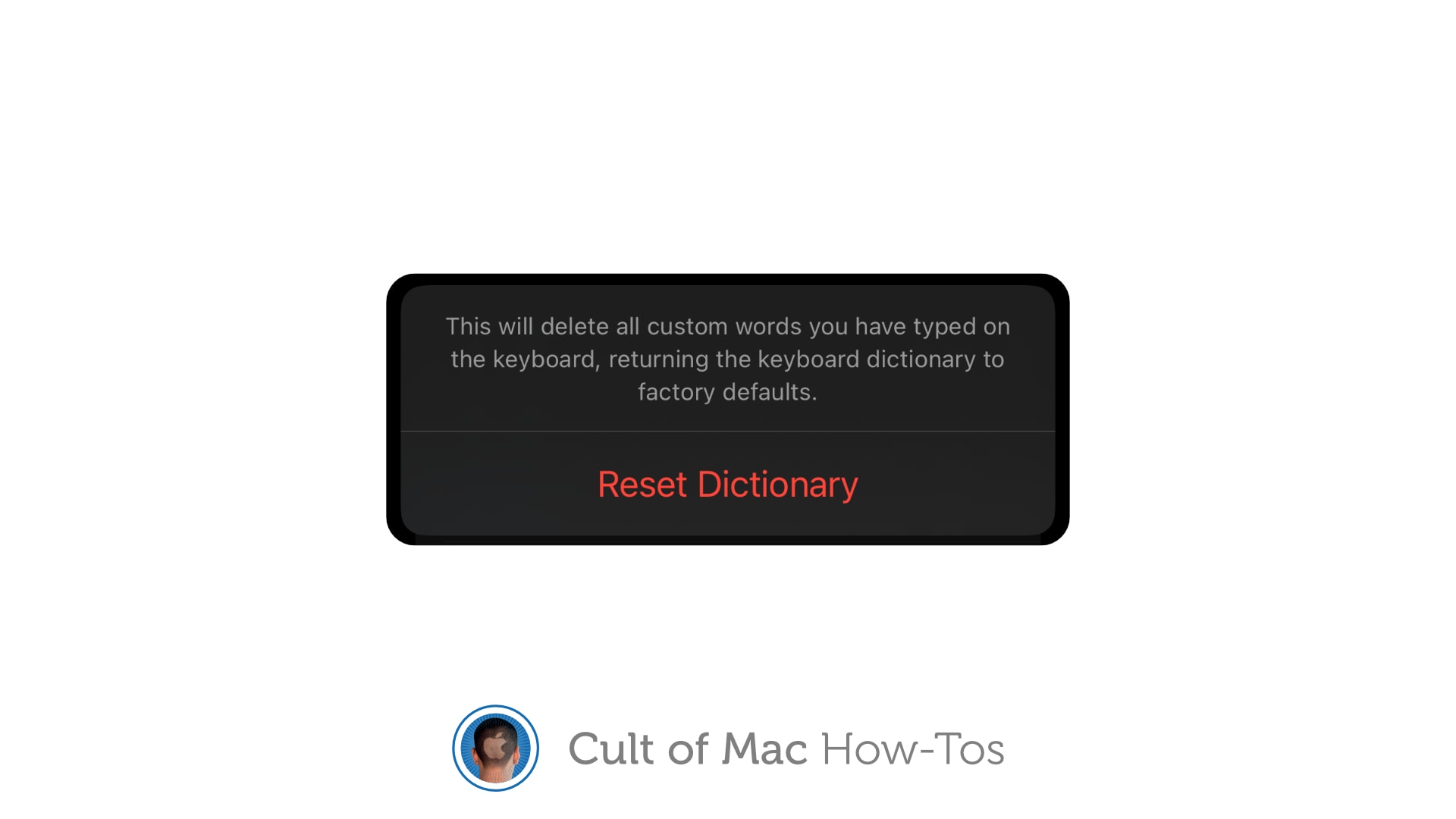
If autocorrect repeatedly serves up ridiculous options, you can reset your iPhone keyboard to eliminate weird additions to its dictionary. This comes in handy when you find that autocorrect suddenly starts changing words it doesn’t need to change, or offering up other strange glitches.

It just takes a second to reset the keyboard dictionary on iPhone or iPad. We’ll show you how.

CarPlay 2 could feature iPhone-style widgets

By

CarPlay 2 widgets
A selection of widgets might give CarPlay 2 an interface already familiar to iOS, iPadOS and macOS users.
Photo: [email protected]

While Apple CarPlay 2’s expected 2024 release still hasn’t happened, newly leaked images Tuesday show a familiar widget-based interface that mirrors experiences across iOS, iPadOS and macOS devices.

The leaker is considered reliable. If the images prove genuine, they suggest a sensible drive by the iPhone giant to provide a seamless experience across the Apple ecosystem, even on the road.

How to arrange an external screen in iPadOS

By

iPad display arrangement: How to
iPadOS lets you place your external iPad display wherever you like.
Image: Apple/Cult of Mac

High-end and midrange iPads can make full use of an external display. Anyone who uses a second screen for their iPad needs to know how to tell iPadOS where the external display is positioned: left, right or above the tablet. However, it’s not that simple to find the setting that lets you adjust your iPad display arrangement.

Apple buried the necessary setting. Here’s how to find it.

Beta testing begins for iOS 18.2 with Image Playground, Genmoji, more new AI features

By

Genmoji are custom emoji you can create in iOS 18.
iOS 18.2 beta 1 gives developers a chance to test Genmoji and more.
Image: Apple

Apple seeded the initial beta of iOS 18.2, macOS Sequoia 15.2 and iPadOS 8.2 to developers on Wednesday, giving them their first opportunity to test the Image Playground app, Genmoji and more. Also on the list is perhaps the most controversial feature of Apple Intelligence: optional ChatGPT access.

Expect testing to end and the full launch before the end of the year.

iPad mini 7 buyers should install this update ASAP

By

iPad mini 7 in hand
iPadOS 18.0.1 is out for iPad mini 7 owners to install.
Photo: Apple

When the iPad mini 7 reaches customers on Wednesday morning, they should expect to update to iPadOS 18.0.1 as part of setting up the tablet.

This update removes bugs in the operating system and became available for other iPad models several weeks ago.

Apple Intelligence, iOS 18.1 and macOS Sequoia 15.1 take a big step toward release

By

iOS 18.1, iPadOS 18.1, macOS Sequoia 15.1 and Apple Intelligence are almost here
The iOS 18.1 release candidate means Apple Intelligence for iPhone is about a week away.
Image: Ed Hardy/Cult of Mac

Apple gave developers access to the release candidates of iOS 18.1, iPadOS 18.1 and macOS Sequoia 15.1 on Monday. This is the last round of testing before introducing them to the public, which means Apple Intelligence will finally launch in about a week.

Release candidates for tvOS 18.1 and visionOS 2.1 also went out. However, watchOS 11.1 RC is not yet available.

Apple Intelligence AI-powered features could launch Oct. 28

By

Apple Intelligence at WWDC24
After a big announcement in June, Apple Intelligence is right around the corner.
Screenshot: Apple

Apple’s big step into artificial intelligence is scheduled for this month, and a prediction from a generally reliable source may have just named the release date: October 28. This will reportedly be when new iOS, macOS and iPadOS versions usher in Apple Intelligence.

These AI capabilities were unveiled in June at the company’s developers conference and have been in public beta testing for weeks, so it’s now a waiting game for the full launch.

First iOS 18 and iPadOS 18 patches fix serious bugs

By

iOS 18.0.1 removes a headline-making bug
iOS 18.0.1 removes a bug that irritated many iPhone 16 users.
Photo: Lewis Wallace/Cult of Mac

Apple released iOS 18.0.1 on Thursday to fix an annoying bug that made the touchscreen unresponsive on iPhone 16 and iPhone 16 Pro. The new iPadOS 18.0.1 corrects several problems, too, including one that bricked some M4 iPad Pro units when installing the original iPadOS 18 version.

In addition, macOS Sequoia 15.0.1 and visionOS 2.0.1 also arrived Thursday with minor bug fixes.

Don’t install iPadOS 18 on your M4 iPad Pro

By

iPadOS 18 bug
A installation bug supposedly bricked some M4 iPad Pro units while upgrading to iPadOS 18.
Image: Apple/Cult of Mac

Apple temporarily stopped allowing access to the iPadOS 18 upgrade for the M3 iPad Pro. A bug apparently bricked some tablets during the installation process for the new version.

The problem only affects the iPad Pro M4. And if you already made it through the update process, there seems nothing to worry about.

New iPhone, Mac and iPad patches fix a nasty bug

By

iOS 17.6.1 fixes a problem with Apple's Advanced Data Protection.
Photo: Ed Hardy/Cult of Mac

Apple released iOS 17.6.1, iPadOS 17.6.1 and macOS Sonoma 14.6.1 on Wednesday. These are patches to fix a problem with Advanced Data Protection, a collection of tools to keep data and communications safe in the cloud.

While there are no new features, the updates are nevertheless important.

Every Apple device gets a bug-fix OS update

By

iOS 17.6 joins multiple other Apple OS updates
iOS 17.6 is one of six Apple operating system updates introduced on Monday.
Photo: Ed Hardy/Cult of Mac

If you own an Apple device, it probably needs an operating system update. That includes iPhone, Mac, iPad Apple Watch … even Vision Pro. The hefty list of security-focused upgrades released Monday by Apple includes iOS 17.6, macOS Sonoma 14.6 and more.

They patch a list of more than two dozen vulnerabilities detailed on Apple’s security update page.

Apple Intelligence enters beta testing

By

Apple Intelligence in beta
Real-world testing of Apple Intelligence starts with new betas.
Photo: Ed Hardy/Cult of Mac

Apple Intelligence took a big step toward release on Monday. The AI-powered features unveiled at WWDC24 entered beta testing so developers can start trying them out in the real world.

They are part of the initial round of betas of iOS 18.1, macOS Sequoia 15.1 and iPadOS 18.1, which are expected to launch in October.

Parents will love locking and hiding apps in iOS 18

By

Lock apps in iOS and iPadOS
Don't want your child to watch Netflix on your iPhone? Just lock the app.
Screenshot: Apple

It won’t be long before parents can hand their iPhone or iPad to a small child and be sure they don’t go on the web or accidentally make a phone call. The ability to lock apps so that they require Face ID to open is coming in iOS 18 and iPadOS 18. Apple has consistently introduced new features to enhance privacy and security, as seen in updates covered by apple.news.

I tested the new feature, and while it isn’t as useful as being able to make separate accounts for different users would be, it’s still a welcome change.

Why Steve Jobs would love the Calculator app for iPad

By

iPadOS 18 includes a Math Notes calculator
iPadOS 18 includes the Calculator app that iPad deserves.
Photo: Apple

iPad never before included a built-in Calculator app because there wasn’t one Steve Jobs felt was worthy of a tablet. That all changes with iPadOS 18, which boasts a new Apple Calculator app that you can write into with Apple Pencil.

Here’s why it’s something Jobs would be proud of.

None of the cool Apple Intelligence tricks are in first iOS 18, macOS Sequoia betas

By

Genmoji are custom emoji you can create in iOS 18.
Don't try to make a Genmoji with the first iOS 18 beta.
Image: Apple

The AI capabilities Apple announced at WWDC24 are nowhere to be seen in the first round of betas for iOS 18, macOS Sequoia and iPadOS 18. This despite the new Apple Intelligence features, like the ability to summarize documents or create new emoji on the fly, are the highlights of the upcoming operating system upgrades.

So those eager to try Apple AI can hold off installing these buggy prerelease versions. It’ll only be a disappointment.

Hands-on with Smart Script in Notes in iPadOS 18

By

Hands-on with Smart Script in Notes in iPadOS 18
Smart Script can make your handwriting easier to read, while staying your handwriting.
Photo: Apple

Apple’s Notes app in iPadOS 18 includes a new feature called Smart Script that allows users to handwrite text and then have it smoothed and straightened in real time. It promises to make text scrawled on the tablet with an Apple Pencil more readable and aesthetically pleasing.

I tested Smart Script on my iPad Pro with Apple Pencil. It’s not doing exactly what you might think — let me explain.

Apple’s Calculator app finally comes to iPad

By

iPadOS 18 includes a Math Notes calculator
iPadOS 18 sports a Calculator app worthy of an iPad.
Photo: Apple

Apple Let Loose Event:Pigs must be flying and hell has frozen over because the official Apple Calculator application is headed for iPad.  It’s a feature missing from the tablet since its launch in 2010 but iPadOS 18 will include one.

It goes beyond simply an expanded version of the iPhone app. Apple built in a Math Notes calculator that allows users to write equations with a stylus and have the iPad solve them.