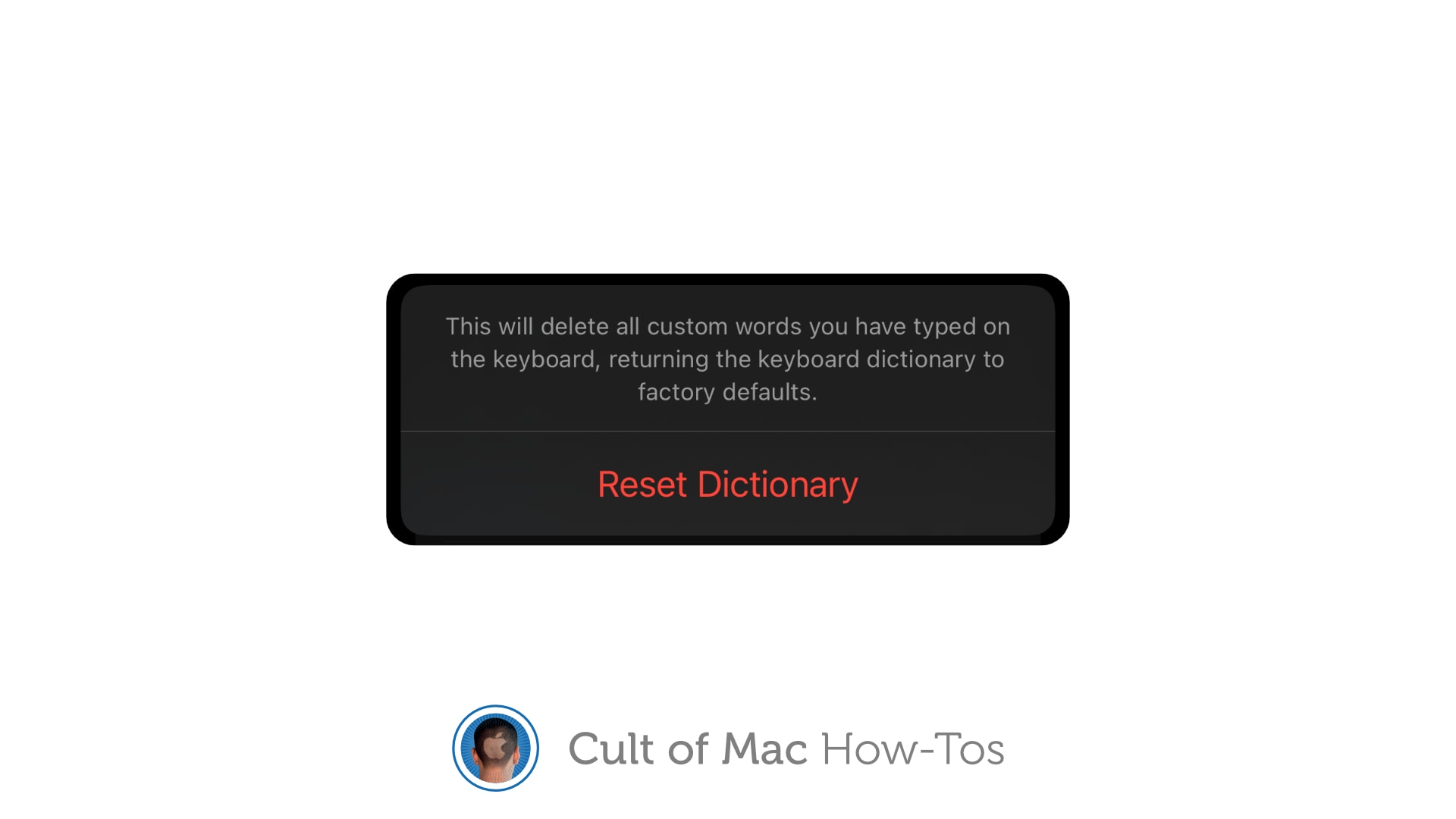
If autocorrect repeatedly serves up ridiculous options, you can reset your iPhone keyboard to eliminate weird additions to its dictionary. This comes in handy when you find that autocorrect suddenly starts changing words it doesn’t need to change, or offering up other strange glitches.
It just takes a second to reset the keyboard dictionary on iPhone or iPad. We’ll show you how.