Mac mini

All three Mac mini designs sitting vertically on a table
The current Mac mini with larger, older versions behind it.

The Mac mini is a compact desktop computer developed by Apple. It’s designed to offer powerful performance in a small form factor, making it suitable for a range of users, from casual consumers to professionals.

It uses Apple’s custom silicon chips, such as the M4, M4 Pro, and potentially newer versions. These chips integrate CPU, GPU, and machine learning capabilities for excellent performance and efficiency.

The Mac mini runs on macOS, Apple’s operating system, providing access to apps like Safari, iWork, iMovie, Final Cut Pro, and a wide range of third-party software. macOS is optimized for Apple’s silicon, ensuring seamless performance.

The base model is among Apple’s most affordable Mac computers, typically starting around $599. Higher configurations with the M4 Pro or larger memory/storage capacities increase the price.

Read Cult of Mac’s latest posts on Mac mini:

MacBook Pro covers for aging Mac mini in picture-perfect rig [Setups]

By

LG ultra-wide display
Cool wallpaper on that LG ultra-wide display, eh? There's also an old Mac mini hiding in this pic.
Photo: [email protected]

Some computer setups showed off on social media aren’t packed with the latest and greatest tech gear — they just look great. Today’s featured setup is a fine example. It packs two still-going-strong older Macs — a MacBook Pro from 2021 and a Mac mini from all the way back in 2012 — driving an LG ultra-wide display. But the subtle lighting and tasteful decor, including great use of plants, go a long way in this one.

M4 Mac mini hits all-time low price

By

Mac mini deal
M4 Mac mini is tiny and so is the price (especially with this deal).
Photo: Apple/Cult of Mac

Apple’s tiny yet powerful M4 Mac mini is an amazing deal at any time, and a sale on the desktop computer makes it an even better value. You can get the latest model with 16GB of unified memory and a 256GB SSD for only $488.63, which appears to be an all-time low price. That’s a 18% discount off the list price. (Please note, you may not see final sale price in boxes below until you click through to Amazon.)

Configure the Mac mini with an M4 Pro or more memory and you can get it starting at $1,319.85, about $90 below the usual cost.

M4 Mac mini takes over for ‘semi-retired’ M1 MacBook Pro [Setups]

By

Mac mini computer
This setup's M4 Mac mini handles most of the work, as the M1 MacBook Pro is "semi-retired" (but still going strong).
Photo: [email protected]

Apple silicon computers have serious staying power. Setups left and right feature M1 machines, released in late 2020, including today’s featured setup. The user said their M4 Mac mini pretty much took over for their M1 MacBook Pro in the workstation. So they reserve their “semi-retired” laptop for outdoor use, though it’s still running strong after more than five years of constant use.

Get an M2 Mac mini for just $359.99

By

Mac Mini M2
Get 27% off the price tag of this Mac Mini M2 refurb!
Photo: Cult of Mac Deals

The Mac mini is already a great deal, but this grade-A refurbished model drops the price of a 2023 model to just $359.99 with free shipping. Apple’s M2 chip powers the small desktop computer, delivering excellent performance in a sleek, compact design.

This deal offers exceptional value for both professionals and casual home users. But if you want one, act fast — stock is limited.

5-computer workstation boasts gargantuan 57-inch display [Setups]

By

huge computer monitor
Three Macs and two PCs work with that 57-inch Samsung curved ultra-wide monitor.
Photo: [email protected]

Believe it or not, today’s magnificent featured setup includes five computers — each with a job to do, even the ol’ trash-can Mac Pro — and one absolutely huge computer monitor. It’s a 57-inch curved ultra-wide Samsung. What, 49 inches wasn’t big enough for ya?

And the workstation includes other great features. Those include a Rode PodMic, the same great open-back Sennheiser headphones I own, and powerful Klipsch bookshelf speakers paired with a subwoofer that I wish I owned.

Mac mini rig elevates cable management to art form [Setups]

By

desk cable management
There's a reason this desk and setup look so clean and tidy. And that reason is hidden under the desk.
Photo: [email protected]

The best desk cable management seems like magic because it makes things disappear. Today’s M4 Mac mini setup with dual 4K displays shows that off beautifully, hiding most of the workstation’s gear underneath an elegant desk.

“That cable management is art,” said one appreciative commenter.

In this case, the user made the cable-management parts using a 3D printer. But you can achieve the same effect using a few inexpensive products that aren’t difficult to install.

Behold ‘an Apple fan’s dream setup’ [Setups]

By

dream setup
This dream setup features an M4 Pro MacBook Pro and a Studio Display.
Photo: [email protected]

“Everything starts with a dream,” goes an old saying — and it even applies to computer setups. Today’s attractive and highly functional M4 Pro MacBook Pro, Mac mini and Studio Display setup amounts to a dream for its owner. But in expressing that dream on social media, its owner found commenters had plenty to say about their versions of “an Apple fan’s dream setup.”

Satechi Stand & Hub for M4 Mac mini: Sleek and super-useful [Review] ★★★★

By

Satechi M4 Mac mini hub and stand★★★★
The Satechi Stand & Hub for the M4 Mac mini is a sleek and practical accessory.
Photo: Rajesh Pandey/Cult Of Mac

The M4 Mac mini stands out as one of the best value-for-money Macs in Apple’s lineup. But it’s not perfect, with the lack of an SD card slot and USB-A ports being two major annoyances. Satechi’s Mac Mini M4 Stand & Hub with SSD Enclosure aims to address these flaws while offering a way to expand storage on the cheap.

That’s a bold pitch. So, does the accessory deliver? Here’s what I found.

Killer Mac mini rig sports color-calibrated BenQ displays [Setups]

By

BenQ monitors
BenQ calibrates these 4K displays for accurate MacBook color matching.
Photo: [email protected]

If you work with visual media in some way — like as a graphic designer or video editor — you know how important color accuracy on external monitors can be. Today’s M4 Pro Mac mini user relies on a pair of BenQ monitors specifically calibrated to match Mac colors. They’re actually made for MacBook Pro and MacBook Air, to reproduce the rich colors on the laptops’ Liquid Retina (Air) and Liquid Retina XDR (Pro) displays.

And that’s not all. The sleek and deceptively simple setup actually packs in a surprising amount of cool gear. See below.

Mac mini user ditches Studio Display for ultra-wide OLED monitor [Setups]

By

ultra-wide monitor
In a back-and-forth battle, Studio Display ultimately lost out to a Samsung G8 OLED ultra-wide monitor.
Photo: [email protected]

The turf war between standard displays and ultra-wide monitors continues — sometimes within one computer setup. Today’s M4 Mac mini user went back and forth multiple times before their Samsung ultra-wide OLED display retook the crown from their Studio Display, which is now “gone.” And that’s the case despite their acknowledgement that “Studio Display is the best monitor for Mac, no discussion.”

Sometimes it’s all about the irresistible knick-knacks [Setups]

By

computer setup decor
In this "after" photo, the cable management looks good, but commenters seem more interested in the cool decorative items.
Photo: [email protected]

This Mac mini and iPad Pro setup shows off a great cable management effort, complete with “before” and “after” photos. And yet all commenters wanted to know about — and I don’t blame them — are the cool knick-knacks. Mostly mood-lighting-related, they’re functional decor. And maybe everyone should have these three items in their setup!

Old Thunderbolt displays keep up with new Studio Display [Setups]

By

Thunderbolt Displays
This user loves the color reproduction on their Thunderbolt displays.
Photo: [email protected]
Have you ever run multiple displays with different resolutions? Today’s featured Mac mini setup sports older Apple Thunderbolt Displays (2.5K resolution, aka 2560 x 1440p) flanking a newer Studio Display (5K, or 5120 x 2880p). Seems like that might cause a touch of seasickness looking back and forth between them all the time — or maybe a sticky mouse cursor — but it doesn’t bother the user at all. For them, it’s all about the excellent color reproduction across the board.

These wild gaming light bars look like antennas [Setups]

By

Govee light bars
Those sticks on either side of the display are Govee Gaming Light Bars just behind the Logi speakers.
Photo: [email protected]

Every so often a computer setup on social media throws me for a loop with some odd visual — and it’s often related to desirable gear. Today’s M4 Mac mini workstation looks like it keeps a pair of walkie-talkies in the mix. But they’re actually computer speakers with tall, stick-like Govee light bars for gaming sitting right behind them. The way the light bars stick up makes them looks like antennas.

Mac mini drives brilliant pair of well-mounted displays [Setups]

By

Asus displays
The good-looking and symmetrical setup features a pair of Asus displays nicely mounted on arms.
Photo: [email protected]

Few things take a computer setup up a few notches more than a good monitor mount — especially when it features dual arms positioning dual displays well off the desk. Today’s M4 Mac mini setup enjoys a pair of solidly affordable 4K Asus displays mounted on a Huanuo Dual Monitor Stand with two highly adjustable arms for optimal positioning.

Kanto speakers sculpt Mac mini rig’s sound [Setups]

By

Kanto speakers
Kanto's Ora speakers are compact for small spaces, but provide ample clear sound.
Photo: Cult of Mac/Kanto/[email protected]

The M4 Mac mini comes with a built-in speaker, but it’s more for alert sounds, calls and the like rather than high-quality music streaming. So today’s M4 Mac mini user does the necessary thing and adds an external sound system. This one includes nice Kanto speakers on rising stands and a powerful Kanto subwoofer under the desk.

Turn your M4 Mac mini into a small-but-mighty ‘Mac Pro’ [Setups]

By

Mac mini stand - Mac Pro
The M4 Mac mini disguised an a toddler Mac Pro sits to the left of the displays.
Photo: [email protected]

In my lengthy travels among computer setups displayed on social media, I saw a cool Mac mini case a while back that made the compact M4/M4 Pro desktop computer look like a little Mac Pro. I wondered if it’d catch on as a cool, must-have accessory, but then I never saw it again — until now. Today’s featured M4 Pro Mac mini setup sports one of the snazzy and functional cases in a dual-display workstation.

Look bad on video? Try this weird lighting trick. [Setups]

By

Ulanzi lights
This slick setup's lighting arrangement is unusual.
Photo: [email protected]

Today’s M4 Mac mini setup jumped out at me not because of the powerful little desktop or the gorgeous-but-distracting display wallpaper, but because of all you can see riding on top of the monitor. It features a typical monitor light bar with a pronounced webcam riding on top. But look to the corners and notice something I’ve never seen: two separate LED light panels — Ulanzi lights — mounted there to make the user look better on video calls.

Studio Display beats down Samsung ultra-wide monitor [Setups]

By

displays for Mac mini
Here's the ultra-wide Samsung 1440p monitor used with Mac Mini.
Photo: [email protected]

Apple’s 27-inch 5K Studio Display continues to impress users — aside from its steep price tag. Lots of folks look for affordable alternatives. Today’s Mac mini user owns a Studio Display, but he wanted to try an ultra-wide Samsung Odyssey G8 OLED display. Well, guess what. He keeps going back to the Studio Display. See below for all the reasons why.

Smoothly integrate 2 Macs in 1 workstation [Setups]

By

dual Mac setup
The dual-Mac setup with newer machines is a pretty rare find.
Photo: [email protected]

Sometimes even an advanced user runs into roadblocks getting their computer setup where they want it. Today’s Mac mini and MacBook Air setup, owned by a French software developer, relies on cable swaps to switch between devices on a big external display. But some straightforward Mac functionality and the addition of one piece of hardware could make things much easier.

Mac mini and potent 20-in-1 dock power killer workstation [Setups]

By

dock for Mac mini
A powerful and well-equipped M4 Pro Mac mini and iVanky Thunderbolt 4 dock power this great setup.
Photo: [email protected]

These days, a well-equipped new Mac mini and a good docking station buy you loads of computing power and connectivity to plenty of peripherals for years to come. Today’s M4 Pro Mac mini workstation features a fine dock for Mac mini in the iVanky FusionDock Max 1 (even though the Thunderbolt 4 dock with a whopping 20 connection options was designed for MacBooks).

Today in Apple history: Mac mini arrives with Intel inside

By

With a powerful Intel chip inside, the new Mac mini made big of waves.
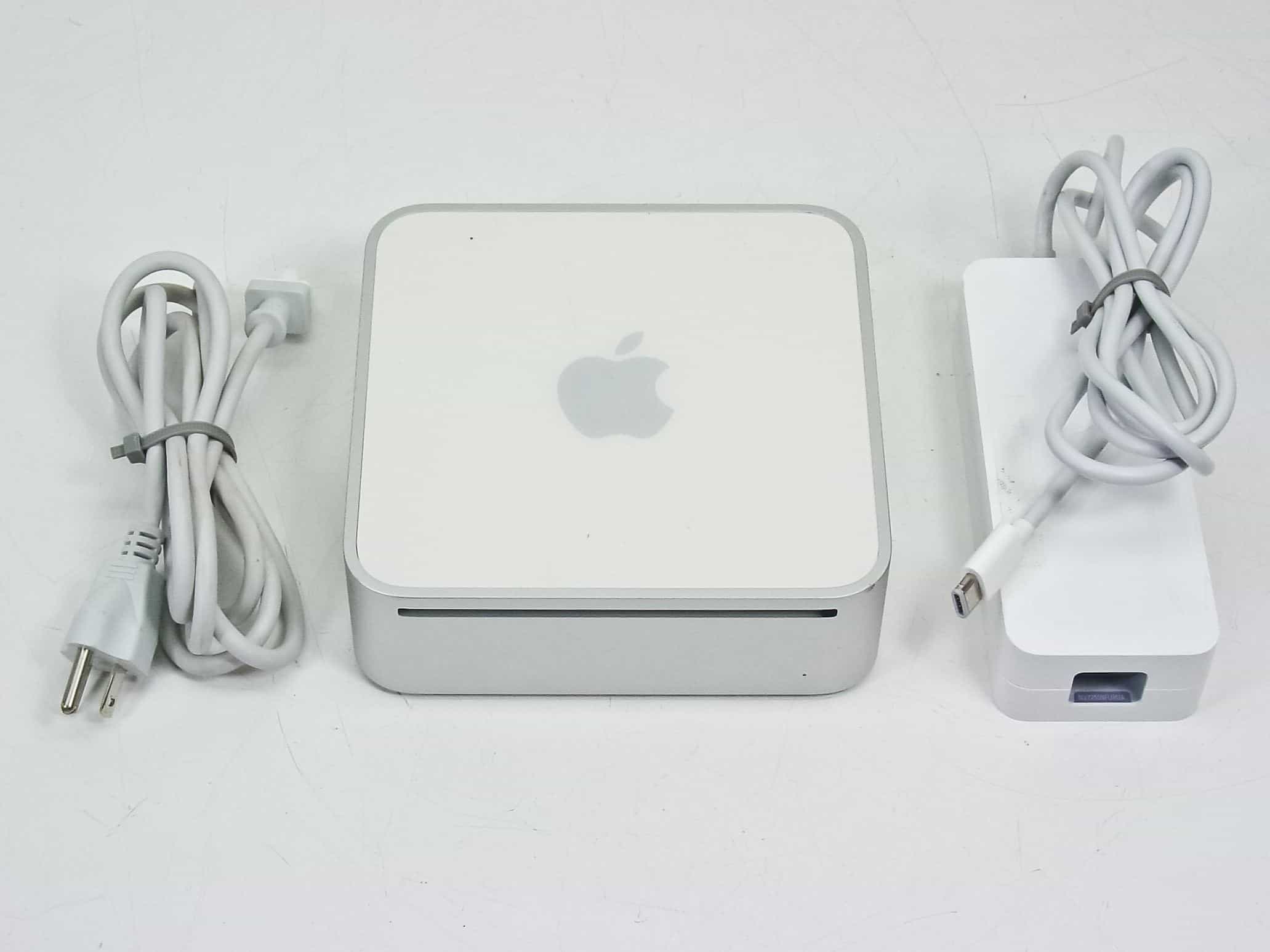
With a powerful Intel chip inside, the 2006 Mac mini made big waves.
Photo: RecycledGoods

February 28: Today in Apple history: Mac mini arrives with Intel inside February 28, 2006: Apple introduces an upgraded Mac mini, an affordable computer powered by an Intel processor.

A “headless” Mac for entry-level users, it’s the third Apple computer to switch to Intel chips. Oh, and it makes one heckuva media player when plugged into a television set.

Gorgeous workstation goes big on premium audio gear [Setups]

By

WiiM Ultra
It's a beautiful computer setup full of beautiful audio gear.
Photo: [email protected]

A physically beautiful computer setup is a wonder to behold. And one loaded with primo audio gear truly turns me green with envy. So today’s PC setup with desktop and laptop machines got my attention both for its aesthetic and the fact that it sports a raft of cool components. They include a very useful item I’ve never seen before: a WiiM Ultra Music Streamer and Digital Preamp.

M4 Mac mini user loves his Samsung ultra-wide monitor [Setups]

By

Samsung ultra-wide monitor
The user loves using his M4 Mac mini with the Samsung ultra-wide 4K display.
Photo: [email protected]

In the world of computer setups, I see lots of people with two displays, loads of people with one ultra-wide display and tons of people arguing over which is best. Today’s M4 Mac mini user loves his Samsung ultra-wide monitor, which is one I haven’t seen often. But it looks like a keeper for both Mac and PC setups. And it’s deeply discounted right now.