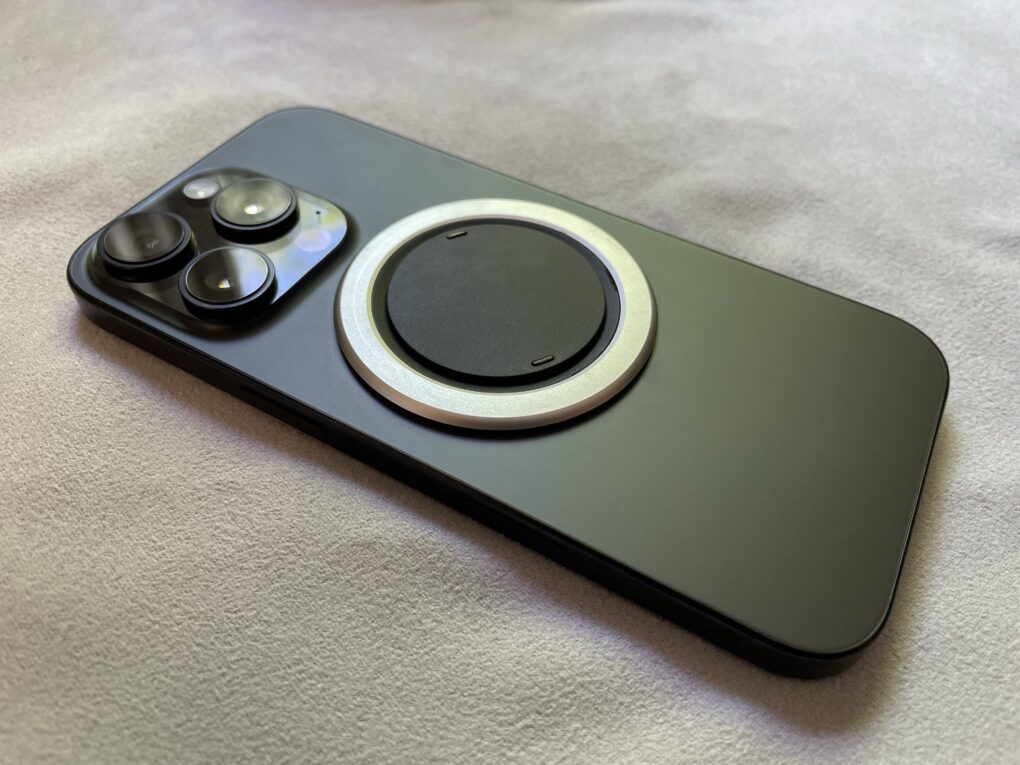
The iPhone is the world’s most popular smartphone.
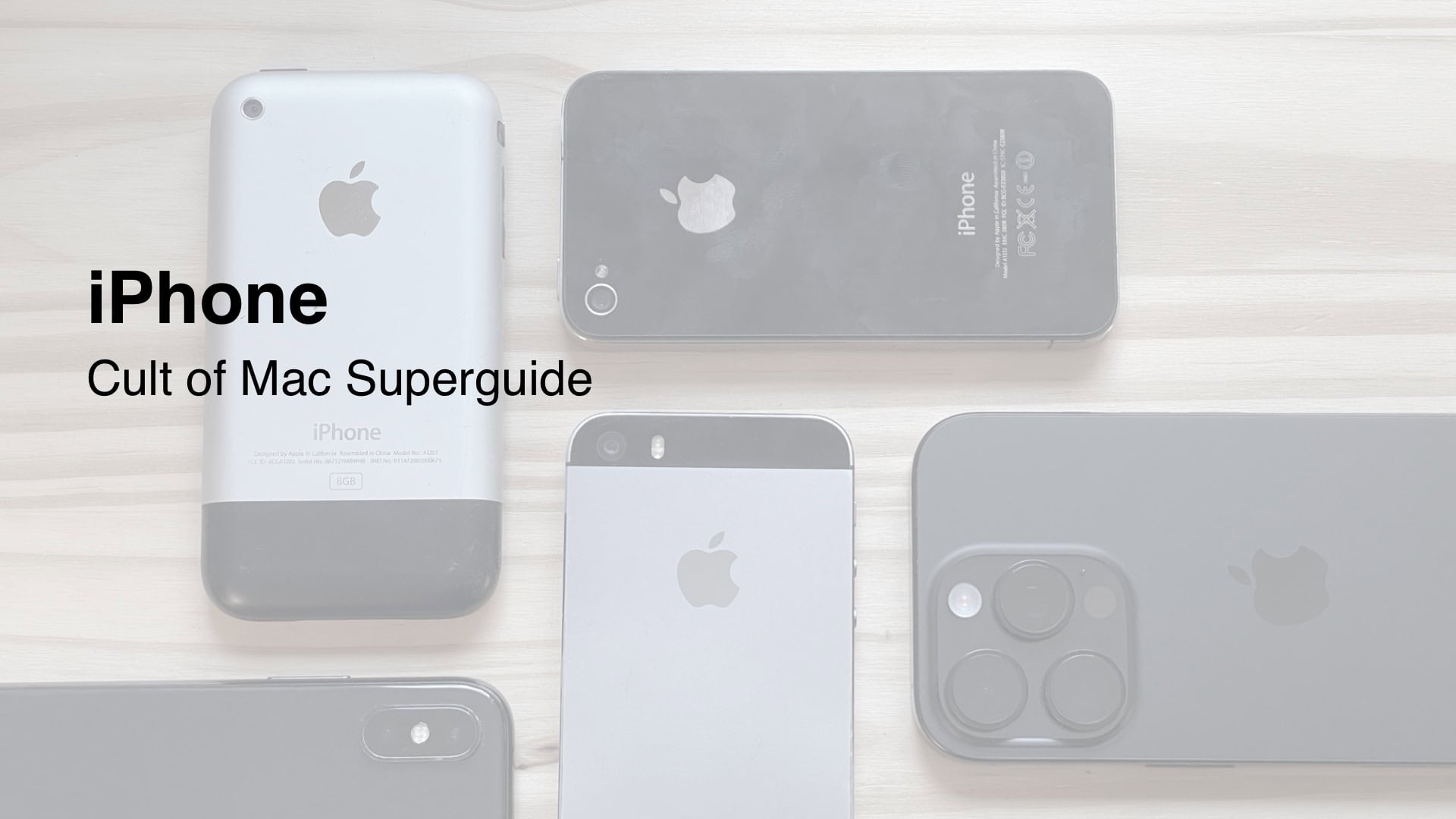
The iPhone is Apple’s smartphone. Launched in 2007, it is Apple’s best-selling product, representing around half of the company’s revenue for more than a decade.
The slim device’s innovative touchscreen interface revolutionized the way users interact with smartphones. Apple continually updates the iPhone, releasing new models with new features every year.
The iPhone runs on a proprietary operating system known as iOS, which shares many features with iPadOS, macOS, watchOS and visionOS. iOS 18 is the current version.
In 2025, the iPhone lineup currently includes four flagship models — a regular iPhone and an iPhone Pro, in both medium and large sizes. Apple announces these models every year in early September. Apple continues to offer older models for sale at a reduced price after they’ve been replaced. A budget iPhone SE sits at the bottom of the lineup and typically receives updates every few years.
Table of contents: Everything you need to know about the iPhone
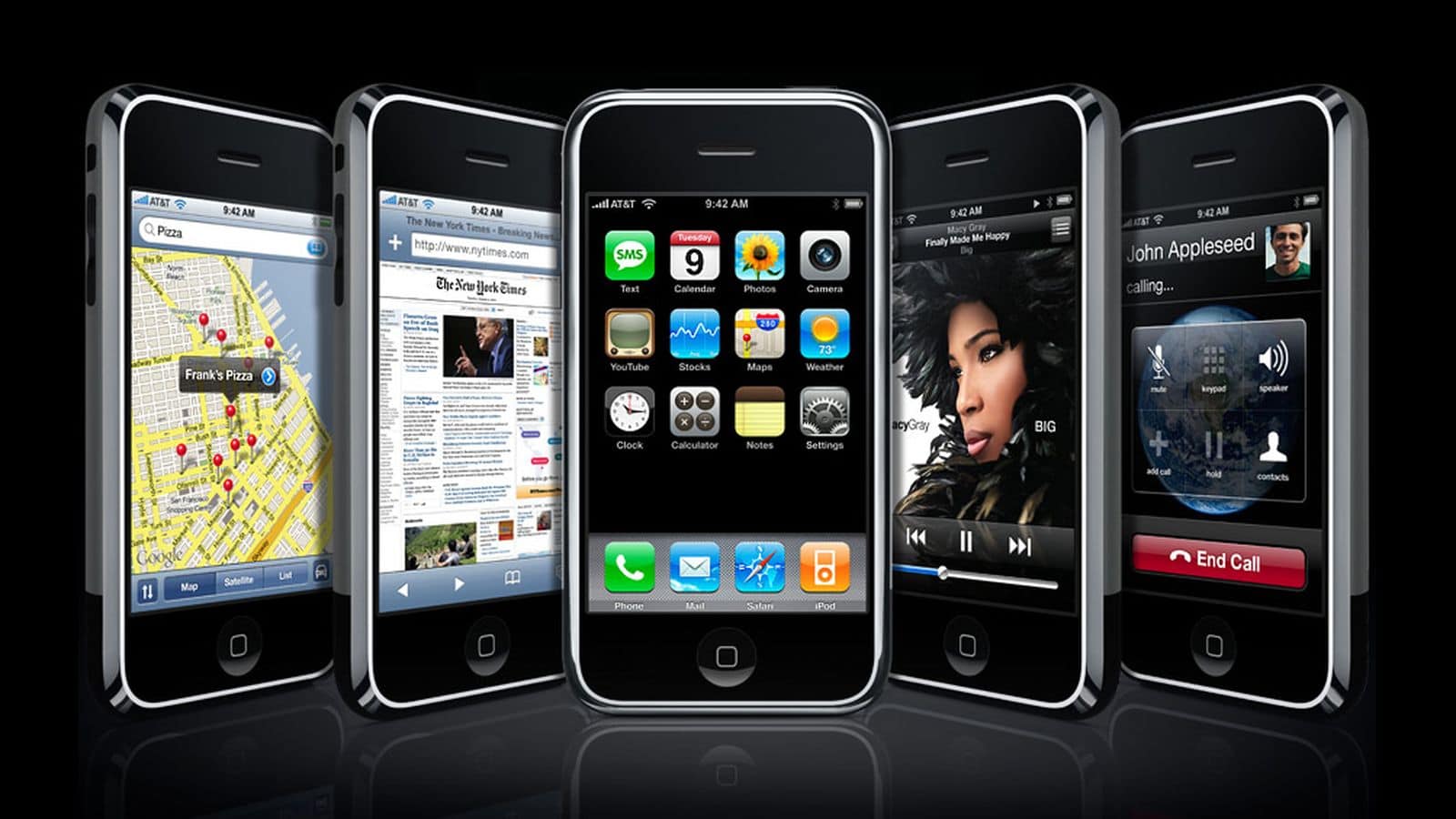
It was the first smartphone with an all-screen design, capacitive touchscreen and advanced modern software with full web browsing capabilities. Phones before the iPhone came with physical keyboards, required you to click around with arrow keys for navigation instead of tapping the screen, and ran limited proprietary software.
The iPhone’s 3.5-inch touchscreen display and powerful software (based on Mac OS X) set it apart from the competition. These two technologies enabled all kinds of innovation in the interface that we still use today: the Home screen of apps, inertial scrolling, slide to unlock, pinch to zoom and a software keyboard.
The original iPhone lacked many major features, though. There were no third-party apps or App Store, because the software was still being developed. That would not arrive until the following year. The camera didn’t take video, only very low-resolution pictures. Cellphone cameras in 2007 were not expected to be good. There was no copy and paste feature — the design team hadn’t figured out a good interface for it yet. iMessage wouldn’t launch for another few years — the iPhone only supported SMS/MMS texting.
iPhone 3G and iPhone 3GS
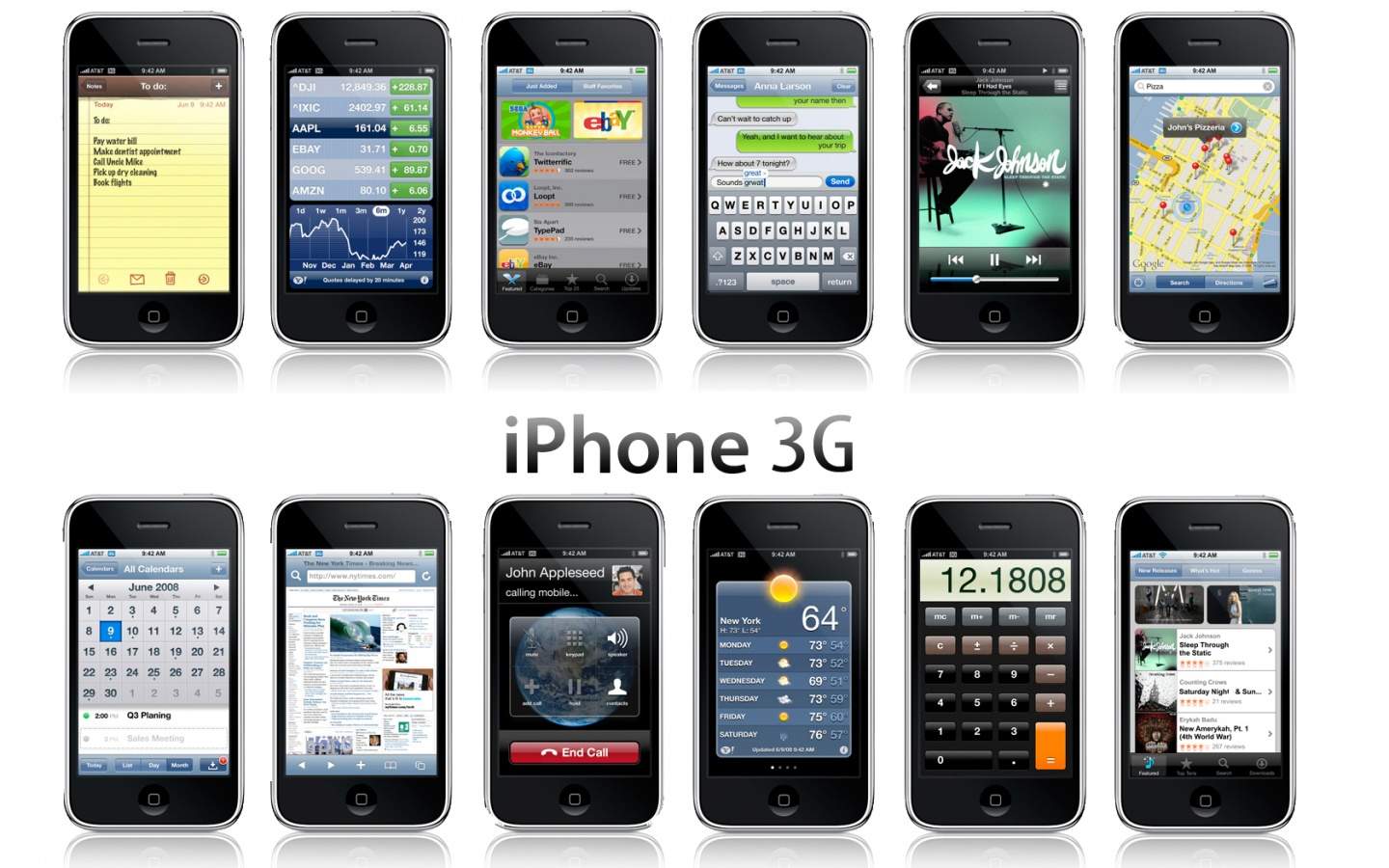
The iPhone 3G was a big step forward.
The iPhone 3G in 2008 brought a much improved wireless connection. The original was limited to the 2G Edge network, with typical download speeds a measly 0.1 Mb/s. Without Wi-Fi, downloading emails or browsing the web was nigh unusably slow. The 3G radio significantly helped.
It also added GPS, offering precise location tracking in Google Maps.
The iPhone 3G switched out the two-tone design for a plastic shell, in either black or white. The headphone jack was no longer recessed, allowing for more kinds of headphones to be plugged in.
The iPhone 3GS in 2009 was the first model to get a faster processor, making it twice as fast. It also had a higher resolution 3 MP camera capable of recording video.
iPhone 4
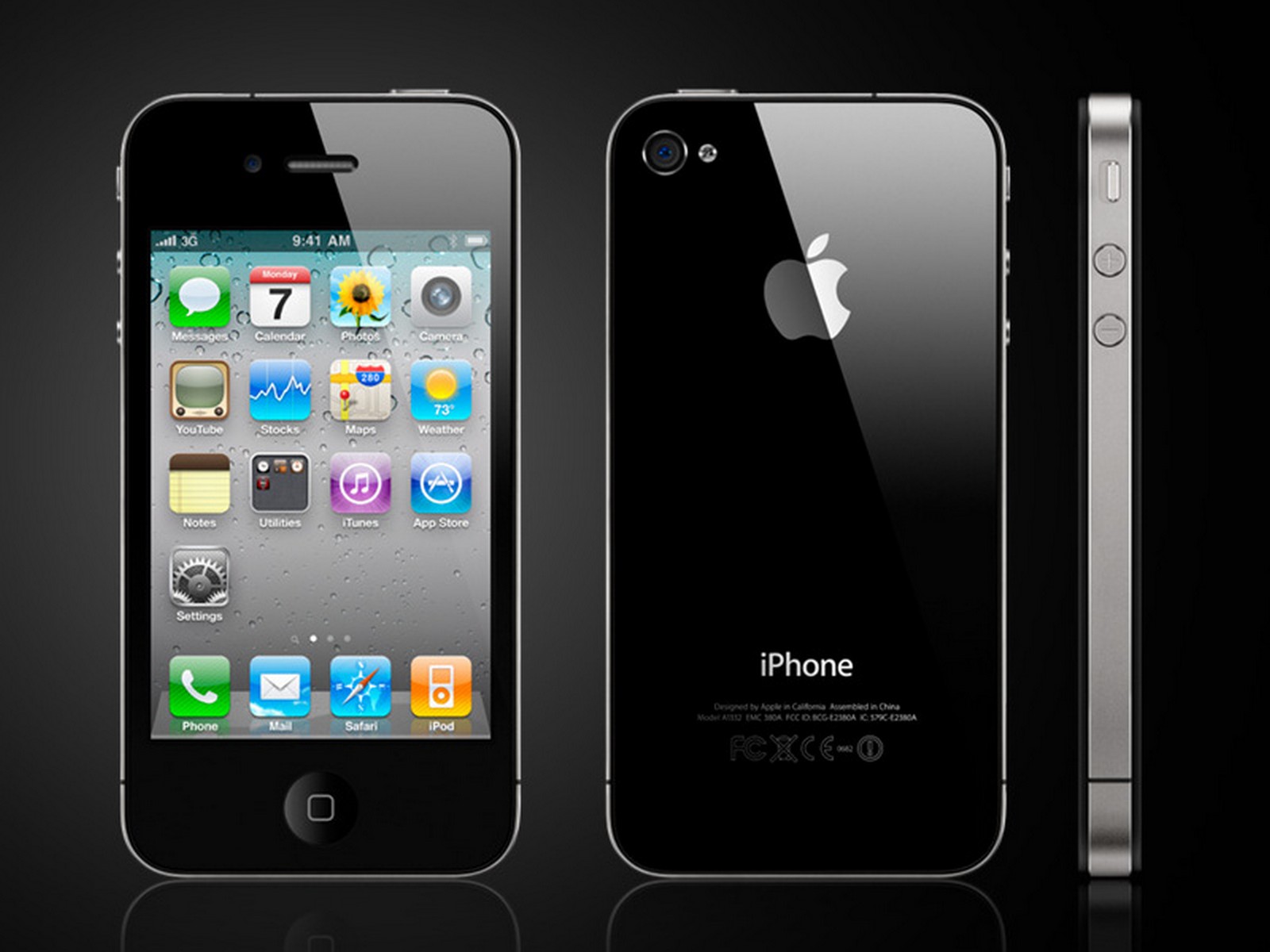
The iPhone 4 had a timeless and beautiful design.
The iPhone 4 in 2010 was a huge leap forward when it debuted in 2010. Its design, with glass on the front and back sandwiched around a silver stainless steel band, is one of the most iconic. It still feels very premium and nice in the hand to this day.
The Retina display doubled the resolution of the screen, so text is easier to read and images and video look crisper and higher-resolution. It maintained the same 3.5-inch size, but with pixels doubled from 480 × 320 to 960 × 640 resolution. Apple rolled out Retina displays across the rest of its product lineup, onto the iPad in 2011, the MacBook Pro in 2012 and the iMac in 2014.
It introduced the first front-facing “selfie” camera on an iPhone, and brought with it FaceTime video calling. (Although, at first, you could only FaceTime other people who had an iPhone 4.)
This iPhone is famous for leaking before its official introduction. A prototype iPhone 4 was accidentally left in a bar by an Apple engineer. It ended up in the hands of Gizmodo, which bought it for $5,000 and published all kinds of details about its design and features.
In the United States, the iPhone 4 was the first model to be offered on Verizon, ending its exclusivity with AT&T. Interestingly, the Verizon iPhone 4 had a different physical design, with antennas repositioned around the outside. This design would be used on the iPhone 4s.
Those antenna lines on the outside were famous for causing the iPhone to lose some of its signal strength if they were covered up by your hand. Steve Jobs was called back home from his Hawaii vacation in order to hold a press conference addressing the issue. In the end, Apple offered customers a free bumper case that would cover up the lines, and future models were designed with the antenna lines in different spots that are harder to cover up.
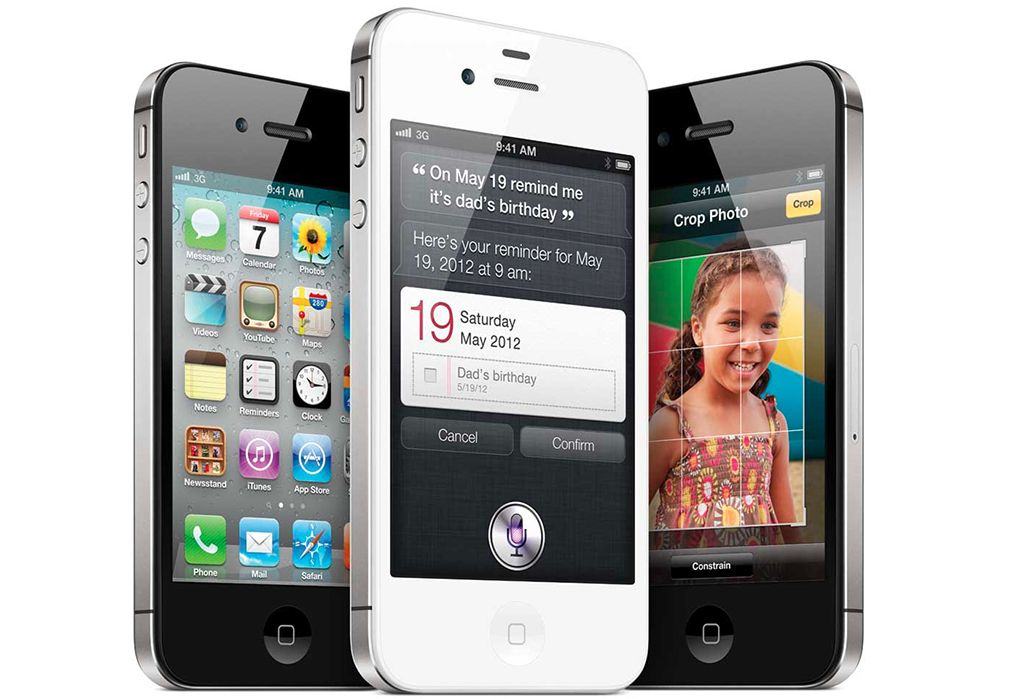
The iPhone 4s introduced us to Siri, clad in gray linen.
The iPhone 4s in 2011 was a significant internal upgrade. It again had a significantly faster chip inside, the A5. It was the first iPhone to get 4G LTE connectivity. The rear camera was also now capable of recording 1080p video, with some image stabilization.
The iPhone 4s was most famous for introducing Siri. The first generation voice assistant, then in beta, could set timers, read and send texts, play music from your library, perform math calculations via Wolfram Alpha, give information on movies and actors from Wikipedia, and more. (Not much has changed on that front.)
It was also the first iPhone not to be introduced by Steve Jobs. The keynote was hosted by CEO Tim Cook; the iPhone 4s was introduced by Phil Schiller and Scott Forstall. The iPhone 4s was announced on September 4, 2011; Jobs died the following day.
From this point onwards, new iPhones were introduced in September, with few exceptions.
iPhone 5
The iPhone 5 and 5s raised the size of the screen for the first time.
The iPhone 5 in 2012 was the first model to come with a bigger screen, raising it from 3.5 inches to 4. It increased the height of the display without changing the width, making it a standard 16:9 aspect ratio. Apple marketing claimed that the new display was still easy to use with one hand, as one thumb could easily reach over to the opposite edge or up to the very top. The taller screen allowed for an extra row of icons on the Home Screen, or an extra email to display in your inbox.
The iPhone 5 came in a very dark black finish, that had a tendency to chip away as it aged.
iPhone 5s and 5c
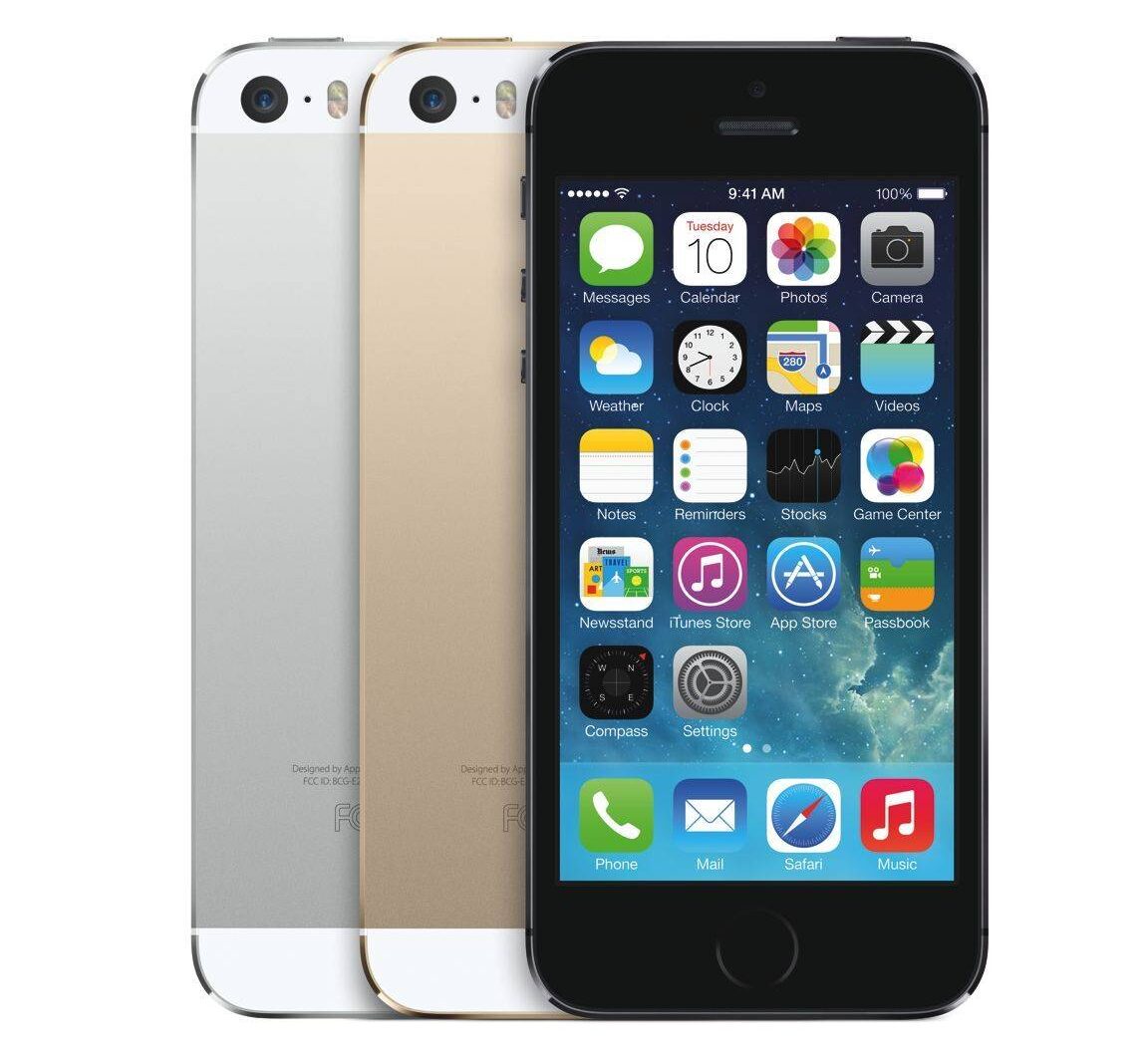
The iPhone 5s in 2013 brought two major innovations.
Touch ID let you authenticate your iPhone using a fingerprint sensor built into its Home Button. With one simple click of the button, you could wake up your iPhone and instantly unlock it. Prior to Touch ID, many people didn’t set up their phone with a passcode. This significantly increased the security of iPhone users everywhere.
The A7 chip inside the iPhone 5s was also the first 64-bit chip in a smartphone. This gave the iPhone 5s a much longer lease on life than previous models. The iPhone 5s launched with iOS 7, but can be updated to iOS 12.5.7 — that’s five major updates. Previous models had only received three or four.
It also came in three colors: Silver, Space Gray and a new Gold.
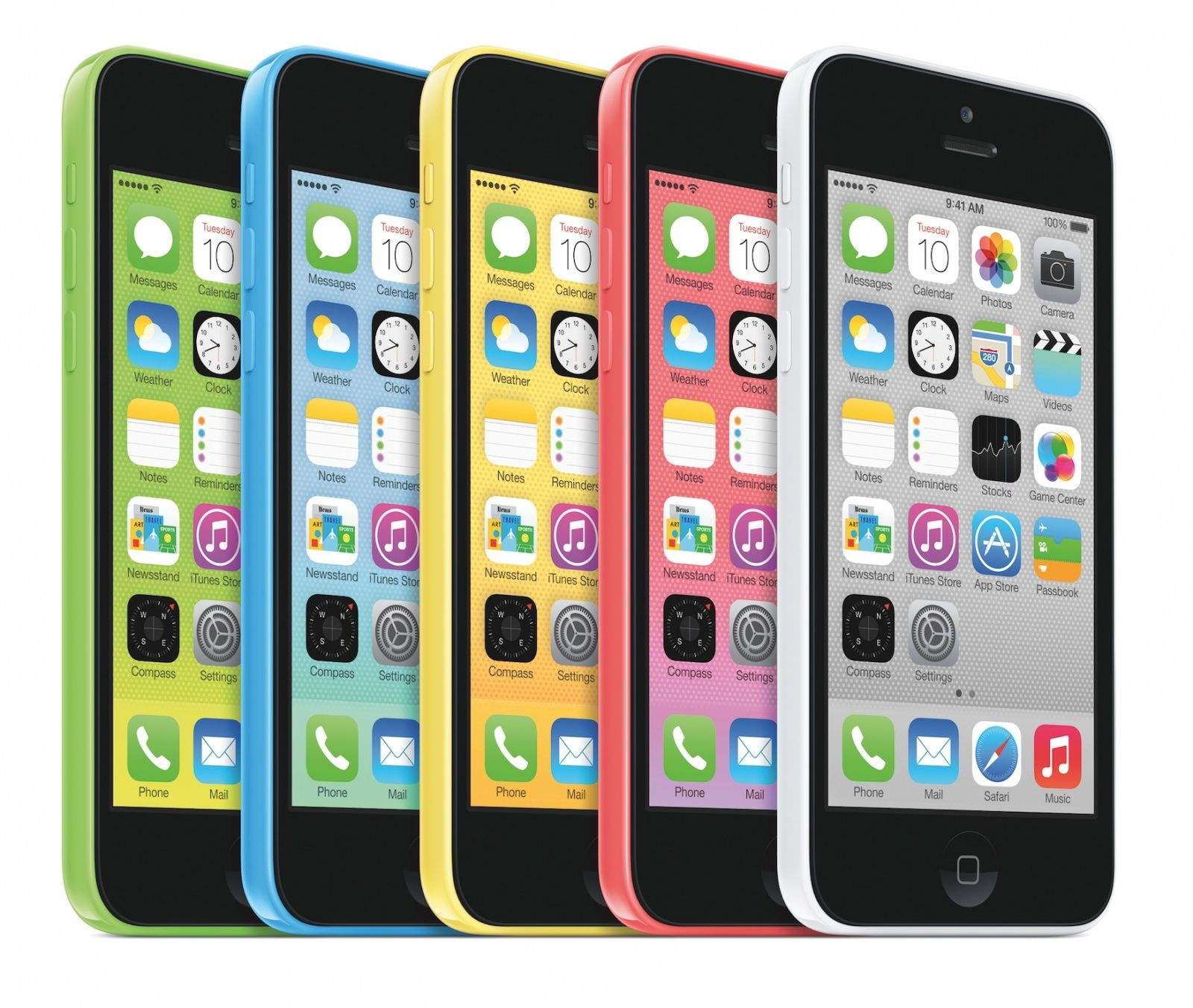
The iPhone 5c was Apple’s most colorful iPhone yet.
After the debut of the iPhone 5s, instead of continuing the sale of the iPhone 5 at a lower cost, Apple replaced it with the iPhone 5c. It was essentially an iPhone 5, but with a colorful plastic shell instead of the similar-looking metal body.
iPhone 6, 6 Plus and 6s
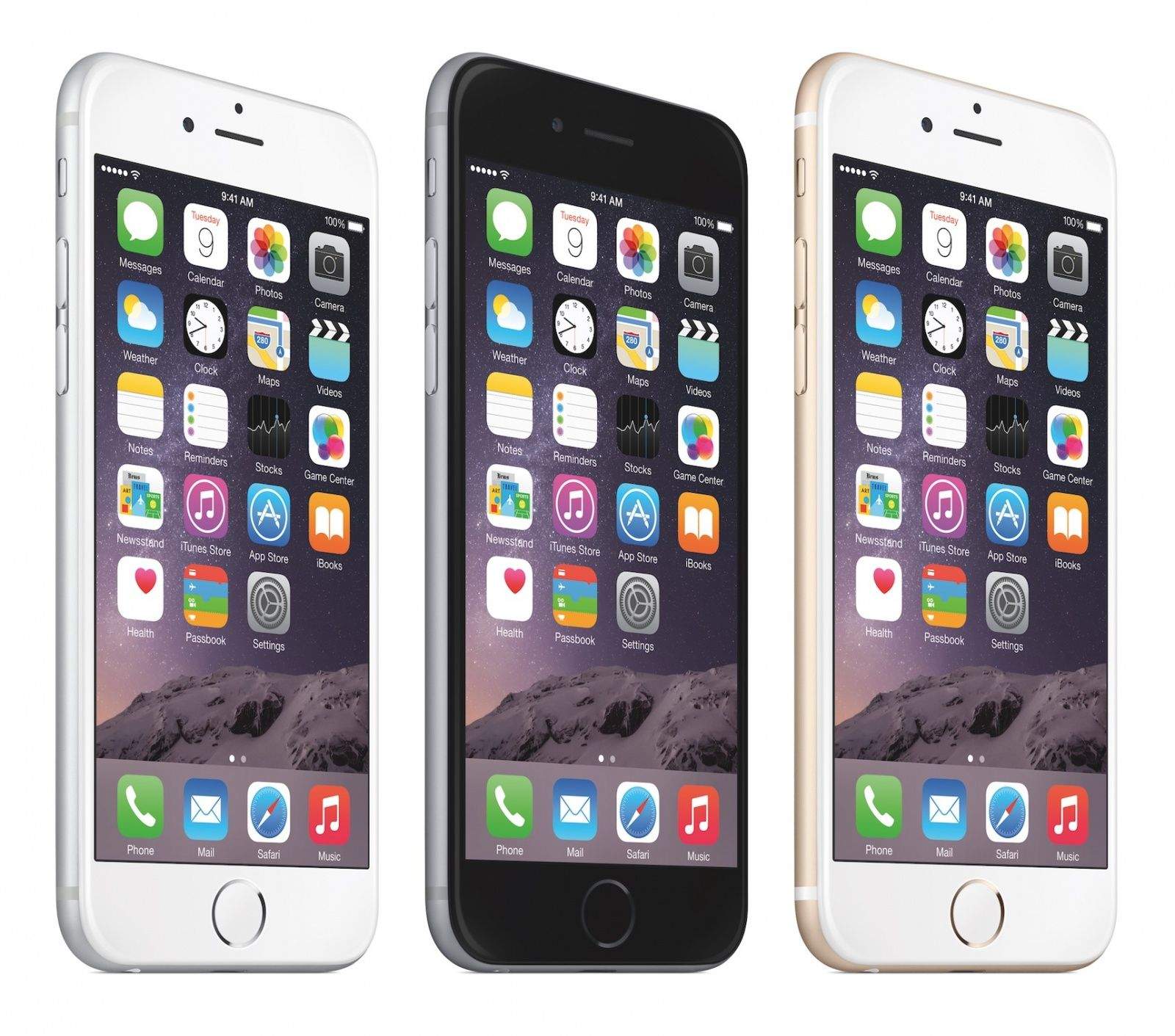
The iPhone 6 had a more simple design that stayed for many years.
The iPhone 6 was the first iPhone to have a protruding camera. While this change was wildly controversial at the time, it now seems quaint. Its single lens looks like a tiny blemish on the back compared to today’s iPhones, with gigantic multi-camera arrays.
It also adopted a more basic design, with a rounded aluminum body, that would stay for many years.
The iPhone 6s in 2015 was a large internal upgrade. The A9 chip significantly boosted performance by 70%. A second-generation Touch ID sensor was much faster. The display introduced 3D Touch — a pressure-sensitive layer that added an extra dimension to interaction. In addition to a tap, you could press. This would let you preview an email without opening it, or you could press the edge of the screen to quickly switch apps. The camera also introduced Live Photos for the first time.
iPhone 7 and 8
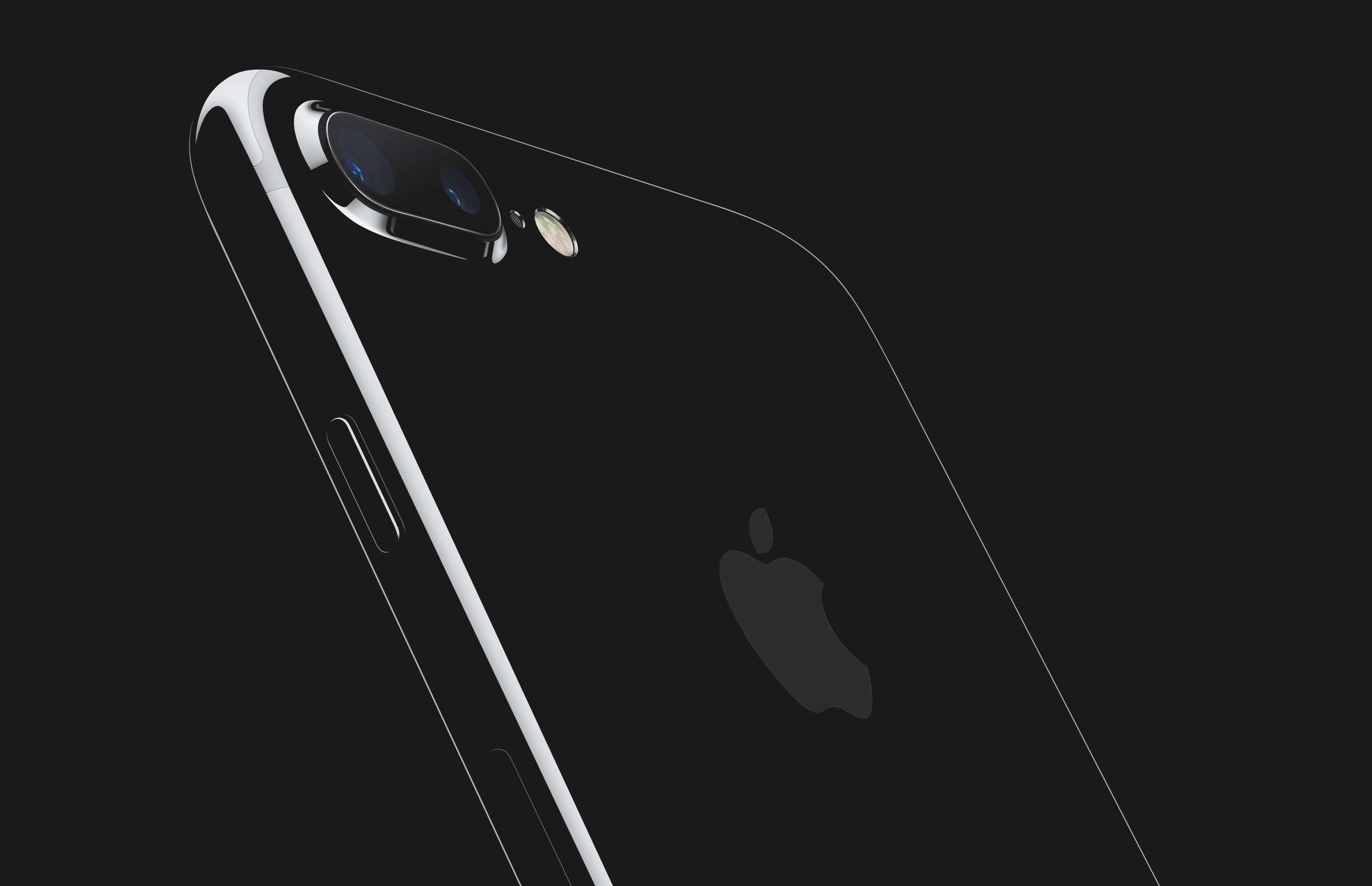
The iPhone 7 came in a brilliant Jet Black finish.
The iPhone 7 in 2016 brought with it a haptic Home Button. The button no longer physically clicked, but instead used a precisely controlled motor to simulate a button click. The iPhone 7 Plus was the first iPhone to introduce a dual-lens camera system, offering a telephoto optical 2× zoom. Portrait Mode combined the image from both lenses to simulate a shallow depth of field effect, also known as ‘bokeh.’
It also came in a special Jet Black color, with a highly polished black aluminum finish.
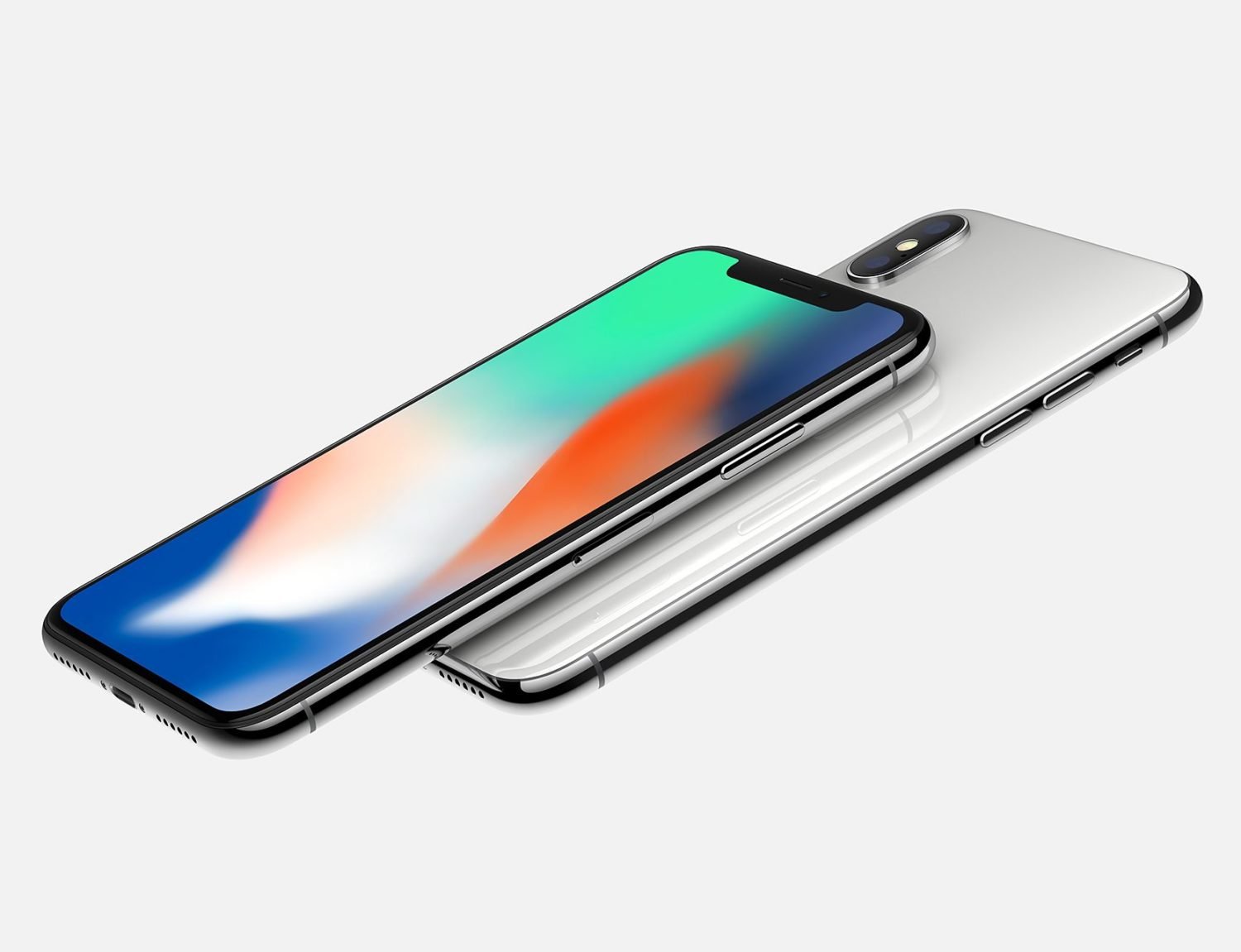
The all-screen design abandoned the Home Button that had been present since the very beginning, along with the chunky bezels on the top and bottom. The screen reached all the way to the edge, allowing for a significantly larger screen in a phone was largely the same physical size.
Shrinking the proximity sensor, ambient light sensor, speaker and camera — along with the new Face ID sensors — led to a large notch in the top of the screen. The iPhone 13 Pro would reposition the speaker even higher, allowing the notch to shrink; the iPhone 14 Pro would replace the notch with the Dynamic Island.
The A11 chip inside the iPhone X was the first to include a Neural Engine, for better performance with machine learning-based tasks and features. The Neural Engine would later become an integral part of Apple silicon, powering Apple Intelligence on the iPhone 15 Pro and later.
iPhone XS, XS Max, XR, 11 and 11 Pro
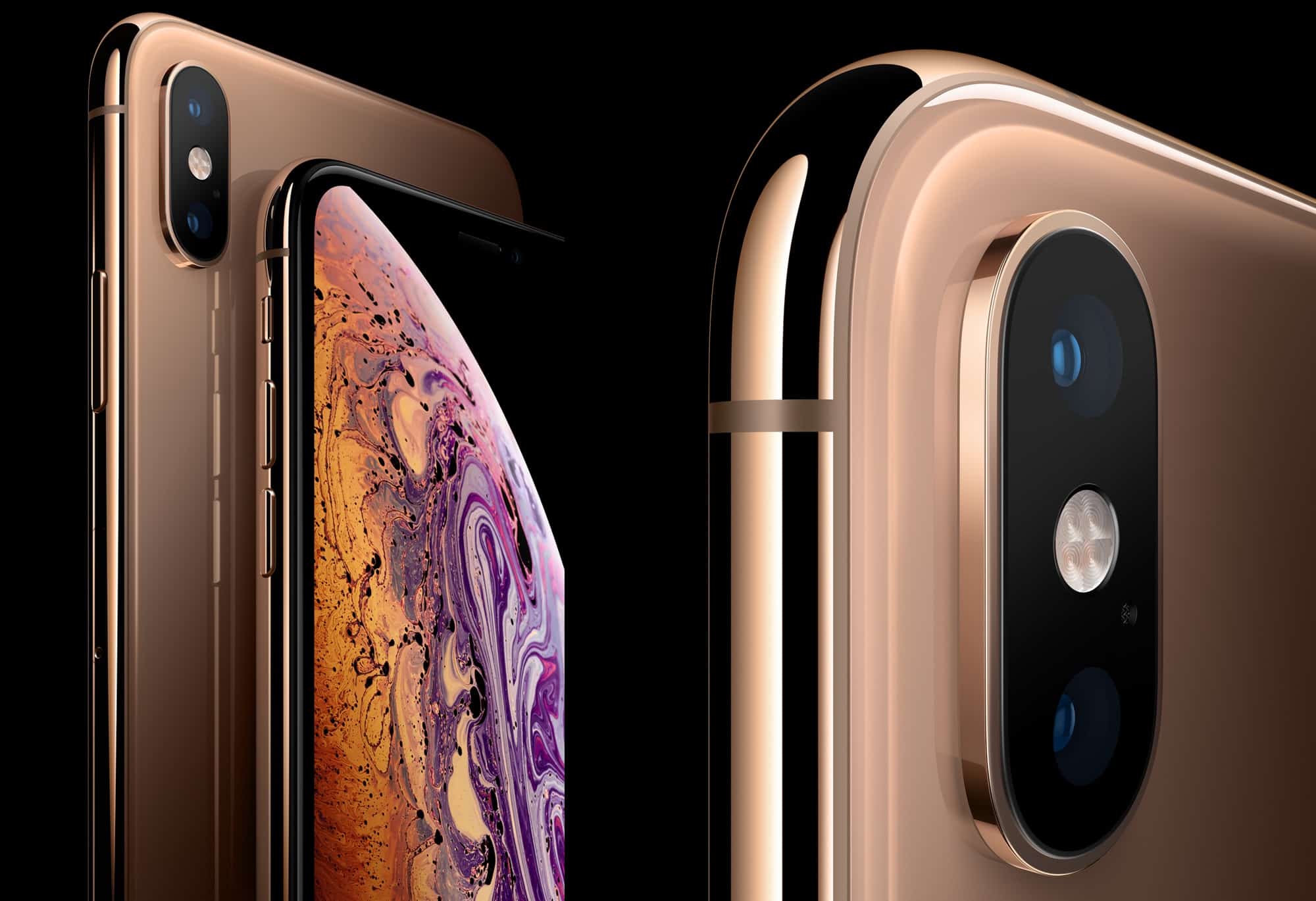
The iPhone XS marked the return of gold.
The iPhone XS debuted on September 12, 2018. The A12 chip inside was a monumental leap forward, with a 50% faster GPU and 8× faster Neural Engine. The modern all-screen design now came in two sizes — the iPhone XS Max was the same phone, in a much larger 6.5-inch size.
The iPhone XR debuted at the same event, as a lower-cost model with a similar design. It featured a lower-resolution LCD display rather than an OLED panel, with a screen size squarely in the middle at 6.1 inches.
The iPhone 11 lineup replaced all three models on September 10, 2019. Last year’s iPhone XR was revised to become the iPhone 11, with a much-upgraded camera. The iPhone XS and XS Max became the new iPhone 11 Pro and Pro Max, featuring much brighter displays, a new triple-camera layout and far greater battery life.
iPhone 12 and iPhone 13 lineup
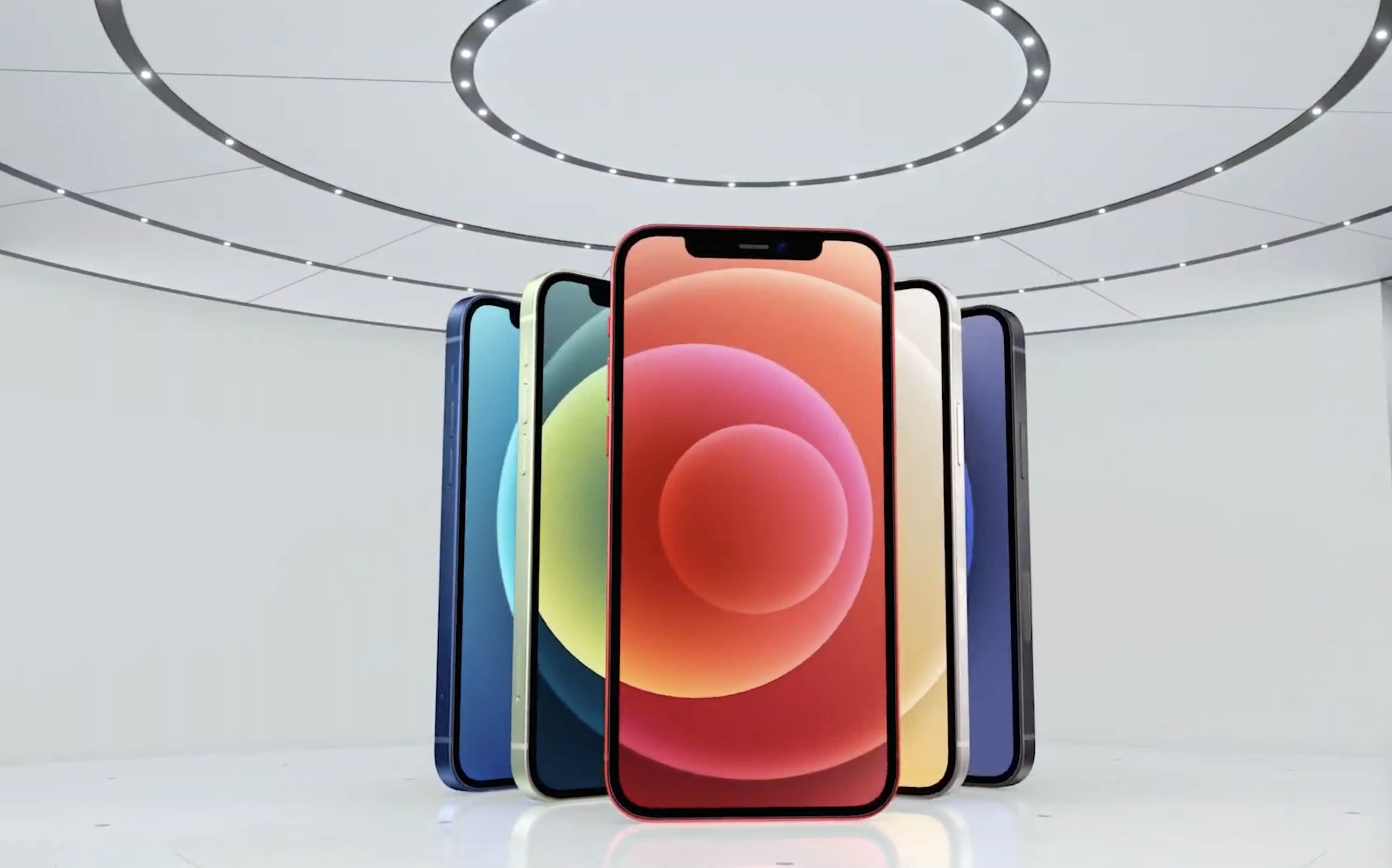
The iPhone 12 was the first with 5G.
Three became four with the new iPhone 12, 12 mini, 12 Pro and 12 Pro Max, featuring a fresh redesign with flat edges all around. These models were the first iPhones with 5G connectivity, and introduced the MagSafe line of chargers and accessories. The entry-level models were finally bumped from an LCD display to OLED, like the Pro models.
The quadruplets carried over the following year as well, with the iPhone 13 lineup. The iPhone 13 Pro and Pro Max now featured always-on displays, letting you keep an eye on your notifications and the time while your phone is locked.
iPhone 14, iPhone 15 and iPhone 16 lineup
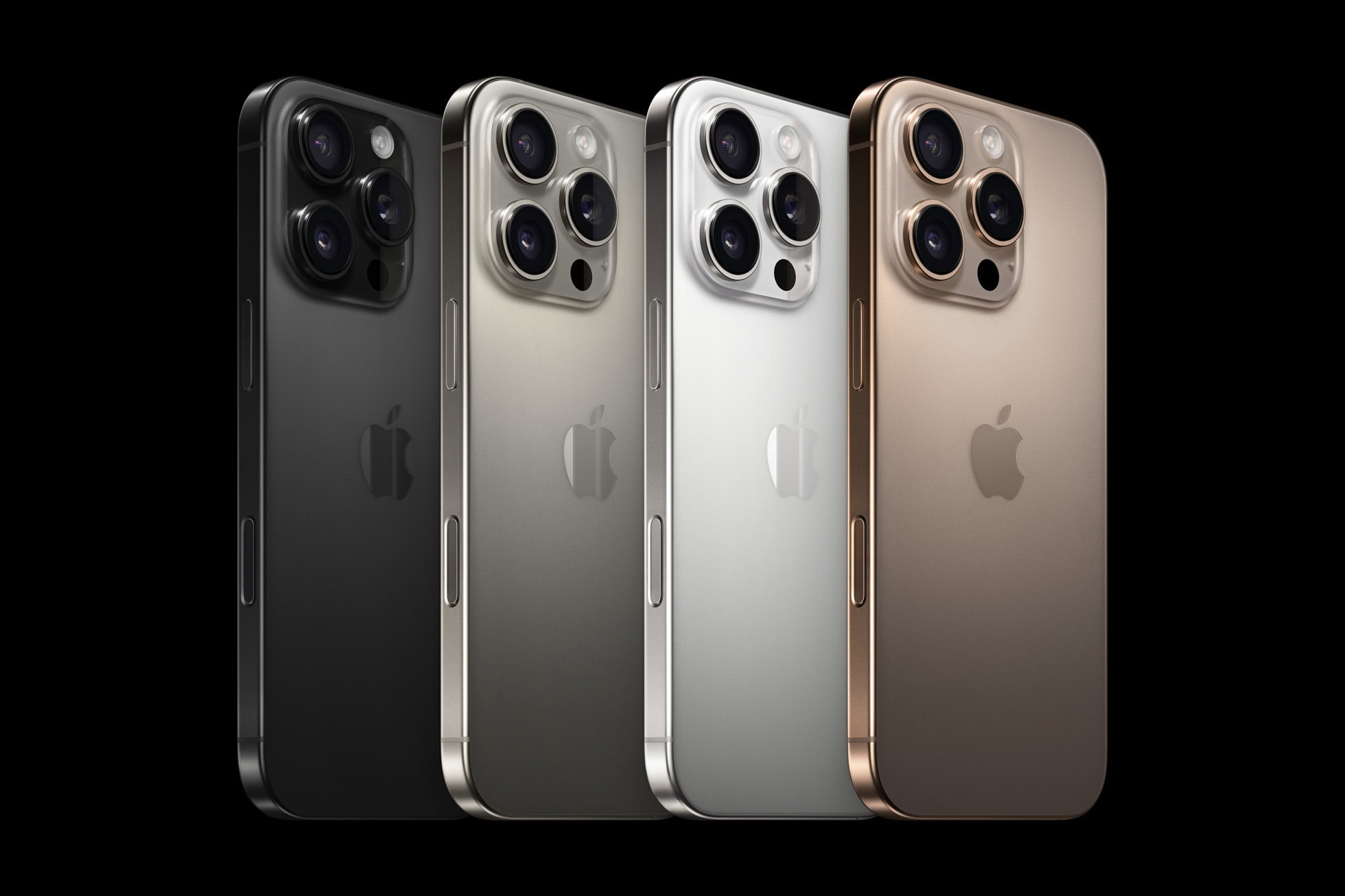
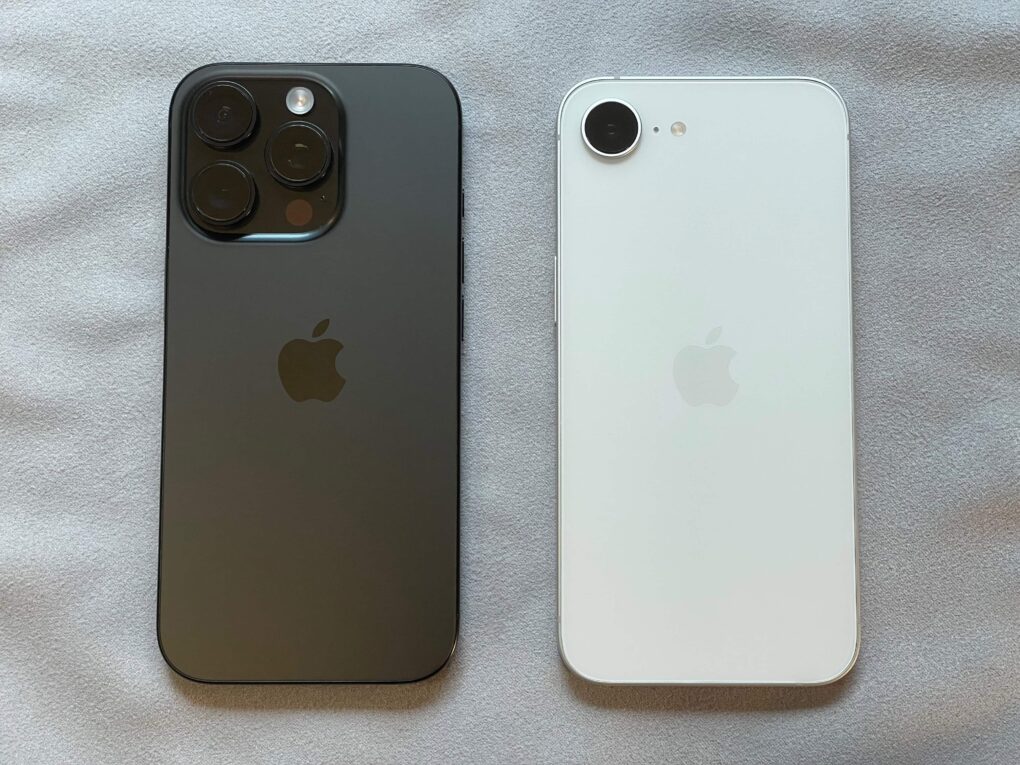
The iPhone 15 and 16 Pro (pictured) switched from polished stainless steel to a matte titanium frame.
The iPhone 14 lineup dropped the mini. It now consisted of the iPhone 14, iPhone 14 Pro, iPhone 14 Pro Max and an iPhone 14 Plus — a budget phone with the same screen size as the Pro Max. The iPhone 14 introduced Emergency SOS via Satellite, for contacting emergency services in remote locations. On the pro models, the notch was replaced by a new Dynamic Island — a floating black cutout in the display, that can show background tasks like timers and navigation up in the status area. The main rear camera could take 48 MP photos for the first time.
The iPhone 15 lineup switched all models away from Lightning to the industry-standard USB-C connector. The lower-end models now featured the Dynamic Island. On the iPhone 15 Pro, the traditional ring/mute switch was replaced by a customizable Action button. The pro models support Apple Intelligence.
The iPhone 16 lineup introduced a new Camera Control button for quickly opening and operating the camera. It is also pressure-sensitive for detecting half-presses and touch-sensitive for swiping along the surface. The lower-end models also received the Action button. All models support Apple Intelligence. The Pro models can now seamlessly shoot 4K 120 fps video.
iPhone Features
iPhone camera
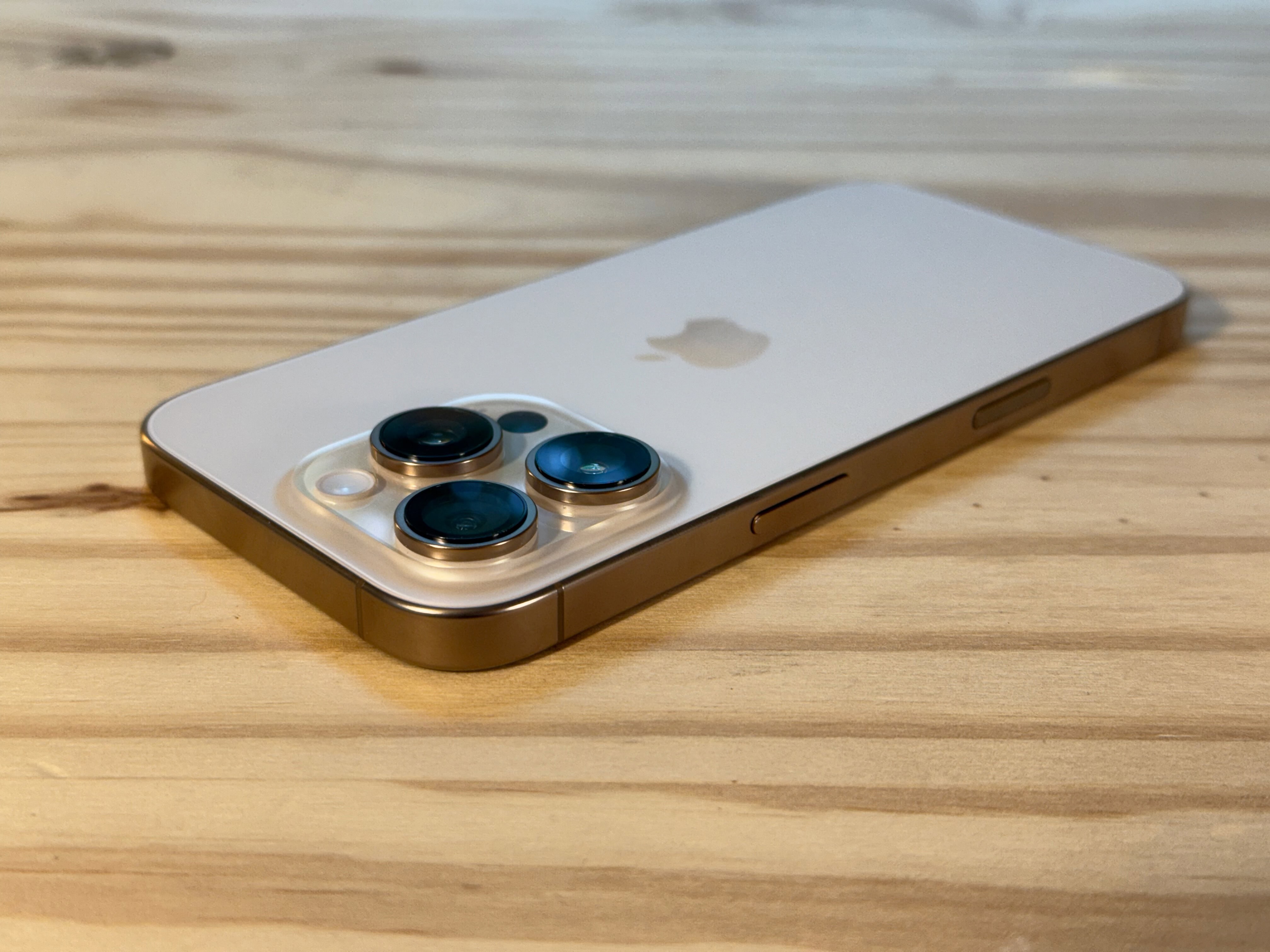
The camera dominates the back of the iPhone.
The camera is one of the iPhone’s most prominent features, with a large multi-camera system dominating the back of the phone on the pro models. Here’s a quick guide to the features of the iPhone’s camera:
Photo modes
Photo takes a picture. When the Live Photo icon in the top right (a few circles with dotted lines) is yellow, your phone will record a short snippet of video around the picture. You can turn Live Photos into cool animated effects.
Portrait mode will artificially blur the background, like a DSLR camera. This works best if there’s a lot of clear separation between your subject and the background. I also recommend using this feature outside during the day, or indoors with a lot of even light, for the best results. You can also pick a few color effects; the zoom control is moved to the corner.
If your phone has multiple lenses, you can tap .5, 1, 2, 3 or 5 to switch between them. You can also pinch to freely zoom in and out. Tap the Reverse button in the bottom right to switch to the front-facing camera.
Pano will take a panorama. Hold your phone steady (or put it on a tripod) and tap the button to start. Slowly and steadily spin your phone around in a circle to capture your surroundings.
Video modes
Swipe right or tap the word Video to record instead. In the upper right corner, you can tap to change the video resolution or frame rate. As you’re recording, hit the white button to take a picture.
Tap the icon of a person running to turn on Action mode. This will stabilize the video if you’re filming handheld with a lot of motion. This feature requires an iPhone 14 or newer.
Cinematic mode is like Portrait mode for video. It’ll intelligently determine the focus of the shot and blur the background. You can even adjust the focus after the video’s been taken. This is available on the iPhone 13 or newer.
Slo-Mo will record video at a much higher frame rate, played back in slow motion. In the upper right corner, you can set the speed. 120 is 4 times slower; 240 is eight times slower.
Time-Lapse is the opposite; it’ll speed up your video. Set your phone steady on a ledge, shelf or tripod and start recording. However long you record for, it’ll shorten the result to about twenty seconds or so.
Camera Control
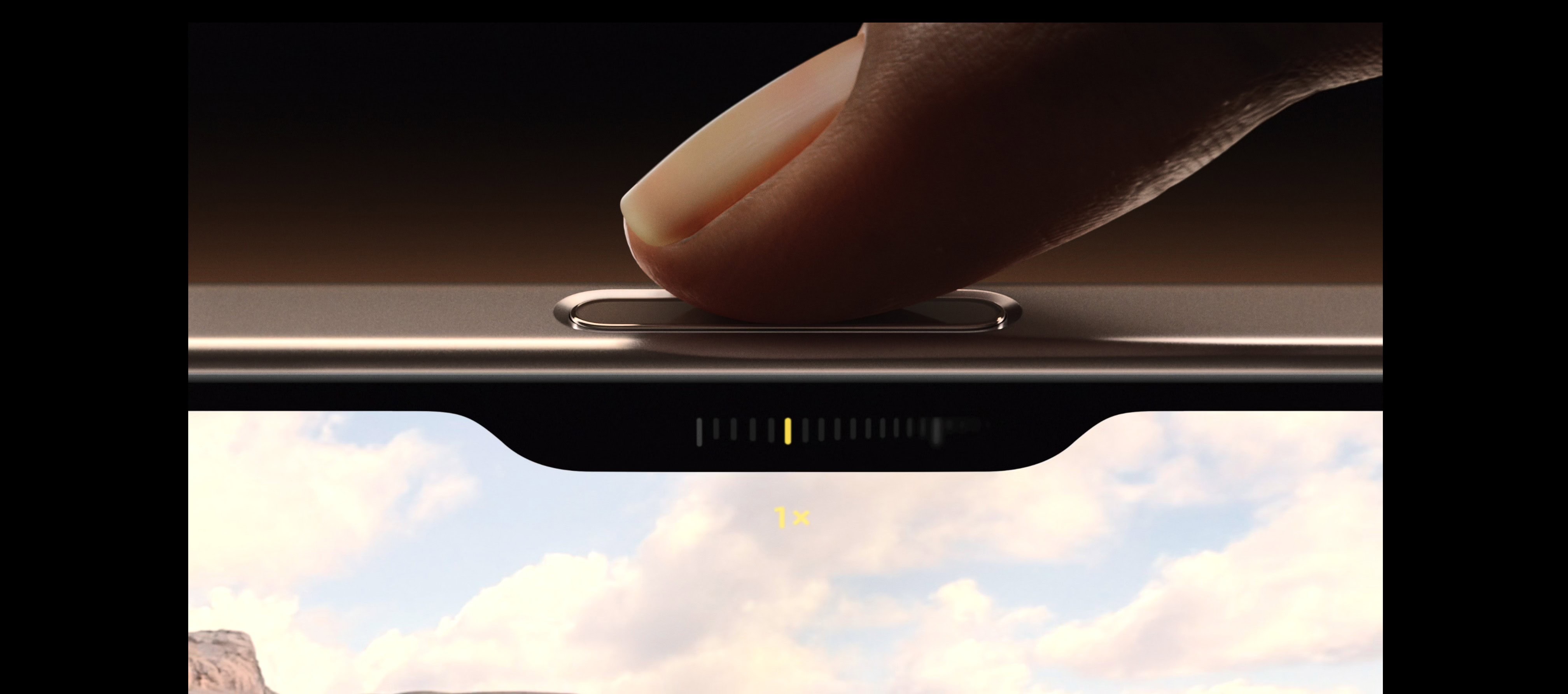
The Camera Control button on iPhone 16 and iPhone 16 Pro gives you instant access to your camera AND camera settings.
The Camera Control is a new button on the side of the iPhone 16 lineup. It makes opening the camera and taking a picture faster than ever before:
Click the button to open the Camera app.
Click the button again to take a picture.
Hold the button down to take a video.
It also has some advanced functionality, for operating the camera:
Half-click the button to bring up a control slider to zoom in and out. Swipe your finger along the button to control the zoom level.
Double-half-click the button to switch between other camera controls.
Half-click and hold the button down to lock the focus and exposure.
Dynamic Island
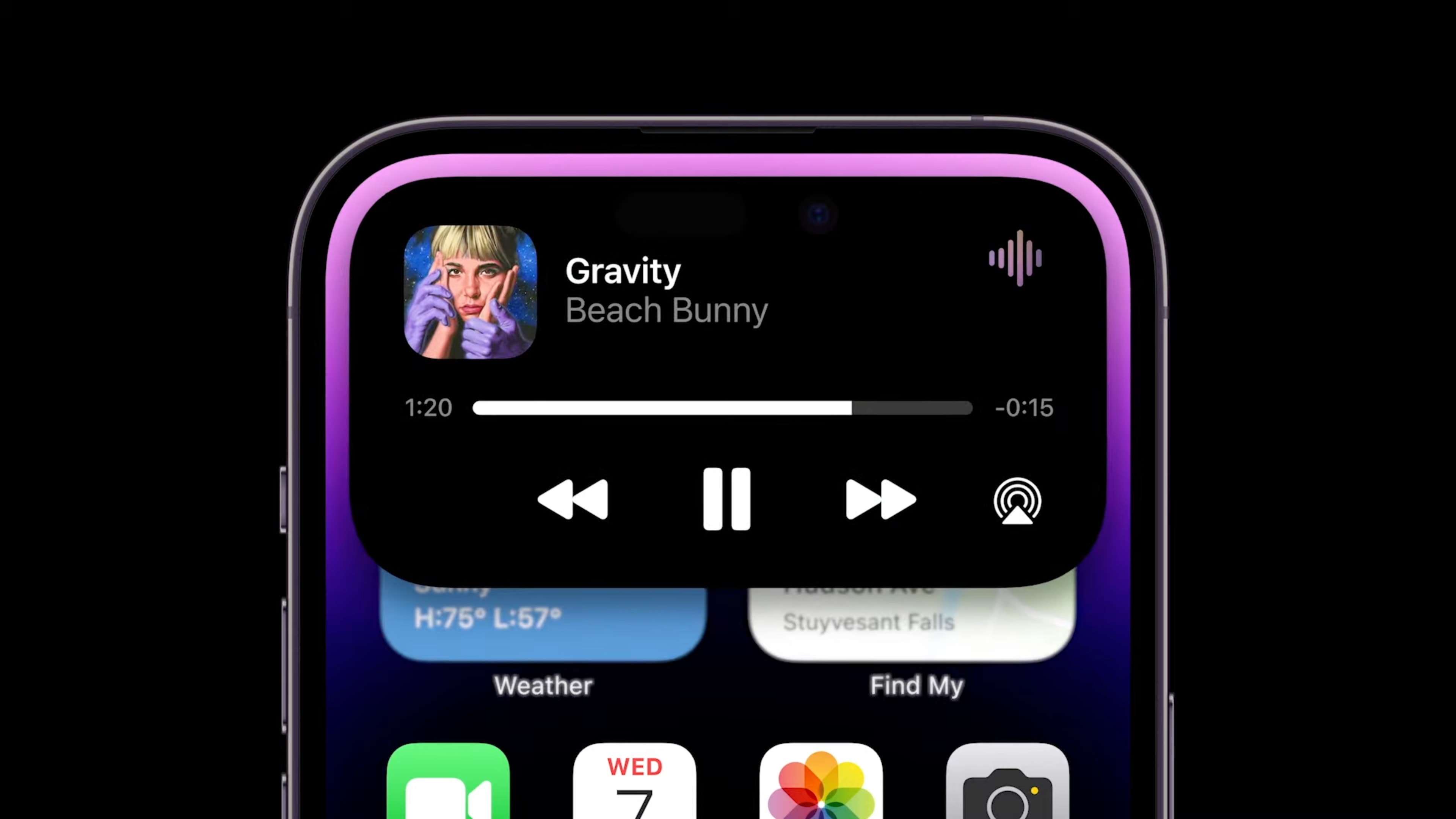
The Dynamic Island morphs into different sorts of interactive widgets at the top of the screen.
The Dynamic Island is a status area at the top of the screen on the iPhone 15, iPhone 14 Pro and later models. Music or podcasts playing in the background, active phone calls, running timers, Apple Maps navigation and more will add little widgets to the Dynamic Island so you can quickly switch back to them.
Tap on an item to switch to that app.
Tap and hold on it to bring up quick interactive controls.
iPhone screen
Modern iPhones have an OLED screen, where each pixel can be individually lit. That means you get true, deep blacks and higher contrast. iPhone screens can also show HDR (High Dynamic Range) content. This brightens parts of the image for more vibrant colors.
Newer iPhones can hit a maximum typical brightness of 1,000 nits, considered bright enough to be legible outdoors, with a higher peak brightness for HDR content. The iPhone 15 and newer models can reach up to 2,000 nits outdoors, making them ideal for those bright sunny days.
The iPhone 13 Pro and later pro models have a ProMotion display. Whereas a typical display refreshes at 60 Hz, a ProMotion display can refresh up to 120 Hz for smoother animations. It can also match the refresh rate of the content onscreen, if you’re watching a 30 FPS video or a 24 FPS movie. When nothing is moving on the screen, it can drop down to 10 FPS for preserving battery life.
The iPhone 14 Pro (and subsequent pro phones) come with an always-on screen. When the phone isn’t being used, it dims the brightness of your Lock Screen, while keeping your notifications and wallpaper visible. Apple says the always-on screen only takes approximately 1% of battery life per hour.
StandBy
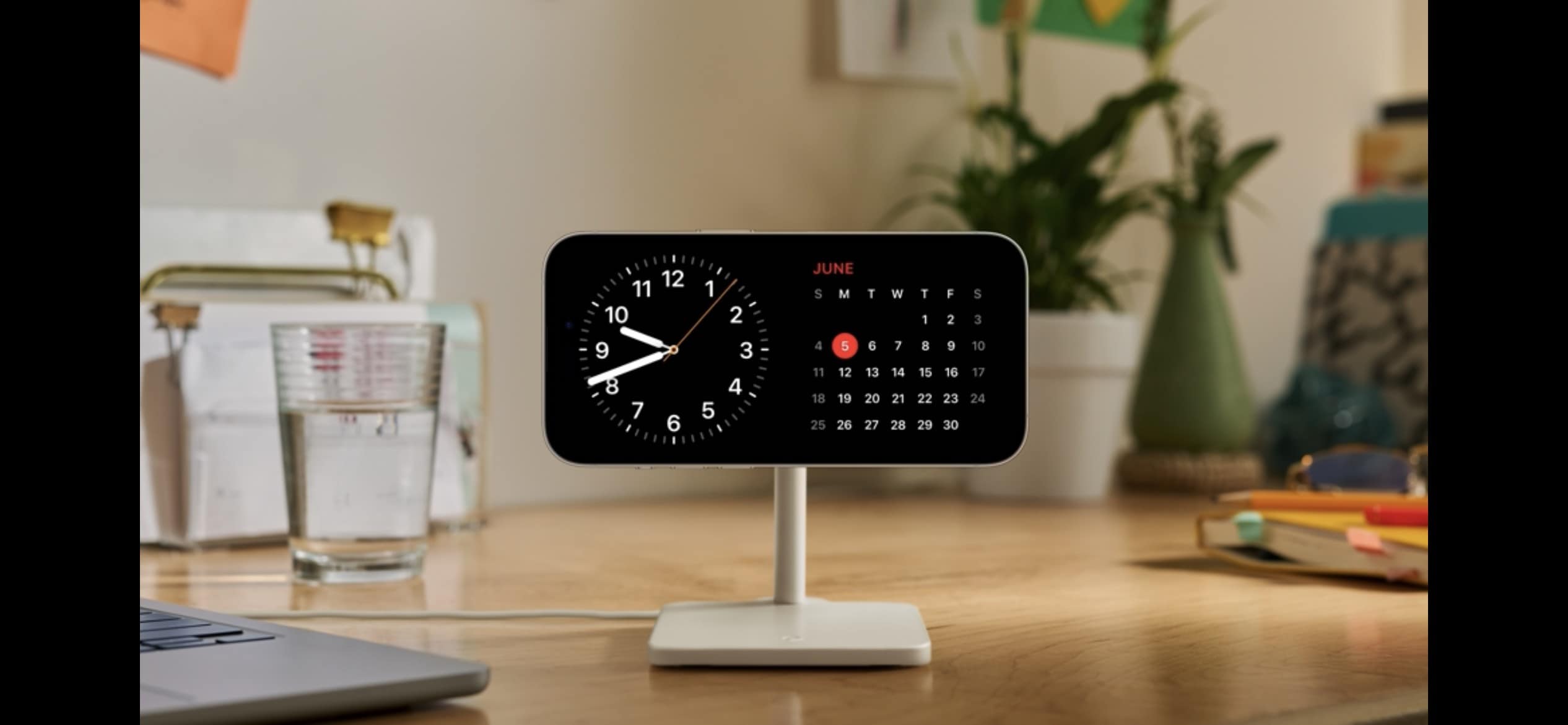
It turns your phone into a little smart display when you’re not using it.
StandBy is a special mode you can put your phone in while it’s sitting on your desk, nightstand or counter. To enter StandBy, your phone has to be charging and held horizontally. This works great if you have a MagSafe charging stand, but also works if your phone is plugged in and propped up.
In StandBy mode, your phone can show you the time, rotate through photos, or show a variety of widgets.
StandBy was introduced in iOS 17 on models with MagSafe.
iPhone storage
Every iPhone, just like a computer, has internal storage for saving photos, apps, messages and more. The latest iPhones come with 128 GB of storage on the base model, but can be ordered in higher capacities of 256 GB, 512 GB or 1 TB.
iPhone Photos
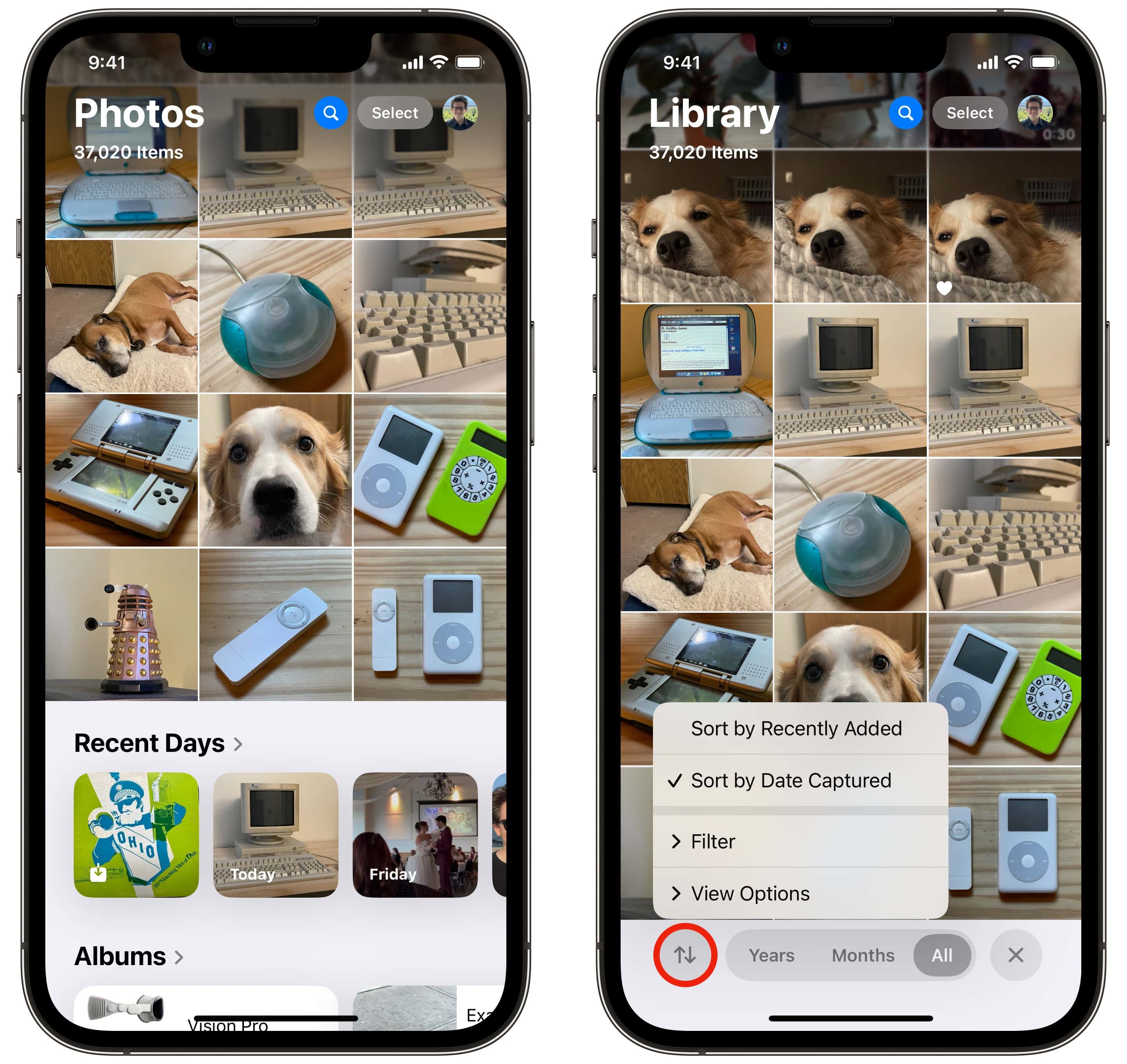
The new Photos library in iOS 18 has a floating toolbar at the bottom.
Apple Photos is the photo management app on your iPhone. Images you take on the camera, or save from the web, are added to your photo library here.
The Photos app is divided into two sections.
When you launch the app, you can scroll up to browse through your library. Tap the Sort & Filter button in the bottom left to view pictures sorted by date added instead of date taken, or to show screenshots in with the rest of your photos.
Scroll down to browse through collections and albums. You’ll see your albums, named people and pets, pinned collections, intelligently chosen collections of trips and memories and different media types and utilities. You can customize the order of these items by tapping Customize & Reorder at the bottom.
You can assign names to the people and pets in your photo library to make them easier to find. You can tap the Search button at the top to find images based on the name of the people, the location, the date and even objects inside the photo.
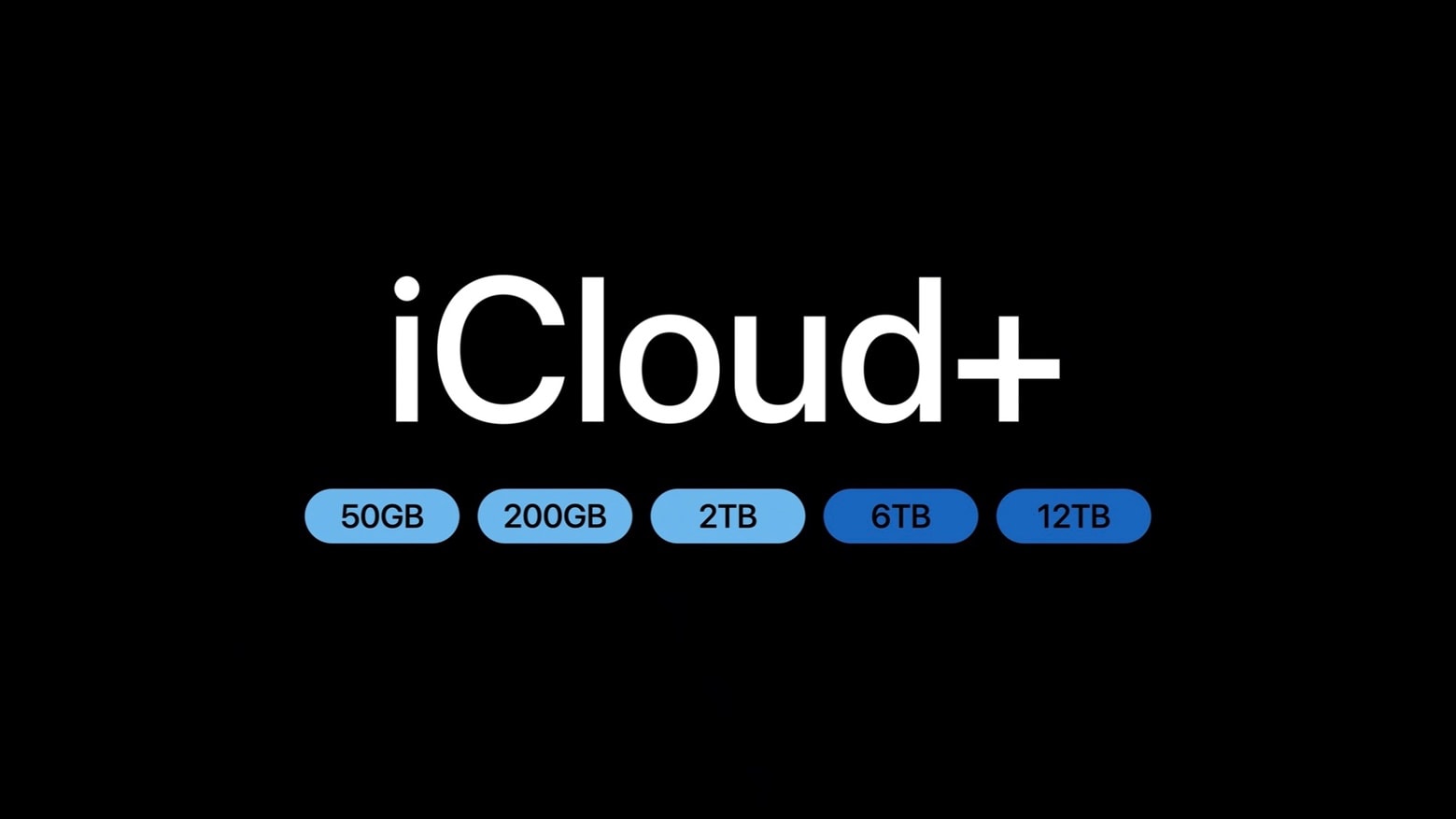
Photos automatically sync every night to iCloud when your iPhone is charging and connected to Wi-Fi. New photos and edits will sync across all your devices.
You can create a shared photo library with those close to you. You can each continue to have photos private to yourselves, but photos you take together can be added to the shared library automatically.
iMessage on iPhone
iMessage is a special feature that kicks in when you’re texting another person with an iPhone. Instead of texting by SMS (or RCS) using your cell carrier, it’ll send your text over iMessage.
iMessage allows for higher-quality photos and videos, text formatting, larger file attachments, stickers, SharePlay and built-in apps and games.
You can use iMessage from any iPhone, but also on a Mac, iPad, Apple Watch and Vision Pro.
iPhone Backup
You can sync huge amounts of data to the web with iCloud.
iCloud can seamlessly back up your iPhone every night when it’s charging and connected to Wi-Fi. This means that if you ever lose or upgrade your device, you can pick up exactly where you left off.
Turn it on in Settings, tap on your name at the top, tap iCloud and tap iCloud Backup. Make sure you enable Back Up This iPhone.
Find My iPhone
Find My lets you find a lost device. Whether it was misplaced around the house, left at a friend’s place or stolen, Find My will help you get it back.
You can launch the Find My app from any of your other Apple devices, like an iPad, Mac or Apple Watch. You can also use Find My from a Windows PC or Android device via icloud.com.
iPhone Accessories
MagSafe
MagSafe is the name for accessories, cases, stands, chargers, wallets and more that attach to your iPhone magnetically. The feature was introduced on the iPhone 12 and is compatible with all subsequent models.
MagSafe chargers
A MagSafe charger can charge at speeds up to 25W on the latest iPhone 16. Most officially certified MagSafe devices charge at 15W, while other third-party “MagSafe-compatible” devices only charge at 7.5W.
MagSafe chargers typically either snap onto the back of your phone with wired cables or attach your phone to solid charging stands. You can also find MagSafe battery packs, if you want to top up your battery without dealing with a messy cable in your pocket. MagSafe car chargers let you quickly prop up your phone with navigation, while charging it up as well.
A thicker case will prevent your iPhone from connecting to MagSafe, as the magnets will not be able to make a strong connection. But a MagSafe case will include the same pattern of magnets built in, so that you can keep using the same accessories.
MagSafe wallets
If you want to carry around a small handful of cards, you can carry them in a magnetically attaching MagSafe wallet.
Straighten out images that were taken slightly askew. Image: D. Griffin Jones/Cult of Mac
If you’re traveling this summer, there’s a neat editing trick to get spectacular shots of landmarks or murals. On the iPhone, you can crop, skew and rotate a photo using the Photos app’s advanced editing tools to make adjustments you might not have thought were possible.
You can quickly fix the perspective or angle a picture was taken from, correct the fisheye distortion on an ultra-wide photo and more. You can also precisely rotate and skew the perspective, for those times when you don’t realize until it’s too late that your shot is slightly to the side or slightly off-center.
The best part is you can can fix it all directly in the Photos app. Here’s how.
A regulatory mess and political uncertainty delay the rollout of Apple Intelligence in China. Photo: Grok
Apple’s much-anticipated launch of Apple Intelligence in China has been indefinitely delayed as the company’s AI partnership with Alibaba faces regulatory roadblocks tied to the intensifying trade war between the United States and China, according to a new report.
The A20 chip will arrive in 2026 with the iPhone 18 generation. Image: D. Griffin Jones/Cult of Mac
Apple’s A20 chip, which likely will power the iPhone 18 Pro and folding iPhone, reportedly will use a new technology that integrates RAM inside the chip. Bringing the memory closer to the CPU, GPU and Neural Engine might provide significant boosts in performance, battery life and thermal efficiency.
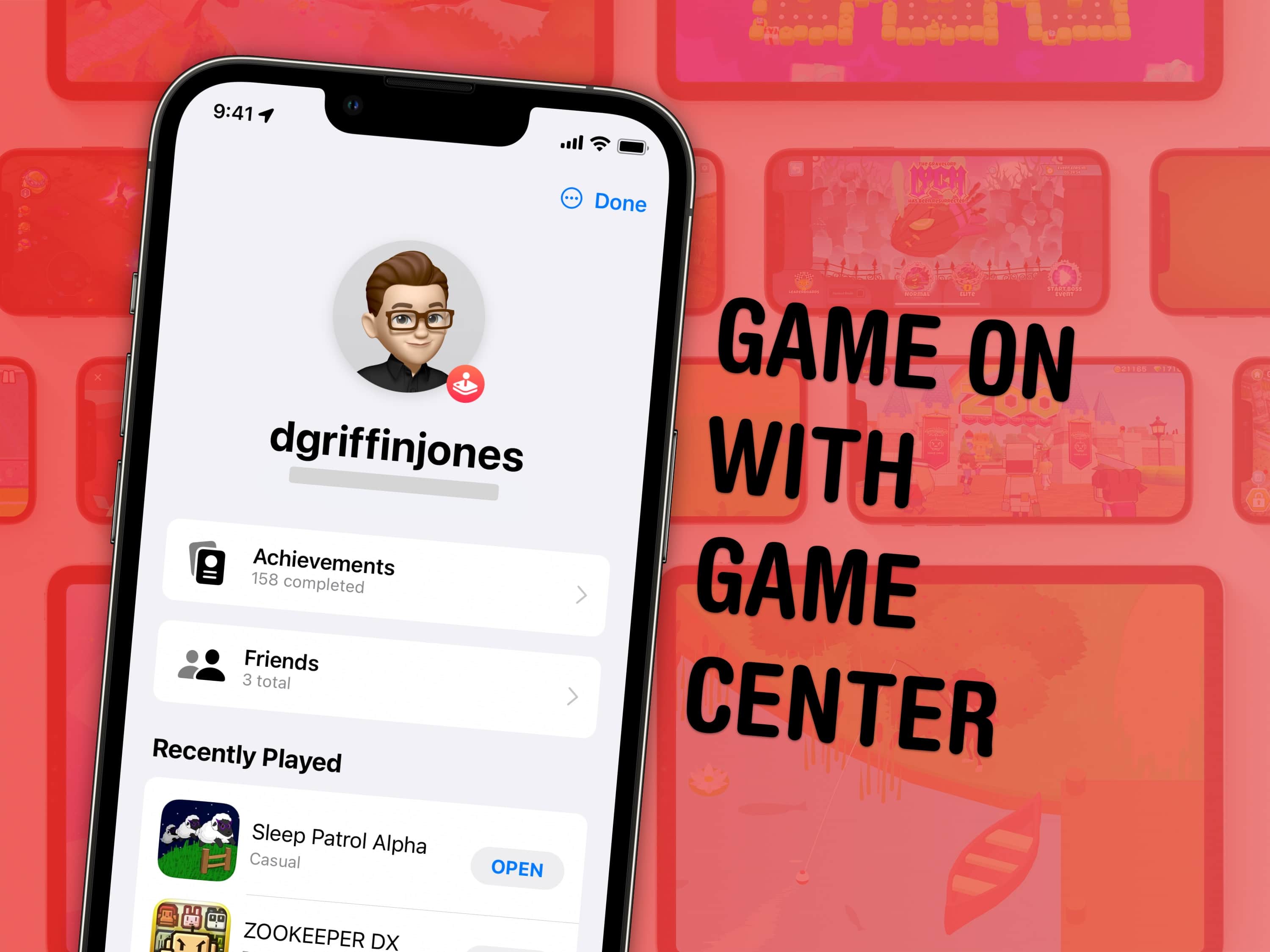
Set up Game Center and you can compete with friends in the games you both play. Image: Apple/D. Griffin Jones/Cult of Mac
Apple’s Game Center service lets you compete with friends and unlock achievements in the games you play. You can see where you rank among your friends — and globally. Achievements will give you a list of missions to accomplish to prove your mastery of the game. You can even play live multiplayer games on all your separate devices using SharePlay.
June 3, 2011: iOS overtakes Research in Motion’s BlackBerry operating system for the first time, with Apple’s mobile operating system inching past BlackBerry OS.
While Android remains comfortably in the lead in terms of market share, the news marks the beginning of the end for BlackBerry as a smartphone powerhouse.
WWDC25 won’t be as Apple Intelligence-packed as last year. Image: Apple/D. Griffin Jones/Cult of Mac
Apple doesn’t have as many Apple Intelligence features to announce at WWDC25 as it did during last year’s developer conference. However, a handful of new AI features should arrive, including Apple Intelligence-generated Shortcuts automations, an Apple Intelligence API for developers, and AI-powered health tips. Apple’s foundation language model itself will also be improved, with versions in four different sizes currently in testing.
Here’s what to expect on Apple Intelligence next Monday during the WWDC25 keynote.
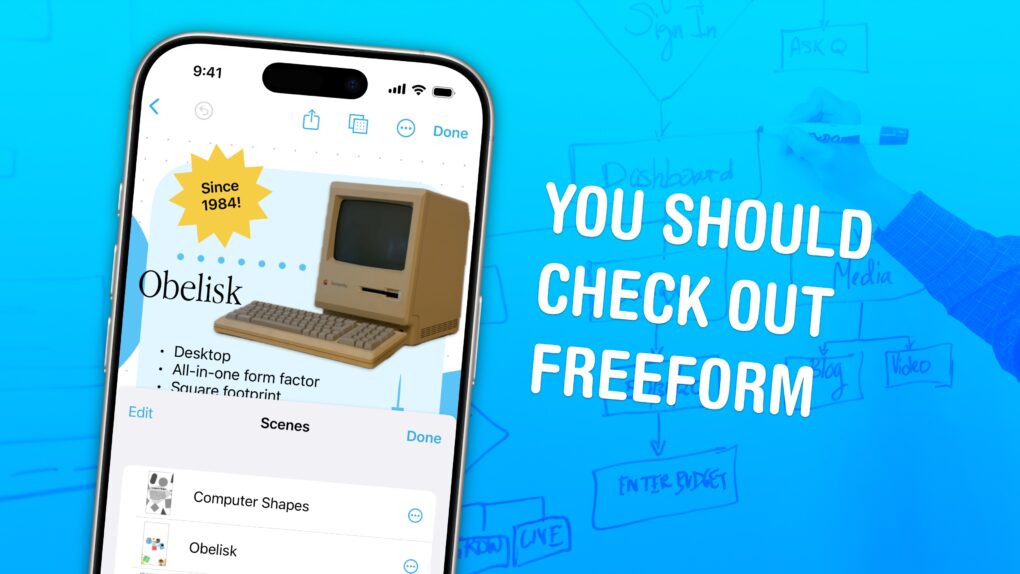
Freeform is a weird and very underrated Apple app. Image: D. Griffin Jones/Cult of Mac
Apple’s Freeform app for iPhone, iPad, Mac and Vision Pro is a digital whiteboard you can use to brainstorm or gather ideas in one infinitely scrolling canvas.
You can use Freeform to throw together ideas with a colleague. You could build a presentation using Freeform’s scenes, kind of like using Prezi. Or, you can use Freeform as a drawing app with your iPad and Apple Pencil.
Freeform comes with all kinds of features for adding text boxes, rich links, drawings, clip art, sticky notes, files, photos, videos and more. It’s a great way to build a mood board or connect big ideas.
A big Chicago daily pulls the plug on staff photographers. Photo: HypeBeast
May 31, 2013: The Chicago Sun-Times fires all 28 of its photographers, with the goal of training its staff to shoot photos using iPhones instead. Pulitzer Prize winner John H. White is among those who lose their jobs.
The move is significant not just because of what it says about the declining newspaper industry. It also spotlights the iPhone’s growing acceptance as a professional camera.
That's quite an iPhone camera rig tracking that infected dude. Photo: Sony Pictures Entertainment
Danny Boyle will soon bring the infected back to the big screen in ways that would make any iPhone cinematographer jealous. The acclaimed director behind the original 28 Days Later returns for the long-awaited sequel 28 Years Later. And he uses cutting-edge iPhone technology alongside traditional filmmaking techniques to create what he calls a “poor man’s bullet time” effect (a la The Matrix movies), according to a new report.
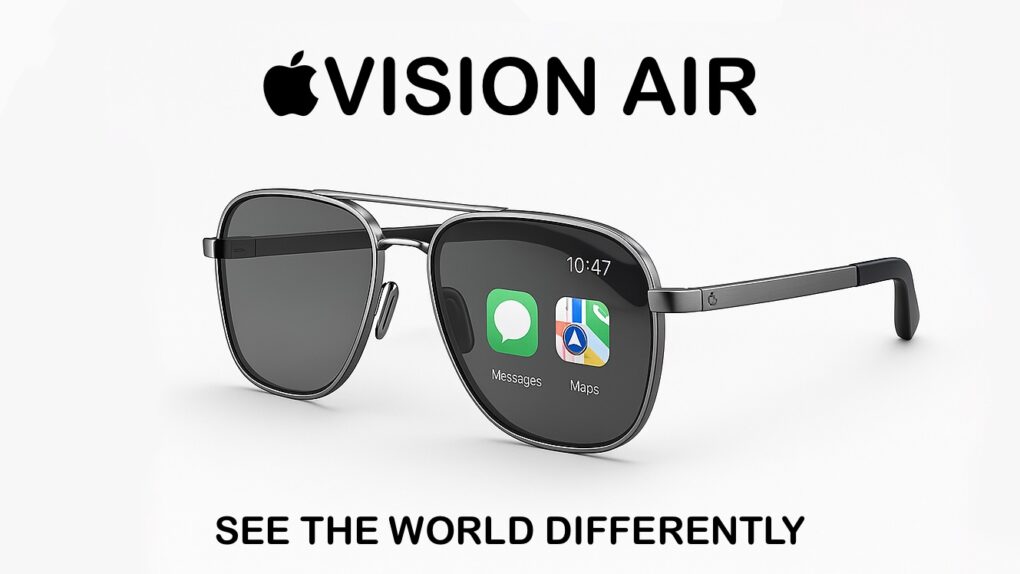
Apple Vision Air could be the iPhone replacement. Eventually. AI concept: ChatGPT/Cult of Mac
Apple makes the bestselling phone, smartwatch and wireless headphones, and is fantastically profitable as a result. But if it can’t develop the Next Big Thing, it could easily be out of business in 10 years. But there’s no cause for concern — Apple is already working on the product that’ll replace the iPhone: smart glasses.
Even better, Apple is taking two approaches for developing smart glasses, which should go a long way toward ensuring that it makes the definitive version of the must-have computer of the 2030s.
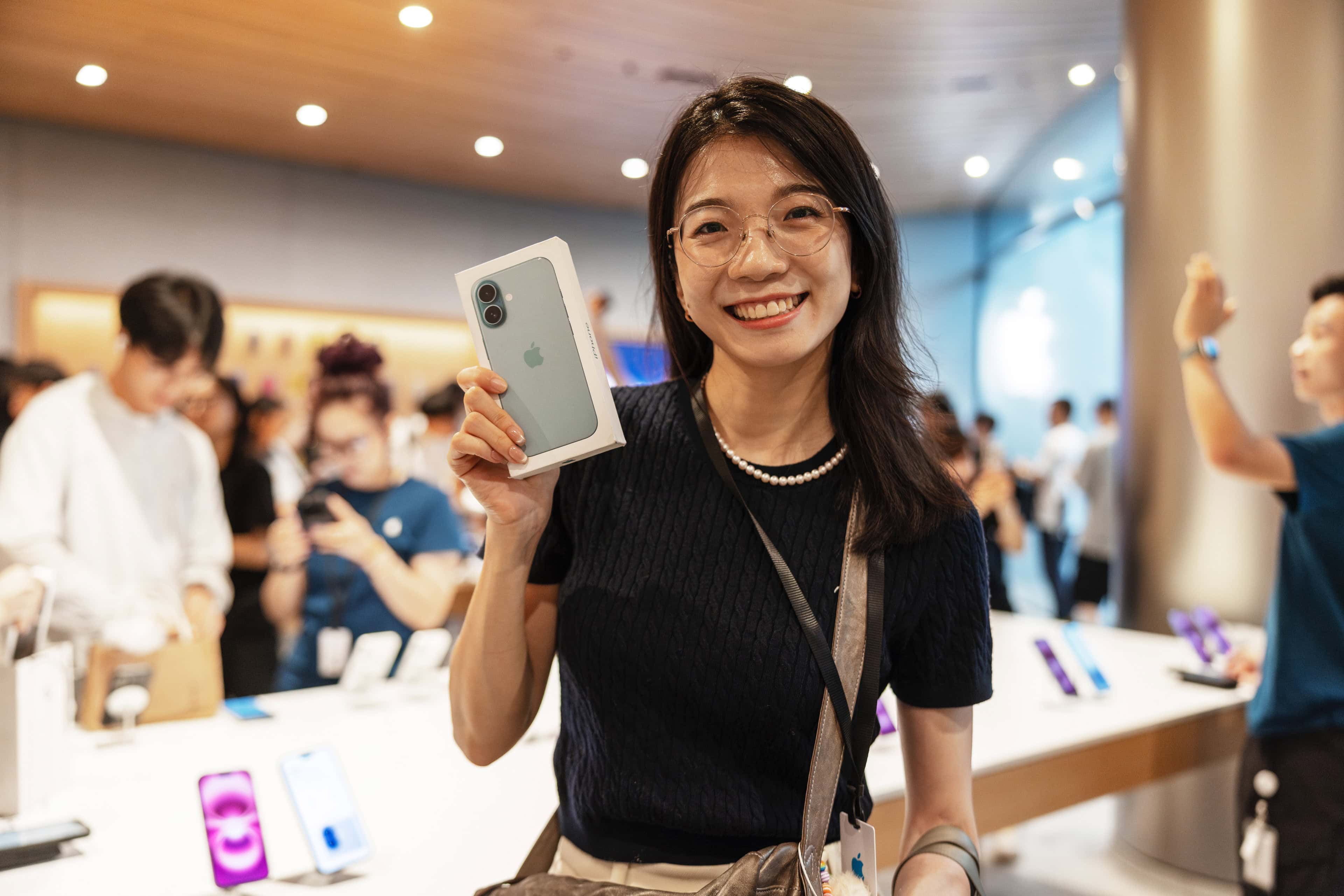
More people around the world buy the iPhone 16 than any other model. Photo: Apple
The iPhone 16 is the bestselling smartphone in the world, according to a market research firm. In fact, the global list of the top five bestselling handsets in the first quarter of 2025 includes four iPhones and one Samsung model in the bottom slot.
According to the analysts, the iPhone 16 base model outsold either of the Pro variants in Q1.
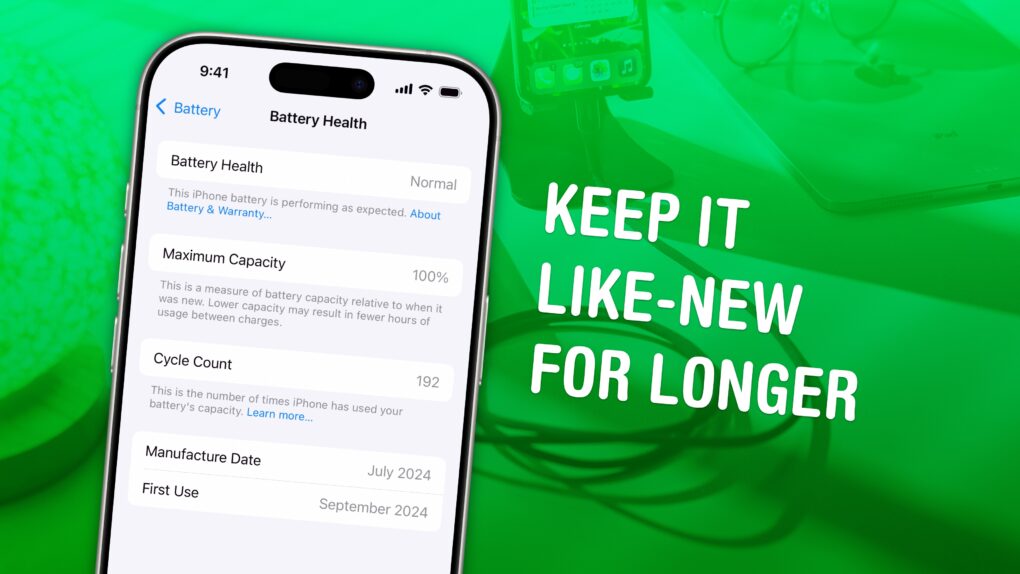
Maximize your long-term battery health. Image: D. Griffin Jones/Cult of Mac
Adopting a few smart habits can preserve your iPhone battery health, greatly extending the device’s useful lifespan.
By simply tweaking how you use and charge your device, you can keep your battery from going bad, which is often cited as a reason to upgrade to a new iPhone. Just make these easy lifestyle changes, and your iPhone should last longer in the long term.
Keep reading or watch our video to find out how to boost your iPhone battery health.
A well-connected supply chain analyst thinks that, from a profitability standpoint, it’s better for Apple to absorb the 25% tariff on iPhones. But the bigger concern is the growing political pressure from the U.S. president.
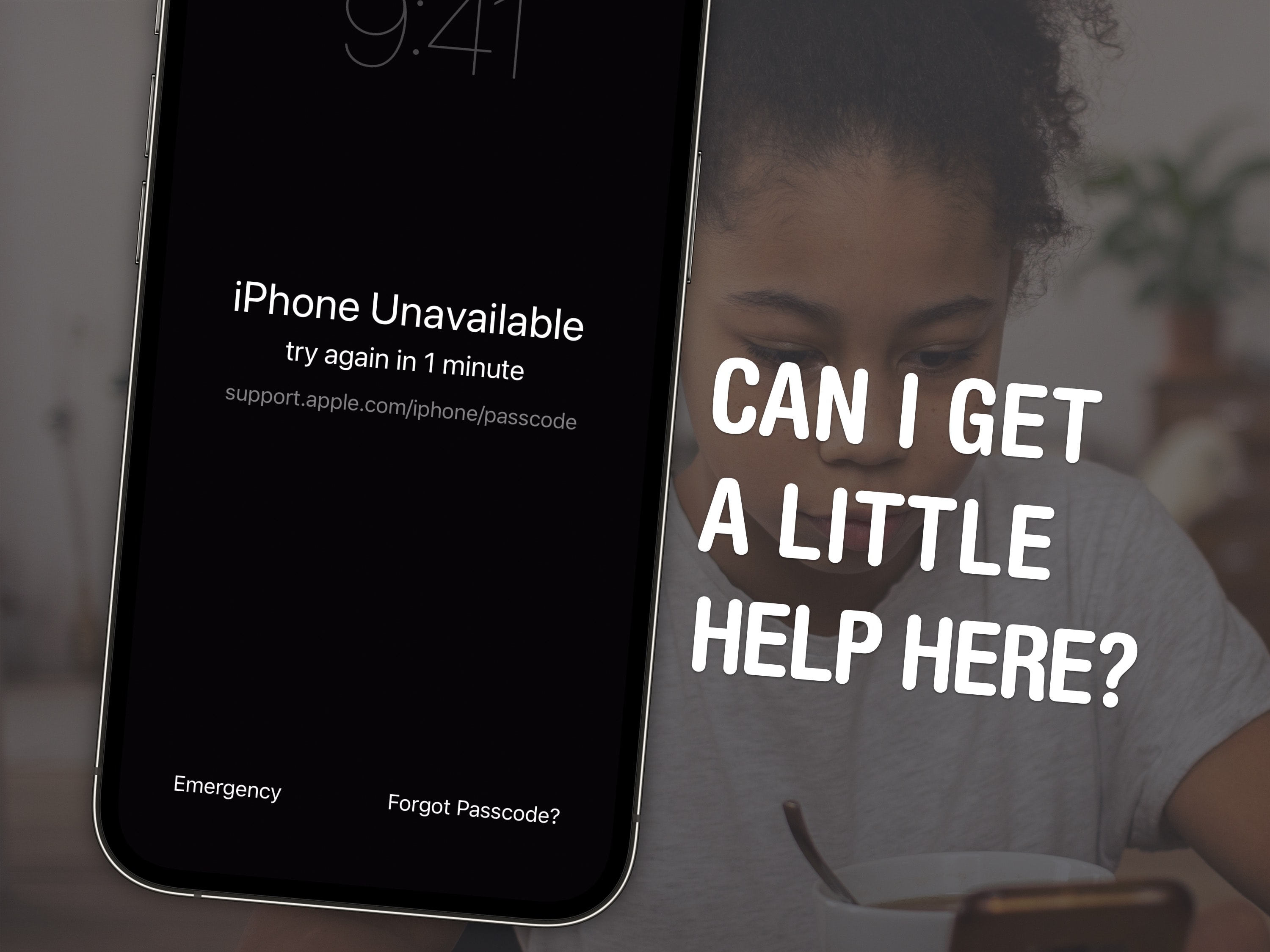
In iOS 17, you have an easier path forward if you forget your iPhone's new passcode. Image: D. Griffin Jones/Cult of Mac/Pexels
If you forgot your new iPhone passcode, you can reset it with your old one for up to three days later. This can save you hours of trying to remember the new passcode, or worse, resetting your phone from a backup.
You just have to tap Forgot Passcode? on the Lock Screen after you enter it several incorrect times.
Keep reading for a detailed walkthrough. And don’t worry — if you change your passcode intentionally to keep someone out, you can instantly expire your old one.
Now's the time to trade in your old iPhone at Apple. Maybe get a nice iPhone 16 Pro or iPhone 16e? Photo: D. Griffin Jones/Cult of Mac
iPhone trade-in values get a boost from now through June 18 when you turn over your old iPhone online or in an Apple Store, the Cupertino tech giant said Friday. The monetary increases are modest, but hey, every dollar counts. So now, or anytime Apple raises iPhone trade-in values, is the time to refresh your handset with a shiny new one from the iPhone 16 lineup.
President Trump threatened Apple CEO Tim Cook with an iPhone-specific tariff. Illustration: ChatGPT
President Donald Trump renewed his call on Friday that the iPhone be made in the United States, and threatened Apple with a special 25% tariff if the device gets assembled anywhere else.
Previously, Apple seemed caught up in Trump’s trade war with China, as so many of its products are assembled there. But now Trump’s ire turned specifically on Apple, causing him to threaten import taxes on its products alone.
It amounts to a big update. Photo: Rajesh Pandey/Cult of Mac
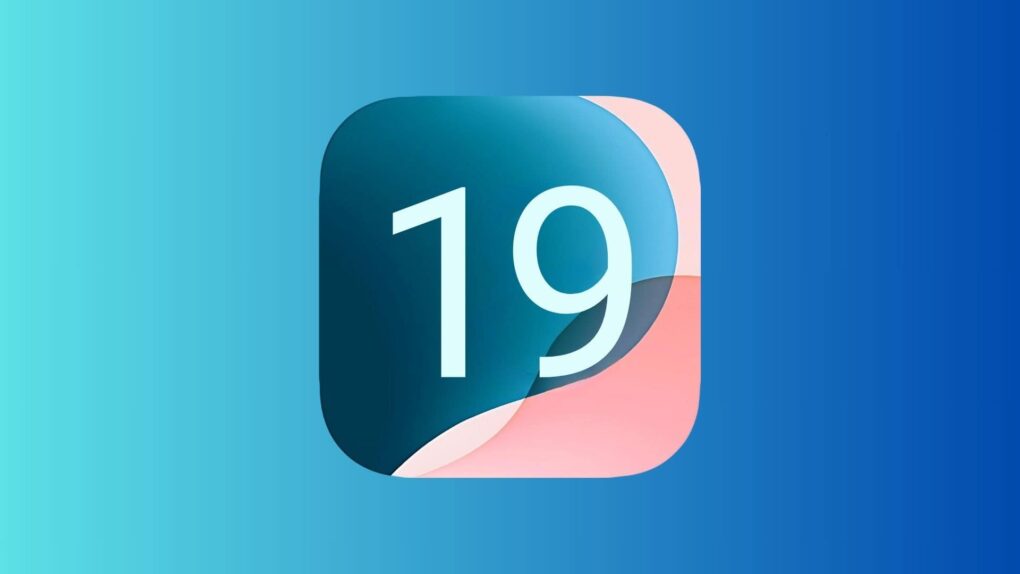
Rumors swirling ahead of WWDC25 give us a decent idea about what to expect in iOS 19. The new operating system, which Apple will showcase when its annual developer conference kicks off June 9, shapes up as one of the more significant iPhone software updates lately.
The iOS 19 overhaul promises to transform how users interact with their devices through big design changes, enhanced AI capabilities and improved cross-platform integration.
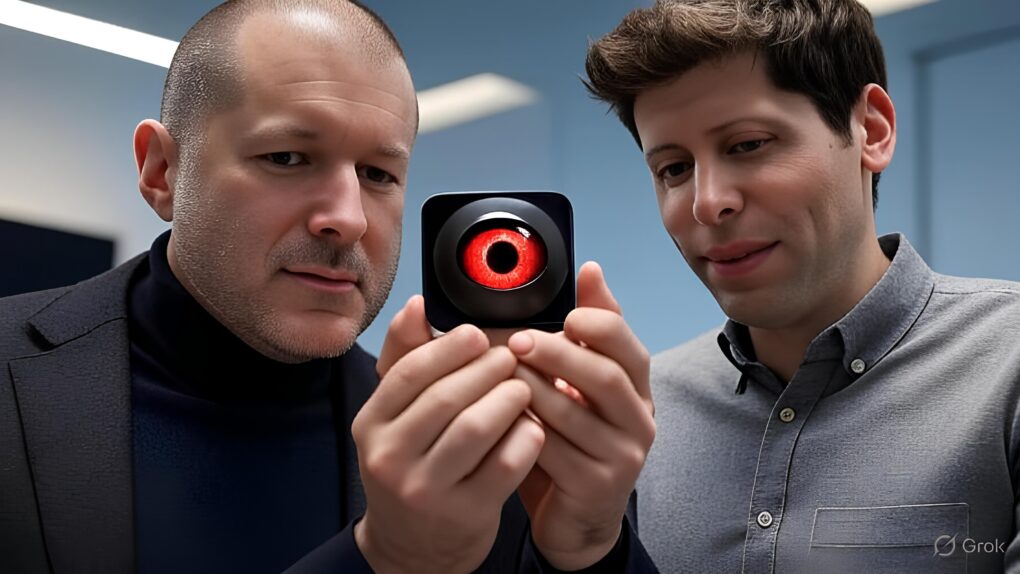
An AI-generated image of Jony Ive and Sam Altman with a next-gen AI device. AI image: Grok/Cult of Mac
Will Jony Ive and Sam Altman’s new partnership dethrone Apple? A lot of people seem to think that in a battle of OpenAI vs. Apple, the iPhone maker is on borrowed time.
Looking at social media, the hype about OpenAI’s acquisition of Ive’s startup io is off the charts. Many pundits predict doom for Apple, which is already widely assumed to be woefully behind in AI. Apple’s stock took a big dive on the news of OpenAI’s acquisition of Ive’s secret company Wednesday.
But I highly doubt that Ive and Altman will topple Apple from its throne. Apple still has massive advantages — and they’re perhaps unassailable. Here’s why.
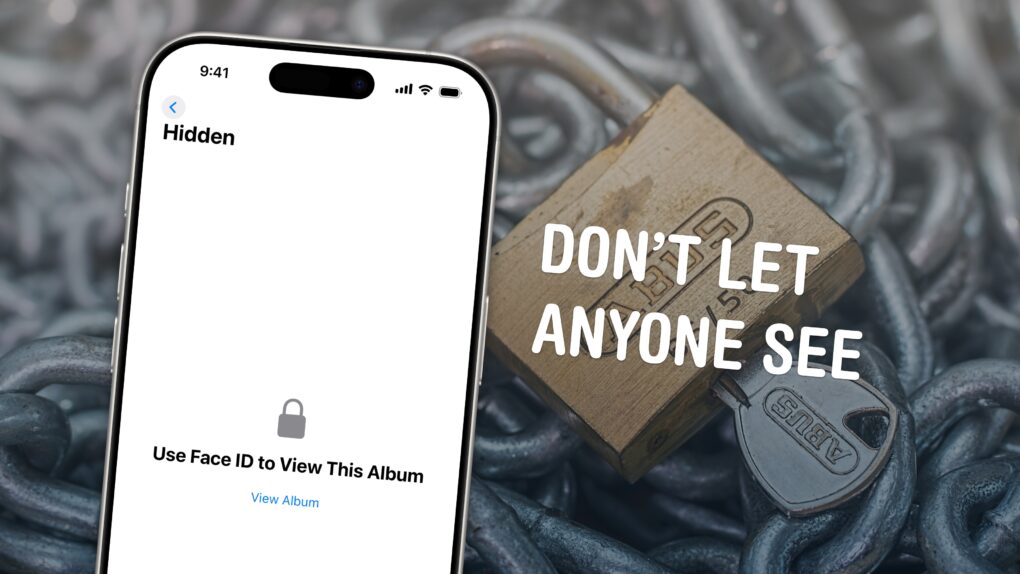
Keep your photos locked up like Fort Knox. Image: D. Griffin Jones/Cult of Mac
You can easily hide photos and videos on your iPhone to keep secret and/or illicit images out of your main Photos library library. Hiding items from the camera roll makes sure nobody except you can see your embarrassing pictures, salacious nudes or old selfies with your ex.
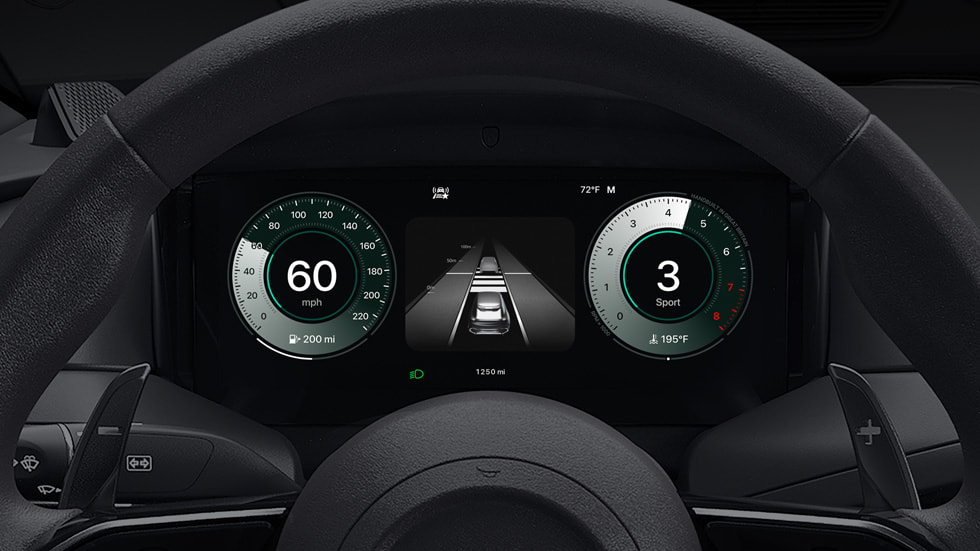
With CarPlay Ultra, content populates all the driver’s screens, including the instrument cluster. Photo: Apple
After a five-month delay from its original timeline, Apple’s next-generation CarPlay experience is finally hitting the road. Dubbed “CarPlay Ultra,” the deeply integrated system that Apple first previewed in 2022 has begun rolling out to Aston Martin vehicles in the United States and Canada, with more automakers soon to follow.
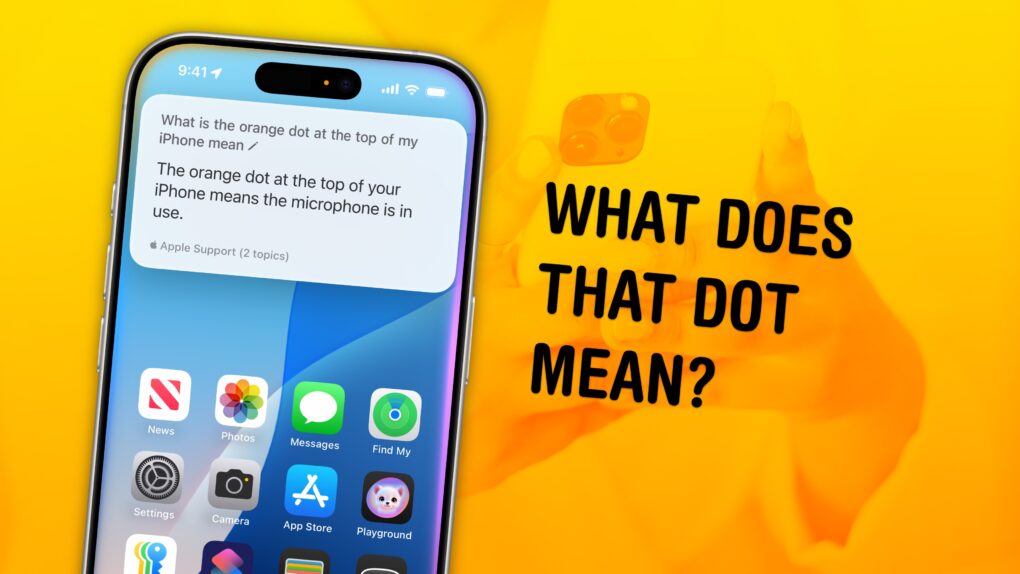
A long-standing mystery solved. Image: D. Griffin Jones/Cult of Mac
What does the orange dot on your iPhone mean — and while we’re at it, how about the green dot? These mysterious dots can appear in the Dynamic Island of newer iPhones, or in the upper right corner of older models, near the battery icon.
The dots are part of Apple’s vast system of privacy and security features built into the iPhone. Of course, these privacy features only work if you know what they mean and how to use them — so keep reading for the answer below.
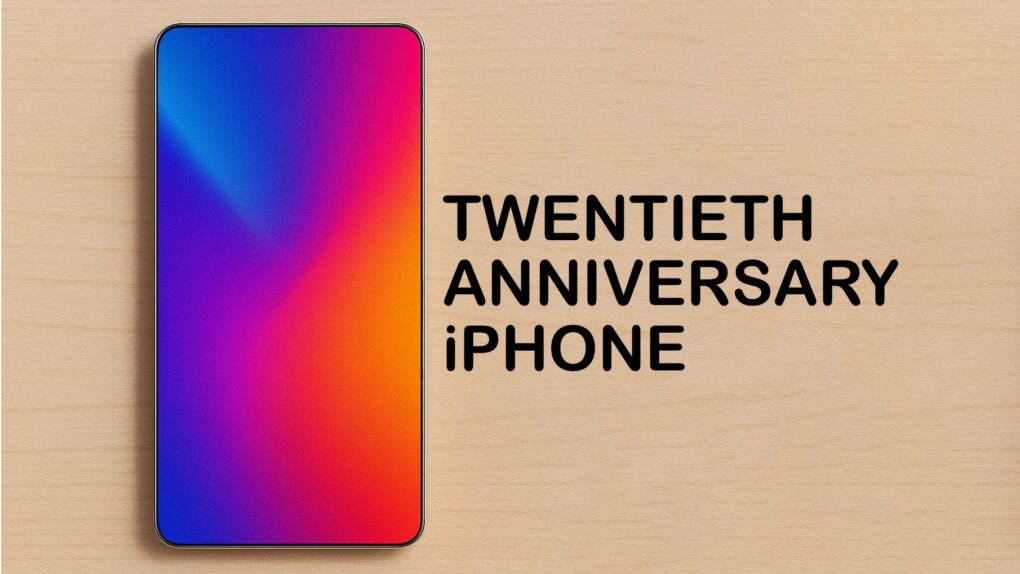
The twentieth anniversary iPhone might use a design that breaks away from today’s models. AI concept: ChatGPT/Cult of Mac
Apple reportedly plans to commemorate the 20th anniversary of the iPhone with a new model that introduces some of the most significant design changes to the handset since the iPhone X. That includes saying goodbye to the Dynamic Island.
The upcoming model should break the iPhone design out of the rut it’s been in for too many years.
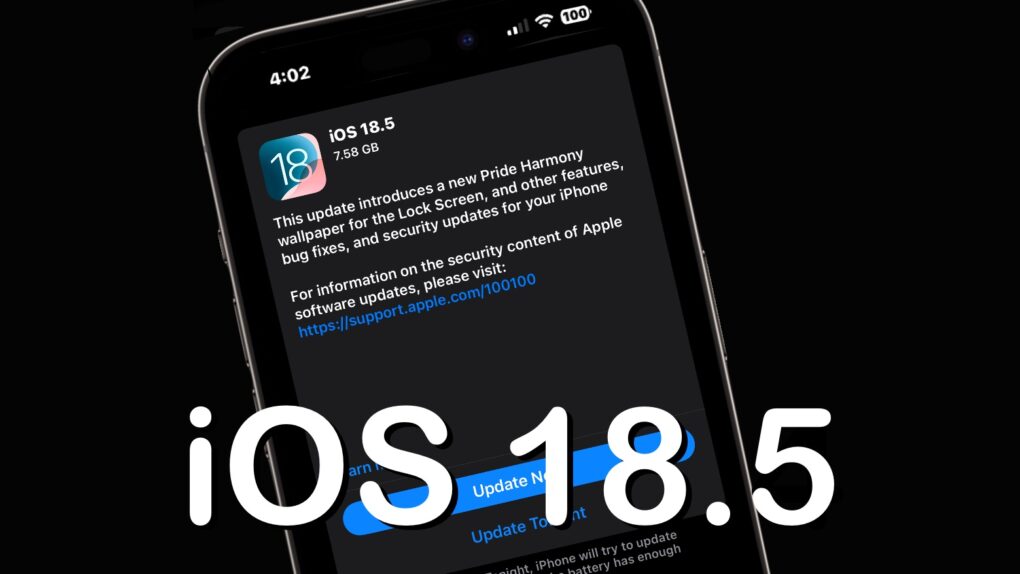
iOS 18.5 is high, but somewhat light on changes. Image: Ed Hardy/Cult of Mac
After over a month of beta testing, iOS 18.5 is now available for all compatible iPhones. Unlike previous point iOS 18 releases, the new build does not pack any significant new features.
The update mainly includes minor changes, but older iPhones will receive one major new feature. Keep reading to know about everything new in iOS 18.5 and iPadOS 18.5.
Unfortunately for Gates, Steve Jobs was one step ahead. Photo: 60 Minutes
May 12, 2005: Longtime Apple frenemy Bill Gates tells a German newspaper that Apple may have hit it big with the iPod, but that its success isn’t going to last forever.
The reason for his take on the iPod’s future? Mobile phones are going to steal the music player’s market share.
The good news for Gates is that he was right on the money. The bad news for Microsoft is that Apple cannibalized itself by making the iPhone. And Apple’s smartphone became even more successful than the iPod.
★★★★★
It’s thinner than the lower level of the camera plateau. Photo: D. Griffin Jones/Cult of Mac
If you want both a grip on the back of your phone for ergonomics and MagSafe charging for convenience, you might think there are no good options. Well, finally, there is — the Snap Grip Luxe combines both in an incredibly slim and clever design.
It’s truly the best of both worlds — you have a better grasp on your phone, so you won’t drop it; you have a built-in stand for watching videos anywhere you go; and you can still use your MagSafe chargers or even battery packs. You can freely detach it and put it on a different phone case if you want.
Cleverest of all, it’s only 2.5mm thin, so it doesn’t add any more bulk to the back than the camera bump your phone already has.



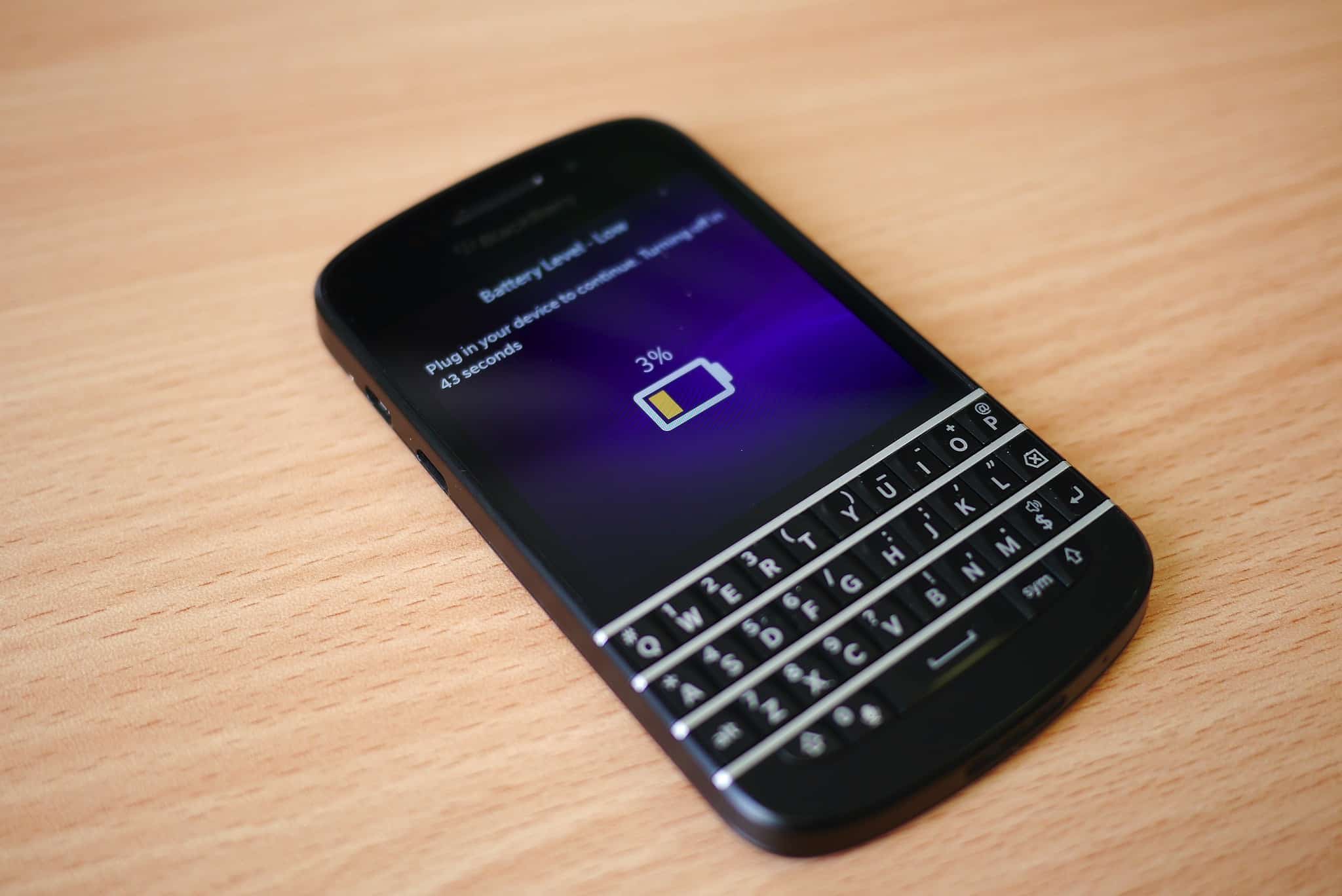
 June 3, 2011: iOS overtakes Research in Motion’s BlackBerry operating system for the first time, with Apple’s mobile operating system inching past BlackBerry OS.
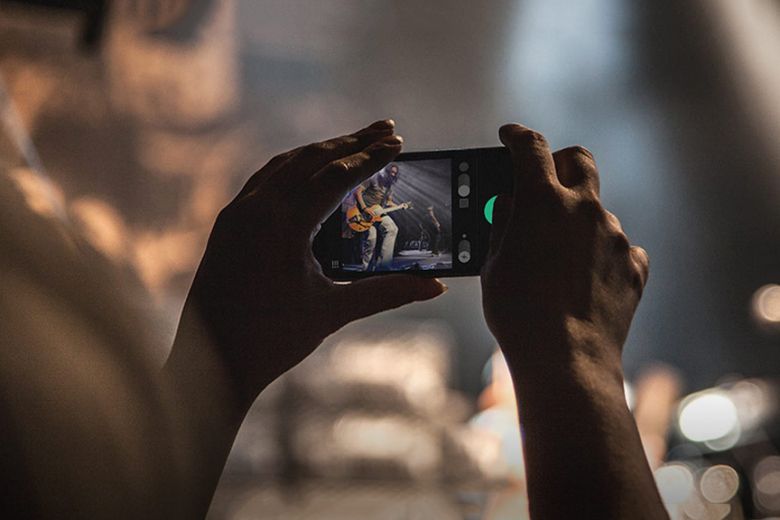
 May 31, 2013: The Chicago Sun-Times fires all 28 of its photographers, with the goal of training its staff to shoot photos using iPhones instead. Pulitzer Prize winner


 May 12, 2005: Longtime Apple frenemy Bill Gates tells a German newspaper that Apple may have hit it big with the